
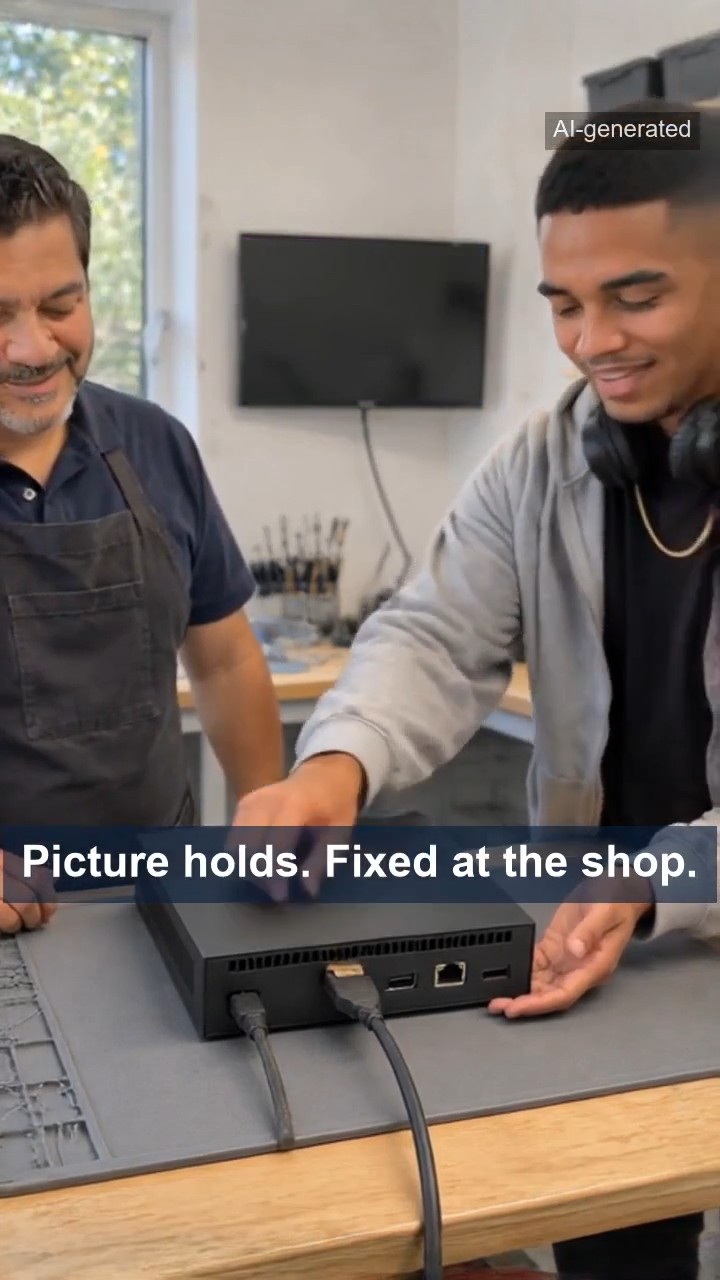
Quick summary: If your game console’s picture cuts out while audio continues, the HDMI port (not overheating) is often the culprit. Fixit Solutions Inc. in Lake Forest diagnoses whether the issue is the cable, TV input, or a damaged port and performs bench repairs including precision desoldering and replacement.
Estimated reading time: 4 minute read
Table of contents
- Signs of a damaged HDMI port
- Overheating or HDMI port? How to tell
- Quick checks you can do safely at home
- What to do right away
- How a console HDMI port repair is really done
- 1. Power off, unplug, screws out
- 2. Shell off
- 3. Old port off, new port on
- 4. Close up and test
- What Fixit Solutions repairs
- Who this is for
- Questions to ask before any repair
- FAQ
- Can a loose HDMI cable damage the port?
- Is a black screen with sound always the HDMI port?
- Should I put my console in front of a fan to fix a black screen?
- Can I replace the HDMI port myself?
- Helpful resources
- Visit Fixit Solutions in Lake Forest
Black Screen, Sound Still Playing? Why Your Game Console’s HDMI Port May Be the Problem
You are in the middle of a game, the TV suddenly goes black, and the game sound keeps playing. Many people blame overheating first. In our short fictional skit above, Devin tries a desk fan, an open window and propping his console up on books. The picture still drops out. The real cause was a damaged HDMI port. Here is how to tell the difference and what to do next.
Signs of a damaged HDMI port
- The picture cuts to black while the game audio keeps playing.
- The picture comes back for a moment when the cable or the console is bumped.
- The HDMI plug feels loose, sits crooked or wobbles in the port.
- You see ‘no signal’ on the TV even though the console is clearly on.
- Another cable and another TV input do not solve the problem.
Overheating or HDMI port? How to tell
A console that really overheats usually protects itself: it shows a warning, slows down or shuts off completely. If the console keeps running, the fan keeps spinning and only the picture disappears, the signal path is the more likely suspect – the cable, the TV input or the HDMI port inside the console.
Quick checks you can do safely at home
- Try a different, known-good HDMI cable.
- Try a different HDMI input on the TV, or a different TV.
- Look at the port with a flashlight from the outside. Do not push anything metal into it.
- Make sure the console has room to breathe behind the TV and that the cable is not bent sharply against the wall.
If the problem stays with the console no matter which cable or TV you use, the port itself may be damaged.
What to do right away
- Stop forcing or wiggling the cable to get the picture back – that can bend the contacts further.
- Power the console off and unplug it before moving it.
- Do not open the console or try to solder at home. HDMI port replacement is fine bench work.
How a console HDMI port repair is really done
At the bench, a technician works in a careful order:
1. Power off, unplug, screws out
The console is powered off, every cable is unplugged and the housing screws are removed one by one.
2. Shell off
The outer shell is eased off with plastic pry tools so the clips and case are not damaged.
3. Old port off, new port on
The damaged port is removed from the board with hot air, the pads are cleaned, and a new port is placed square in its footprint and soldered pin by pin under magnification.
4. Close up and test
The shell goes back on, every screw is driven home, and the console is powered on and tested with a stable picture.
What Fixit Solutions repairs
Fixit Solutions in Lake Forest repairs game consoles, including overheating consoles and damaged HDMI ports, as well as smartphones, iPads and tablets, laptops, MacBooks and computers. Our technicians inspect the issue and explain the repair options, with honest recommendations and clear communication.
Who this is for
Gamers, families and anyone in Lake Forest and Orange County whose console picture keeps dropping out, flickers when the cable moves, or shows no signal while the console is running.
Questions to ask before any repair
- Has the problem been confirmed with another cable and another TV?
- Is the fault the port, the cable, or something else on the board?
- What repair options are there, and what does each one involve?
FAQ
Can a loose HDMI cable damage the port?
Yes. A cable that is pulled, bent sharply or knocked often can loosen the port or bend its contacts over time. Handle the plug, not the cord, and give the console room behind the TV.
Is a black screen with sound always the HDMI port?
No. It can also be the cable, the TV input or another fault. That is why testing with another cable and TV comes first.
Should I put my console in front of a fan to fix a black screen?
Good airflow is always helpful, but if the console keeps running and only the picture disappears, cooling it will not fix a damaged port.
Can I replace the HDMI port myself?
It requires opening the console, hot-air desoldering and fine soldering under magnification. It is best left to a repair shop.
Helpful resources
- HDMI Licensing Administrator – official HDMI information
- FCC Consumer Guides
- EPA – Electronics Donation and Recycling
Visit Fixit Solutions in Lake Forest
Fixit Solutions, 23361 El Toro Rd, Suite 107, Lake Forest, CA 92630. Call (878) 787-6642, visit xfixit.com or send a repair request.
The video above is a fictional skit created with AI.
Related services and resources
Frequently asked questions
What are common signs of a damaged HDMI port?
Signs include the picture cutting to black while audio continues, the image returning when the cable or console is bumped, a loose or wobbly plug, or a 'no signal' message on the TV despite the console running.
How can I tell if the problem is overheating or the HDMI port?
An overheating console typically warns, slows down, or shuts off; if the console keeps running and only the picture disappears, the HDMI signal path (cable, TV input, or port) is the more likely cause.
What quick checks can I safely do at home?
Try a known-good HDMI cable, use a different TV input or another TV, inspect the port from the outside with a flashlight, and ensure the console has room to breathe and the cable isn't sharply bent.
Can I replace the HDMI port myself?
No. HDMI port replacement requires opening the console, hot-air desoldering, and fine soldering under magnification, so it’s best handled by a professional repair shop like Fixit Solutions.