
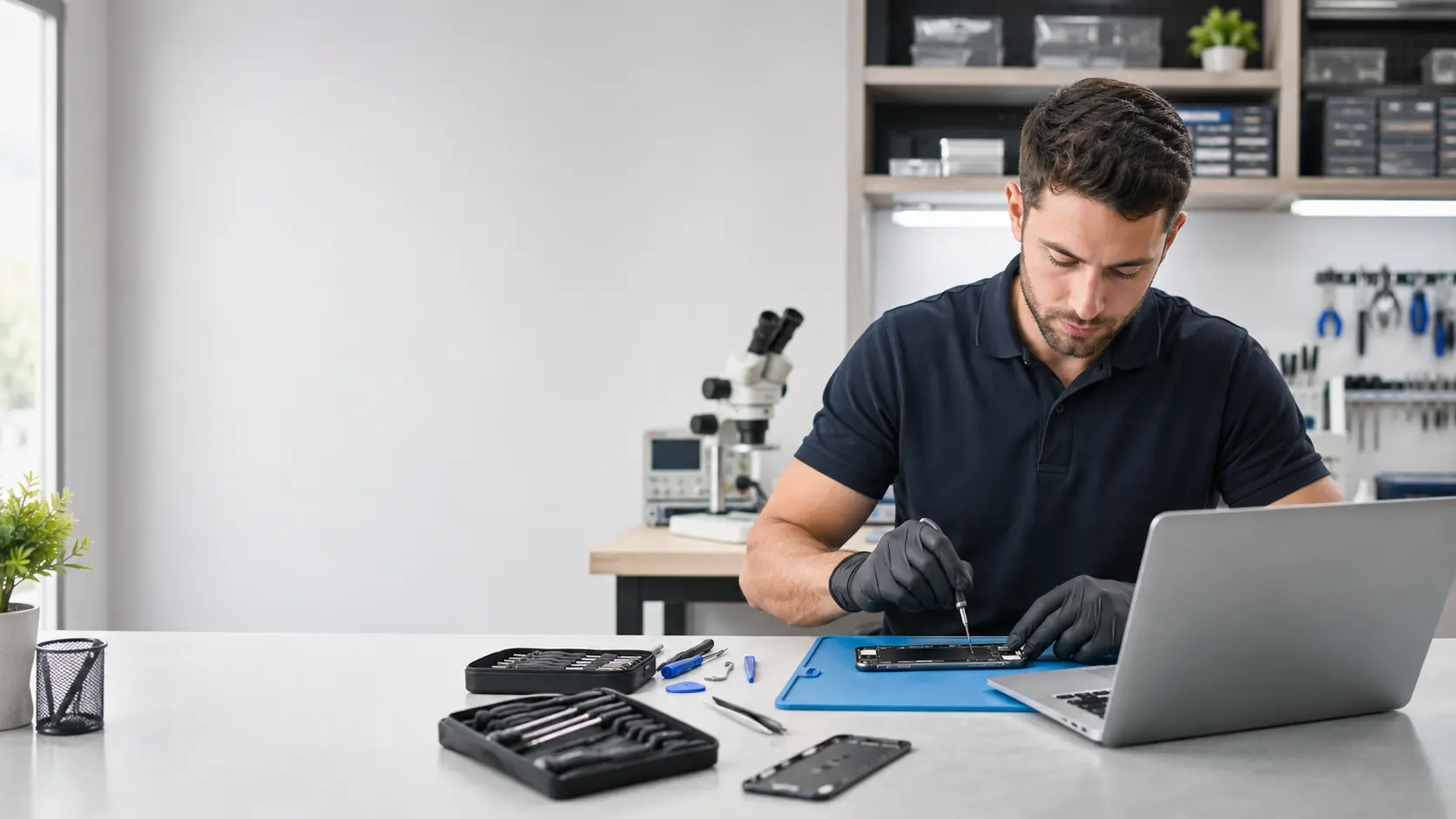
Laptop & Computer Repair in Lake Forest, CA
Fixit Solutions Inc. provides professional repair for laptops, desktop computers, all-in-one PCs, gaming systems and business workstations. We help with slow performance, startup failures, charging problems, damaged screens, overheating, malware, storage failures and many other hardware or software concerns.
Computer repair for hardware and software problems
Computer problems can interrupt work, school, communication, entertainment and daily business operations. Fixit Solutions provides laptop and computer repair in Lake Forest for many common hardware and software issues.
Every repair begins with an inspection. After identifying the likely cause of the problem, we explain the available service options before proceeding whenever possible.
We focus on accurate diagnosis, clear communication, honest recommendations and practical solutions. If replacing the computer makes more sense than repairing it, we will explain that option as well.
Learn more about our technology repair services or contact Fixit Solutions to discuss your computer.
Laptop repair services in Lake Forest
We inspect many popular Windows laptop brands, including Dell, HP, Lenovo, ASUS, Acer, Microsoft, Samsung, Toshiba and others.
Power & Charging Problems
Charging problems may be caused by the charger, battery, charging port, motherboard or internal power circuit.
- Laptop does not turn on
- Battery does not charge
- Charging works intermittently
- Laptop shuts down unexpectedly
Screen & Display Repair
A damaged screen may show cracks, flickering, dark areas, colored lines or no image at all.
- Cracked display panels
- Dark or flickering screen
- Colored lines or image distortion
- Display cable or frame inspection
Keyboard & Touchpad
Missing keys, liquid damage and unresponsive controls can make a laptop difficult or impossible to use.
- Unresponsive keys
- Missing or damaged keys
- Touchpad problems
- Cleaning or replacement options
Battery Replacement
An aging battery may drain quickly, charge slowly or work only while the laptop is connected to power.
- Fast battery drain
- Unexpected shutdowns
- Battery not detected
- Battery service warnings
Cooling & Overheating
Dust buildup, blocked vents, damaged fans and dried thermal material can cause excessive heat.
- Fan noise
- High temperatures
- Unexpected shutdowns
- Cooling-system inspection
Windows & Connectivity
Software errors, failed updates, drivers or network settings may interrupt normal laptop use.
- Windows startup problems
- Wi-Fi or Bluetooth disconnects
- Freezing and crashing
- Driver and update issues
Testing the complete charging setup can help us determine whether the problem is caused by the charger, battery, charging port or another internal component.
Desktop computer repair in Lake Forest
Fixit Solutions provides desktop computer repair for residential customers, offices, retailers, restaurants and other local businesses.
Desktop computers are often easier to repair and upgrade than laptops. In many cases, replacing one damaged component can improve performance and extend the life of the computer.
We work with standard desktop towers, compact systems, all-in-one computers, custom-built systems, gaming computers and business workstations.
Slow computer repair and performance optimization
A slow computer does not always need to be replaced. Several hardware and software problems can reduce performance.
Performance Diagnosis
Our slow-computer service may include:
- Checking the hard drive or SSD condition
- Reviewing memory and available storage
- Examining startup applications
- Scanning for malware and unwanted programs
- Checking temperatures and cooling
- Installing important operating-system updates
- Recommending practical hardware upgrades
Hardware Upgrades
The right upgrade depends on the system’s age, compatibility and how the computer is used.
- RAM and memory upgrades
- SSD storage upgrades
- Graphics-card installation
- Power-supply upgrades
- Cooling-fan replacement
- Additional storage installation
- Operating-system upgrades
- Wi-Fi adapter upgrades
SSD, hard-drive replacement and data transfer
Storage-drive problems can cause slow performance, startup errors, missing files, unusual sounds or complete computer failure.
Replacing a traditional hard drive with a solid-state drive can often improve startup time, program loading, file access and general responsiveness.
We may also assist with moving accessible files to a replacement drive or new computer, setting up Windows and connecting common accessories.
For general Windows backup information, visit Microsoft Windows Backup Support .
If a drive is making unusual sounds or files are disappearing, stop using the device and have it inspected as soon as possible. Continued use may make recovery more difficult.
Virus removal and Windows troubleshooting
Malware, failed updates, driver conflicts and corrupted software can slow a computer or prevent it from working correctly.
Possible Malware Signs
- Unexpected pop-ups
- Browser redirects
- Unknown software appearing
- Frequent crashes
- Fake security warnings
- Disabled antivirus software
- Changed browser settings
- Unusually slow performance
- Suspicious account activity
Windows & Software Services
- Windows startup repair
- Operating-system installation
- Driver troubleshooting
- Software installation
- System-update assistance
- User-account setup
- Printer configuration
- Email setup assistance
- Performance cleanup
For official Windows updates and troubleshooting information, visit Microsoft Windows Support .
Business laptop and computer support in Lake Forest
We assist offices, retailers, restaurants, professional services and other small businesses with computers and related technology.
Explore our business IT support , network and Wi-Fi services and point-of-sale solutions .
Should you repair or replace your computer?
The best choice depends on the computer’s age, condition, repair cost, performance needs and available replacement parts.
Repair May Make Sense When
- The computer still meets your performance needs
- Only one major component has failed
- A battery, screen, SSD or memory upgrade can extend its life
- Replacement parts are available
- The repair cost is reasonable compared with replacement
Replacement May Be More Practical When
- The computer has several serious problems
- Required replacement parts are unavailable
- The system cannot support needed software
- Repair cost approaches the value of a newer system
- Reliability is critical for work or business use
Visit Fixit Solutions in Lake Forest
Our repair shop serves Lake Forest and nearby Orange County communities.
Fixit Solutions Inc.
23361 El Toro Road, Unit 107Lake Forest, CA 92630
Nearby Service Areas
Customers visit our Lake Forest shop from communities throughout the surrounding Orange County area.
Computer repair questions
Do you provide laptop and computer repair in Lake Forest?
Yes. We repair many laptops, desktops, gaming computers, all-in-one PCs and business workstations. Available repairs depend on the model, damage and replacement-part availability.
How long does computer repair take?
Repair time depends on the problem, computer model, current workload and part availability. Software services may be completed faster than hardware repairs requiring special parts.
Can you repair a computer that will not turn on?
Yes. A no-power problem may involve the battery, charger, power supply, charging port, motherboard, storage drive or another internal component.
Can you make an older computer faster?
In many cases, yes. An SSD upgrade, additional memory, malware removal, software cleanup or operating-system repair may improve performance.
Do you repair all laptop brands?
We work on many popular laptop brands. Contact us with the manufacturer and full model number so we can check available repair and replacement-part options.
Can you transfer my files to a new computer?
We can assist with data transfer when the original storage device is accessible and readable. Transfer time depends on the amount of data and condition of the original drive.
Do you repair business computers?
Yes. We provide computer repair, workstation setup, network assistance and technology support for local offices, retailers, restaurants and service businesses.
Request laptop or computer repair
Contact Fixit Solutions for slow computers, charging problems, damaged screens, storage failures, malware, overheating, Windows errors, data transfer and hardware upgrades in Lake Forest.