
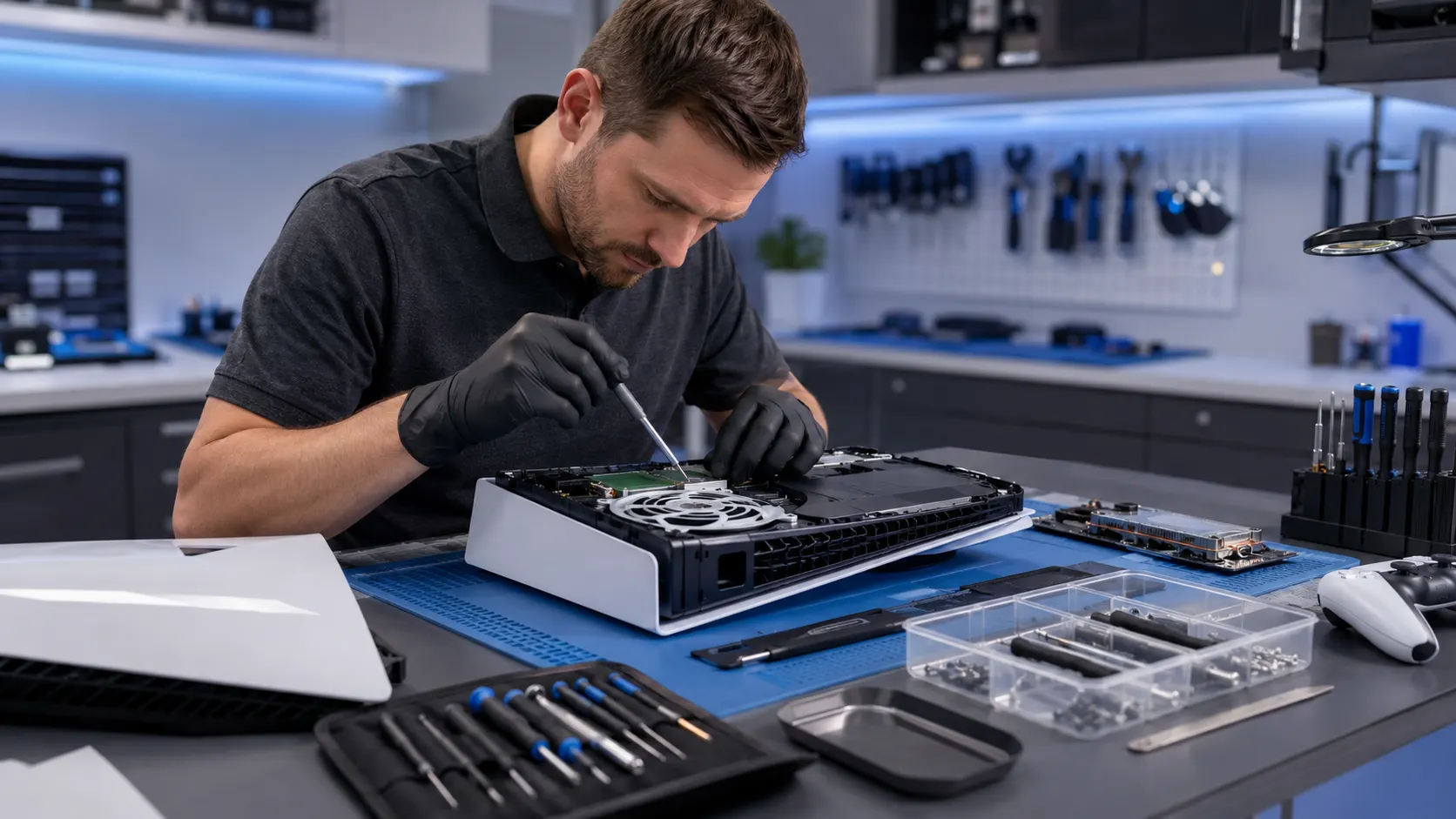
Professional PS5 Repair in Lake Forest, CA
Fixit Solutions Inc. provides local PS5 repair for HDMI port damage, no-display problems, overheating, dust buildup, loud fan noise, startup failures, unexpected shutdowns and other common console issues.
Help for Common PS5 Console Problems
The PlayStation 5 combines high-performance graphics, sensitive electronics, internal storage, HDMI output and an advanced cooling system. We inspect the console and explain practical repair options based on the actual symptoms and condition.
HDMI Port Repair
Help for bent ports, loose connections, damaged pins, intermittent video and no-signal symptoms.
No-Display Diagnosis
Testing for HDMI cable, port, display-output and related internal video problems.
Internal Cleaning
Dust removal from vents, fan, heatsink and airflow areas to help restore proper cooling.
Overheating Repair
Diagnosis for heat warnings, loud fan operation, poor airflow and shutdowns during gameplay.
Fan Service
Inspection for weak airflow, grinding, rattling, fan obstruction and cooling-fan failure.
Power & Startup Repair
Help for consoles that will not power on, shut off immediately or fail to complete startup.
Simple, Clear and Console-Focused
Every PS5 repair begins with an inspection so recommendations are based on the actual problem rather than guesswork.
Describe the Symptoms
Tell us what happens, when it started and whether the console was dropped or damaged.
Console Inspection
We inspect the system, connections, cooling and affected functions when possible.
Review Repair Options
We explain the likely cause, available repair and practical next steps.
Repair and Testing
Authorized repairs are completed and the affected functions are tested.
PS5 Internal Cleaning Service
Dust and debris can reduce airflow and force the cooling system to work harder. Heavy buildup may contribute to loud fan noise, overheating, reduced performance and shutdowns during gameplay.
- Careful console disassembly
- Internal dust and debris removal
- Vent and airflow-channel cleaning
- Fan and heatsink-area cleaning
- Cooling-system inspection
- Visible heat-damage inspection
- Reassembly and functional testing
Cleaning may improve airflow, especially for consoles used heavily or stored in dusty environments.
PS5 Cooling-System Thermal Interface Service
The PS5 cooling system uses specialized thermal interface material to transfer heat away from critical components. If the console continues overheating after cleaning, the cooling system may require a more detailed inspection.
- Console runs hotter than normal
- Shuts off during demanding gameplay
- Shows overheating warnings
- Fan runs loudly for extended periods
- Cleaning did not resolve the heat issue
- Console has been heavily used for years
PS5 cooling work requires careful disassembly and proper handling of the console’s thermal interface system. Service availability depends on the model and condition.
PS5 Overheating Repair
Overheating can cause loud fan noise, performance problems, heat warnings and unexpected shutdowns during demanding games.
- Dust-clogged vents
- Poor airflow around the console
- Dirty cooling fan
- Cooling-system thermal interface issue
- Damaged or weak fan
- Blocked intake or exhaust vents
- Internal component problems
Keep the console in an open area with space around the intake and exhaust. Continued overheating should be inspected before additional damage occurs.
PS5 HDMI Port Replacement
The HDMI port can become bent, loose, cracked or separated from the motherboard when the cable is pulled, forced or moved while connected.
- No picture on the television
- Intermittent video signal
- Screen flickers or cuts out
- HDMI cable feels loose
- Bent pins inside the port
- Console powers on but shows no signal
- Picture appears only at a certain cable angle
Repeatedly forcing a cable into a damaged port can cause additional motherboard damage. Have the port inspected promptly.
PS5 No-Display Troubleshooting
A no-display problem does not always mean the HDMI port is damaged. The cause may involve the cable, TV input, video settings, display-output components or another internal fault.
- Test another HDMI cable
- Try another HDMI input on the television
- Test another television or monitor
- Inspect the port for visible damage
- Power cycle the console and display
If the issue continues, professional diagnosis may be necessary.
PS5 Power and Startup Problems
A console that will not turn on may have a power-delivery issue, internal short, cooling-related failure, motherboard fault or another hardware problem.
- Console does not power on
- Turns on and immediately shuts off
- Powers on but will not boot properly
- Power light appears briefly and disappears
- Unexpected shutdown during gameplay
- Console becomes unresponsive
We inspect the system to determine whether the issue appears related to power delivery, overheating, the motherboard or another internal component.
PS5 Fan Repair and Replacement
The cooling fan controls airflow through the console. A blocked, damaged or failing fan may cause overheating, loud operation or shutdowns.
- Grinding or rattling sounds
- Fan does not spin correctly
- Constant loud fan noise
- Weak airflow
- Console becomes hot quickly
- Shutdowns during gameplay
Depending on the cause, the fan may need cleaning, adjustment or replacement.
PS5 Unexpected Shutdown Repair
Repeated shutdowns may be caused by overheating, power problems, fan failure, internal hardware faults or software errors.
- Turn off the console and let it cool
- Make sure vents are not blocked
- Move it to an open area
- Disconnect unnecessary accessories
- Stop continued use if shutdowns repeat
Continued operation during overheating or power-related failures may contribute to additional internal damage.
PS5 Software and System Troubleshooting
Some problems involve software, updates, storage or system errors rather than visible hardware damage.
- Freezing during startup
- Game crashes
- Failed system updates
- System error messages
- Slow menu performance
- Storage-related issues
For official account, update, warranty and software information, visit PlayStation Support .
Preventive Maintenance for PS5 Consoles
Good preventive care may reduce overheating, cable damage and long-term wear.
- Keep the console in a ventilated area
- Clean the surrounding area regularly
- Do not block intake or exhaust vents
- Handle HDMI cables carefully
- Do not move the console with cables connected
- Use appropriate surge protection
- Schedule cleaning when dust buildup is noticeable
Choosing the Most Practical Option
The right choice depends on the failure, console condition, repair cost, part availability and whether multiple internal components are affected.
Repair May Make Sense When
- The console has one primary problem
- The HDMI port, fan or cooling system is the main issue
- The motherboard is otherwise in usable condition
- Repair cost is reasonable compared with replacement
- The console meets your storage and performance needs
Replacement May Be More Practical When
- The motherboard has major damage
- Several internal components have failed
- The console has severe corrosion or liquid damage
- Repair cost approaches replacement value
- Damage makes reliable repair unlikely
Local PS5 Repair with Clear Recommendations
Customers looking for PS5 repair in Lake Forest need careful diagnosis, understandable options and practical advice.
Convenient Lake Forest Location
Local console repair at 23361 El Toro Road, Unit 107, Lake Forest, California.
Careful Inspection
We inspect visible condition, connections, cooling and affected functions before recommending service.
Clear Communication
We explain likely causes, repair options and important limitations in straightforward language.
PS5 Repair Near Lake Forest
Fixit Solutions provides PS5 repair in Lake Forest and serves customers from nearby Orange County communities.
Fixit Solutions Inc.
23361 El Toro Road, Unit 107Lake Forest, CA 92630
Phone:(878) 787-6642
Email:support@xfixit.com
PS5 Repair FAQs
Common questions about PlayStation 5 HDMI, overheating, cleaning, cooling, power and no-display repair services.
Do you provide PS5 repair in Lake Forest?
Yes. Fixit Solutions Inc. provides PS5 cleaning, HDMI port repair, overheating diagnosis, fan service, power troubleshooting and general console diagnosis.
Can you replace a damaged PS5 HDMI port?
HDMI port replacement may be available when the port is bent, loose, damaged or no longer provides a stable video signal.
Can internal cleaning fix PS5 overheating?
Cleaning may improve airflow and reduce dust-related heat. Some consoles may also require fan service, cooling-system inspection or additional repair.
Do you service the PS5 cooling system?
Cooling-system service may be available for consoles that continue to overheat after cleaning. Availability depends on the model, condition and diagnosis.
How long does PS5 repair take?
Repair time depends on the problem, required parts, console condition and current workload. An inspection is needed for a more accurate estimate.
Can you inspect a PS5 with no display?
Yes. We can inspect the HDMI port, display output, cable-related symptoms and related internal components to determine the likely source of the no-picture problem.
Get Help with Your PS5 Console
Contact Fixit Solutions Inc. for PS5 repair in Lake Forest, including HDMI port replacement, no-display diagnosis, cleaning, overheating, fan noise, shutdown problems and startup failures.
PlayStation and PS5 are trademarks of Sony Interactive Entertainment Inc. Fixit Solutions Inc. is an independent repair provider and is not affiliated with or endorsed by Sony Interactive Entertainment Inc.