
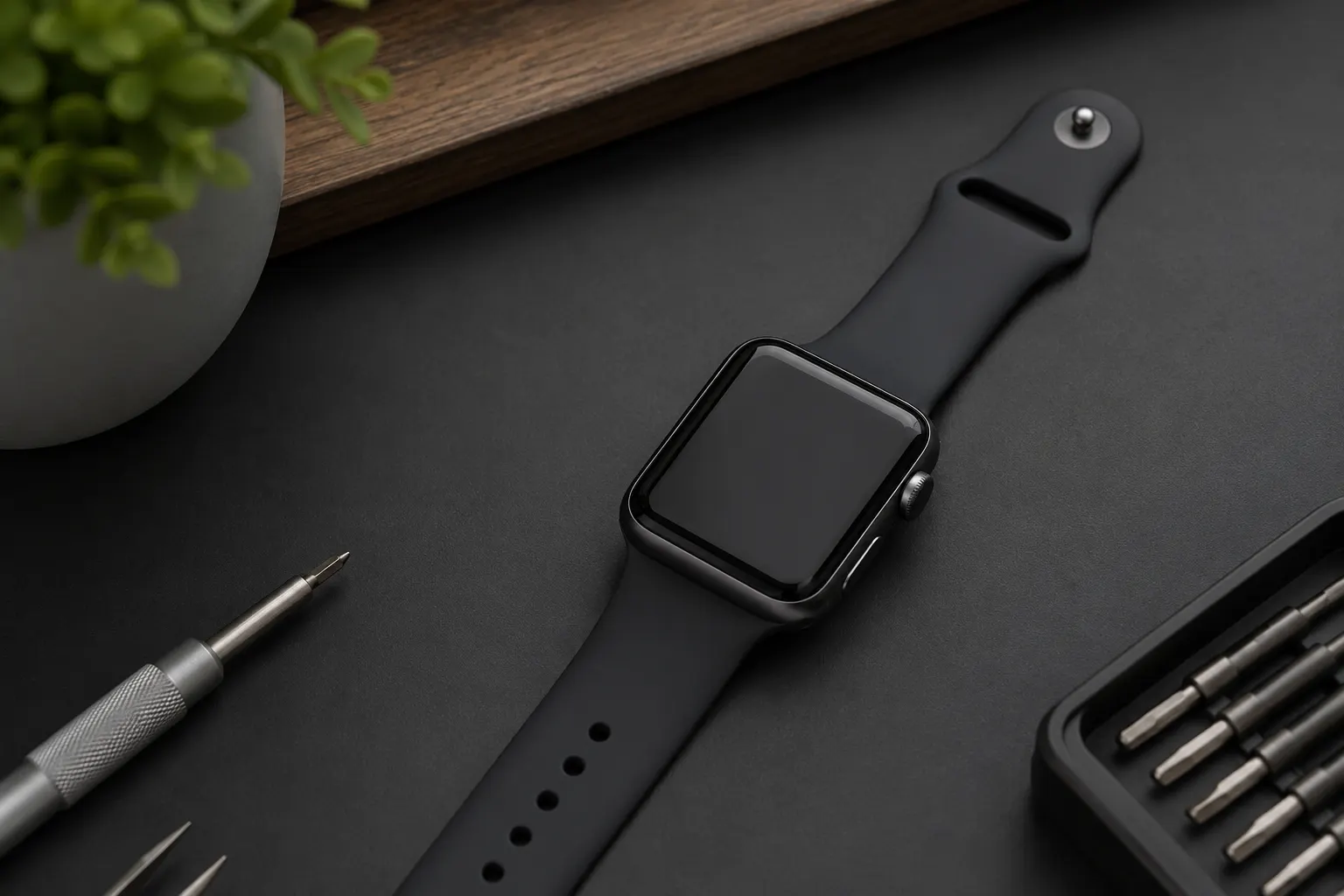
Professional Apple Watch Repair in Lake Forest, CA
Fixit Solutions Inc. provides Apple Watch repair in Lake Forest for cracked screens, weak batteries, charging problems, unresponsive displays, startup failures, button issues, liquid exposure and other common concerns.
Apple Watch Repair Services in Lake Forest
Your watch keeps calls, messages and activity details close at hand. However, a cracked screen or weak battery can disrupt your day. We inspect the issue first, then explain the service options.
Screen Repair
Help for cracked glass, black screens, display lines, flickering, dark areas and touch-response problems.
Battery Replacement
Diagnosis for rapid drain, unexpected shutdowns, poor charging performance and swollen batteries.
Charging Problems
Inspection of the charger, adapter, battery, charging response, software and related internal components.
Touchscreen Issues
Support for unresponsive touch, incorrect touch response, blank displays and image problems.
Digital Crown & Buttons
Inspection of stuck, loose or unresponsive controls used for navigation and device operation.
Liquid-Damage Inspection
Inspection after water exposure, with realistic expectations regarding corrosion and repair limitations.
Simple, Clear and Device-Focused
First, we inspect your watch. Then we explain the problem and help you choose a practical next step.
Tell Us the Problem
Share the model, case size, symptoms and any recent impact or liquid exposure.
Device Inspection
Next, we inspect visible damage and test the affected functions when possible.
Review Your Options
After the checks, we explain the likely issue, repair options and next steps.
Repair and Testing
Once you approve the work, we complete the repair. Finally, we test the affected functions.
Cracked Apple Watch Screen Repair
A cracked screen can affect touch response, visibility and safe use. In addition, a small crack may worsen after another impact or contact with moisture.
- Visible cracks or broken glass
- Touchscreen does not respond
- Display flickers or shows lines
- Dark spots or discolored areas
- Screen separates from the frame
- Display remains black
First, we check the glass, display and frame. Then we explain whether a screen repair is a practical option.
Apple Watch Battery Replacement
Rechargeable batteries lose capacity over time. As a result, your watch may need more frequent charging. It may also shut down before the battery reaches zero.
- Battery drains much faster than before
- Watch shuts down unexpectedly
- Battery does not charge fully
- Watch becomes unusually warm
- Screen begins lifting from the case
- Works only while connected to power
A lifting screen may indicate a swollen battery. Stop using or charging the device and have it inspected promptly.
Apple Watch Charging Problems
A charging problem may start with the puck, power adapter or battery. However, software and internal faults can cause similar symptoms. We check the charging setup before recommending parts.
- Watch does not respond to the charger
- Charging stops unexpectedly
- Battery percentage does not increase
- Watch becomes hot while charging
- Charging icon appears but watch will not start
Bring your charging puck and power adapter too. This way, we can test the complete setup.
Apple Watch Touchscreen and Display Problems
The glass may look intact, but the display or touch layer can still fail. For example, impact or moisture can cause lines, flickering or dead touch areas.
- Touchscreen does not respond
- Screen responds incorrectly
- Display is too dark
- Colored lines appear
- Image flickers
- Screen remains blank
Apple Watch Power and Startup Diagnosis
A watch that will not turn on may have a battery or charging problem. Alternatively, the display, software or internal hardware may be at fault. We check these possibilities in steps.
- Check the charger and power source
- Inspect the watch for visible damage
- Test for battery response
- Check the display and touchscreen
- Review possible software problems
- Explain available repair options
Apple Watch Button and Digital Crown Problems
The side button and Digital Crown help you control the watch. Over time, dirt or wear can make them hard to use. Impact and moisture can also stop them from responding.
- Digital Crown does not rotate properly
- Side button is stuck
- Button presses do not register
- Crown feels loose or damaged
- Navigation does not work correctly
Apple Watch Water-Damage Inspection
Water resistance can decrease over time. It may also change after impact, screen damage or repair. As a result, moisture can reach the battery, display and internal parts.
- Turn the watch off when possible
- Do not continue charging it
- Do not apply heat
- Do not open the device yourself
- Bring it in for inspection
Repair and data preservation cannot be guaranteed because internal corrosion may continue even after drying.
Apple Watch Software Troubleshooting
Some watch problems start with software. For example, failed updates can lead to freezing or pairing issues. Therefore, we review software symptoms as part of the diagnosis.
- Restart assistance
- Pairing and connection troubleshooting
- Update-related problems
- Performance troubleshooting
- Basic settings assistance
For official pairing, software, account and warranty information, visit Apple Watch Support .
Apple Watch Models: Series, SE and Ultra
Looking for Apple Watch repair in Lake Forest for your specific generation? Before requesting an estimate, use this model guide to find your generation. We check each watch individually because parts and repair options vary. A listing here does not guarantee service availability.
Series generations
Apple Watch Series 12, Series 11, Series 10, Series 9, Series 8, Series 7, Series 6, Series 5, Series 4, Series 3, Series 2 and Series 1.
SE generations
Apple Watch SE 3, SE 2 (2nd generation) and SE (1st generation).
Ultra generations
Apple Watch Ultra 4, Ultra 3, Ultra 2 and Ultra (1st generation).
Original Apple Watch and special editions
The original Apple Watch (1st generation, often called Series 0), Apple Watch Sport, Edition, Nike and Hermès versions require identification by their underlying generation. Older watches may have limited parts, software support or economical repair options.
Tell us the case size, case material and whether your watch is GPS or GPS + Cellular. The generation matters because screens and batteries vary even among watches with the same case size. Similarly, newer models need a parts check before we confirm service.
How to identify your Apple Watch
First, open the Watch app on your paired iPhone. Then select My Watch → General → About. Next, tap Model Number to reveal the A-number. You can also check the case engraving. Use Apple’s official model identification guide to match your device.
Request an estimate for your Apple Watch model with the model, case size and symptoms. We will review the repair options and parts before confirming the work.
Choosing the Most Practical Option
Compare the repair estimate with the cost of a replacement. Also consider the watch’s age, condition and software support. If several parts have failed, replacement may make more sense.
Repair May Make Sense When
- The watch has one primary problem
- The screen or battery is the main issue
- The device otherwise meets your needs
- The repair cost is reasonable compared with replacement
- Compatible parts remain available
Replacement May Be More Practical When
- The watch has severe liquid damage
- Several internal components have failed
- The frame or case is badly damaged
- Repair cost approaches replacement value
- Parts have very limited availability
Local Apple Watch Repair with Clear Recommendations
Customers looking for Apple Watch repair in Lake Forest need careful diagnosis, understandable options and practical advice.
Convenient Lake Forest Location
Local repair service at 23361 El Toro Road, Unit 107, Lake Forest, California.
Careful Inspection
First, we check the condition and test the affected functions. Then we recommend the next step.
Clear Communication
You receive clear repair options. In addition, we explain any limits that could affect your decision.
Apple Watch Repair Near Lake Forest
Fixit Solutions provides Apple Watch repair in Lake Forest and serves customers from nearby Orange County communities.
Fixit Solutions Inc.
23361 El Toro Road, Unit 107Lake Forest, CA 92630
Phone:(878) 787-6642
Email:support@xfixit.com
Apple Watch Repair FAQs
Common questions about Apple Watch screen, battery, charging, liquid-damage and troubleshooting services.
How much does Apple Watch repair cost?
The price depends on the generation, case size, failed component and condition of the watch. For example, a damaged display and a worn battery require different parts and work. Therefore, request an estimate with your model and symptoms before you approve a repair.
Will my Apple Watch still be water resistant after repair?
Do not assume the original water resistance remains after damage or repair. Ask us about the limits of the proposed service before using the watch in water. In other words, a screen or battery repair does not guarantee the original water-resistance rating.
What should I bring for Apple Watch repair?
Bring your watch and, for charging or pairing issues, your charger and paired iPhone. Back up accessible information before service when possible. We will explain whether unpairing is needed for your repair. Keep your Apple Account password private and complete any account steps yourself.
Do you provide Apple Watch repair in Lake Forest?
Yes. Fixit Solutions Inc. inspects many Apple Watch models for screen damage, battery problems, charging issues, display failures and other common concerns.
Can you replace a cracked Apple Watch screen?
Screen repair may be available depending on the exact model, case condition, damage and replacement-part availability.
Can you replace an Apple Watch battery?
Battery replacement may be available for many models. Contact us with the model and case size so available options can be reviewed.
How long does Apple Watch repair take?
Repair time depends on the model, type of damage, required parts and current workload. Special-order parts may require additional time.
Can you repair a water-damaged Apple Watch?
We can inspect liquid-damaged devices, but repair and data preservation cannot be guaranteed because moisture may cause extensive or delayed corrosion.
Do you repair other Apple devices?
Yes. We also provide repair services for iPhones, laptops, desktop computers and other common electronic devices. Explore our iPhone repair, iPad repair and other repair services for more information.
Get Help with Your Apple Watch
Contact Fixit Solutions Inc. for Apple Watch repair in Lake Forest, including cracked screens, battery replacement, charging problems, display failures, water-damage inspection and general diagnosis.
Apple Watch is a trademark of Apple Inc. Fixit Solutions Inc. is an independent repair provider and is not affiliated with or endorsed by Apple Inc.