
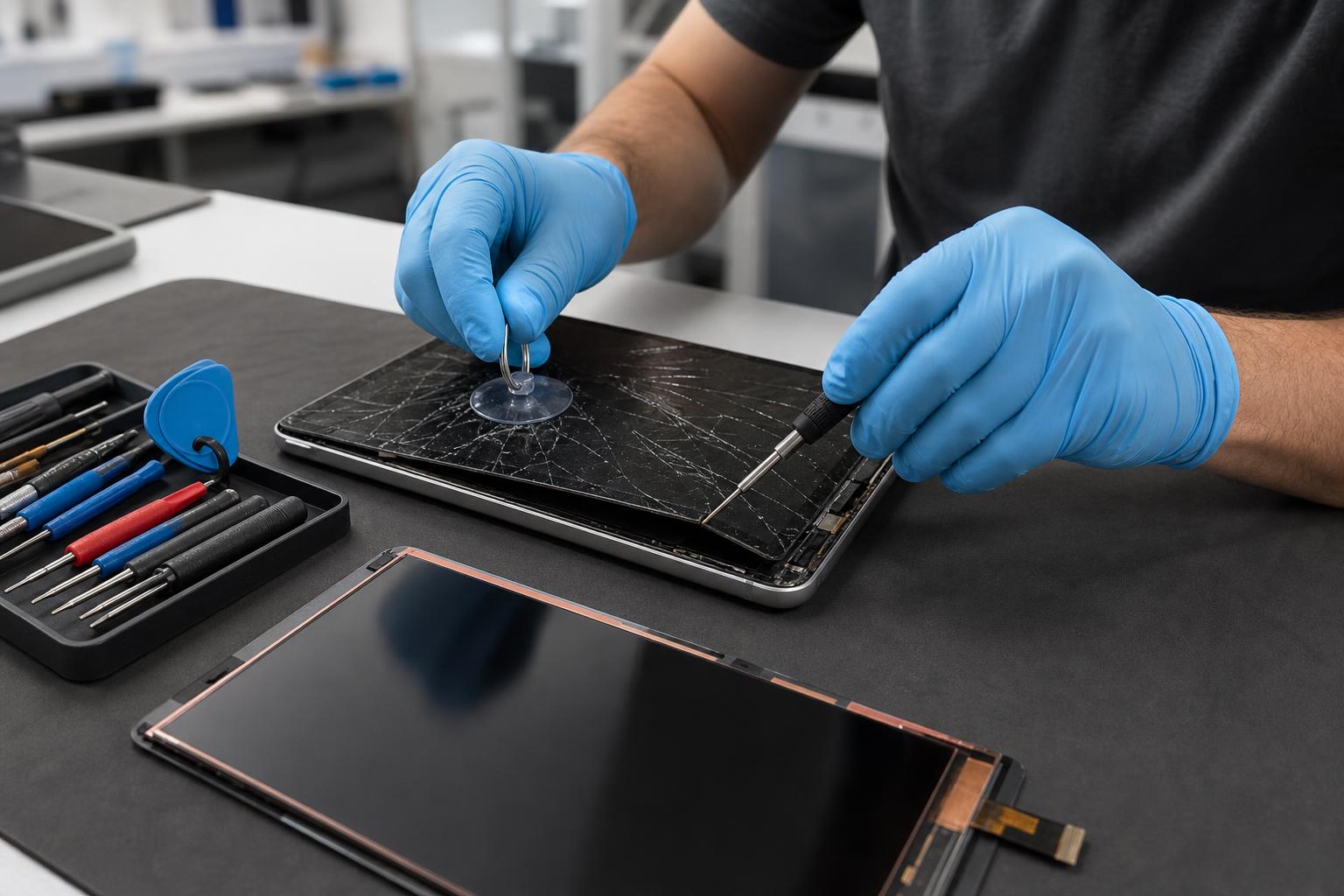
Tablet Screen Replacement: Fast, Local Repair in Lake Forest
Cracked tablet screen? Learn repair options, costs, DIY risks, and how 𝔽𝕚𝕩𝕚𝕥 𝕊𝕠𝕝𝕦𝕥𝕚𝕠𝕟𝕤 𝕚𝕟𝕔 can diagnose and replace your tablet screen quickly in Lake Forest.
View article sections
- 01How technicians evaluate a broken tablet screen
- 02Common repair options and what they include
- 03What affects price and turnaround time
- 04Is DIY tablet screen replacement a good idea?
- 05Safety tips and data protection
- 06What Fixit Solutions offers for tablet screen replacement
- 07How we price and why we give estimates first
- 08Preparing your tablet for drop-off or walk-in
- 09Local convenience: visit or contact us
- 10When to choose manufacturer repair
- 11Quick checklist: Is professional repair right for you?
- 12Typical questions we hear (short answers)
- 13Additional resources and reputable guides
- 14Ready to get your tablet fixed?
- 15Frequently asked questions
- 16Sources and further reading
- 17Frequently asked questions
- 18Contact us
A cracked or unresponsive tablet screen makes everyday tasks difficult and risks further damage. This guide explains how professionals evaluate tablet screen damage, repair and replacement options, what to expect for timing and cost, and when a do-it-yourself approach is reasonable. If you’d rather skip the research, 𝔽𝕚𝕩𝕚𝕥 𝕊𝕠𝕝𝕦𝕥𝕚𝕠𝕟𝕤 𝕚𝕟𝕔 is available for in-store tablet screen replacement and diagnostics in Lake Forest — call (878) 787-6642 or contact to request a free estimate.
How technicians evaluate a broken tablet screen
When you bring a tablet in for repair, the technician first identifies the visible and functional problems: cracked glass, unresponsive touch, black spots, white lines, backlight issues, or underlying LCD damage. A front-glass crack can sometimes be cosmetic, but when touch or display pixels are affected, the repair usually requires replacing the entire front-panel assembly (glass + digitizer + LCD) rather than only the outer glass. Professional repair procedures and parts guidance are documented by repair specialists and manufacturers and explain why many modern tablets are repaired as assemblies. (
Common repair options and what they include
There are three common approaches to a damaged tablet screen:
- Manufacturer or authorized service repair — Original parts, warranty-safe work, and calibration when required. Apple and other manufacturers provide official repair options through stores, authorized service providers, or mail-in programs. (
- Local professional repair shop — Faster turnaround for many models, lower prices than manufacturer service in some cases, and experienced technicians who can replace assemblies, test touch/digitizer, and restore functionality.
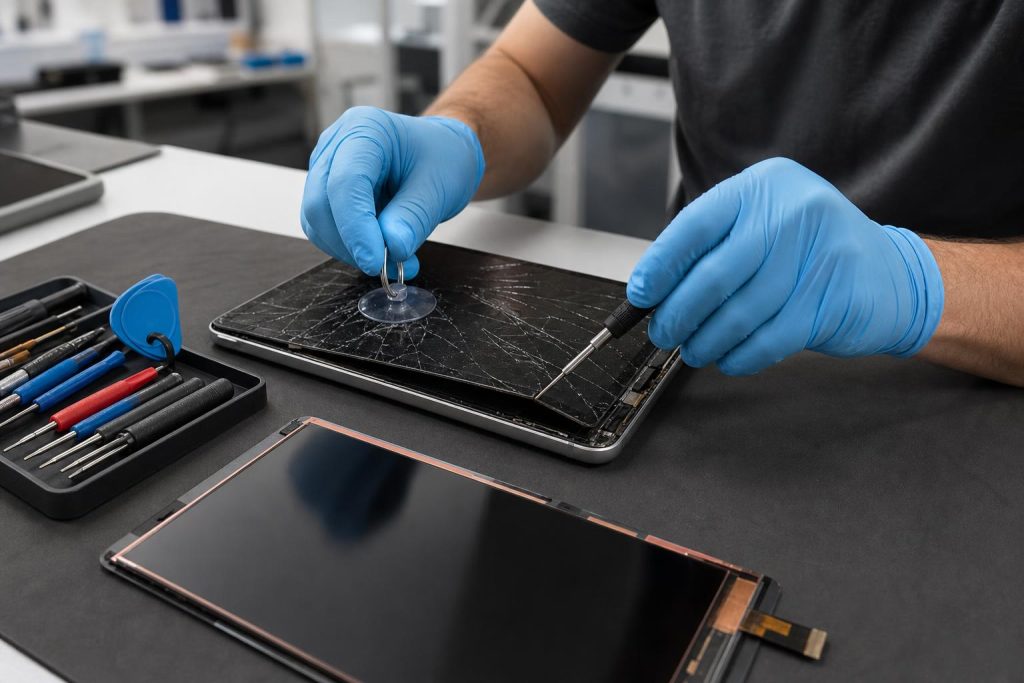
- DIY replacement — Possible for experienced technicians with the right tools and parts, but it often requires specialized equipment, adhesive removal, delicate ribbon-cable handling, and occasionally calibration steps. Guides and step-by-step instructions are available for many models, but DIY carries risk of further damage. (
What affects price and turnaround time
Price and time depend on model, availability of compatible parts, and whether the repair replaces the full display assembly. Older or uncommon tablets can be more costly if parts must be ordered. High-end tablets or those with laminated displays (glass fused to digitizer/LCD) often require complete assembly replacement, which raises parts cost. Shops with commonly stocked parts can often complete repairs the same day, while some replacements require ordering parts and take several days. (
Is DIY tablet screen replacement a good idea?
DIY can save money but is not for beginners. Removing glued screens, transferring home buttons or fingerprint sensors, and re-applying adhesive without dust or pressure marks requires patience and the right tools (heat, picks, adhesive tapes, anti-static mat). A mistake can damage the LCD, connectors, or battery, and may void any remaining manufacturer warranty. If you’re unfamiliar with micro-electronics repair, professional service reduces the risk of turning a screen fix into a larger problem. For step-by-step parts lists and cautions, reputable repair guides are useful references. (
Safety tips and data protection
Before repair, back up your tablet if it still powers on — screen replacements themselves rarely erase data, but accidental drops or further damage can. If you suspect liquid damage or a swollen battery, stop and bring the device to a professional; attempting to pry a device with a compromised battery is hazardous. Technicians will take ESD and battery-safety precautions during disassembly. (
What Fixit Solutions offers for tablet screen replacement
At 𝔽𝕚𝕩𝕚𝕥 𝕊𝕠𝕝𝕦𝕥𝕚𝕠𝕟𝕤 𝕚𝕟𝕔, we provide a clear diagnosis, estimate, and repair plan before any work begins. Our services include screen replacement, digitizer/LCD assembly swaps, adhesive and seal restoration, calibration when needed, and post-repair testing to confirm touch, display, wireless, and charging functions. Turnaround varies by model and parts availability — many common tablets are completed the same day. Call (878) 787-6642 or use our Contact page to schedule.
How we price and why we give estimates first
We inspect the tablet to identify whether the glass alone or the full front assembly must be swapped. That inspection helps estimate parts and labor. We never start paid repairs without your authorization and will explain options (OEM vs. high-quality aftermarket parts) and warranty terms. If a repair is better handled by the manufacturer (for warranty or calibration reasons), we’ll tell you — manufacturers provide official service and parts channels that may be preferable for some devices. (
Preparing your tablet for drop-off or walk-in
- Back up photos and important files if the tablet powers on.
- Remove cases and screen protectors; bring any original accessories if possible.
- Note any symptoms beyond visible cracks (e.g., touch dead zones, black areas, battery swelling).
- Bring proof of ownership if requested for certain repairs or warranty work.
Local convenience: visit or contact us
Location: 23361 El Toro Rd Suite 107, Lake Forest, CA 92630. Hours: Monday–Saturday, 9:30 AM–6:00 PM. Phone: (878) 787-6642. For directions, appointment requests, or a quick estimate, visit our Contact page or call. Our shop supports a wide range of device repairs beyond tablets, including phones, laptops, and game consoles. For more information about our broader offerings see our Services page and Computer services.
When to choose manufacturer repair
Manufacturer or authorized service is the best choice if your tablet is under warranty, covered by device protection that specifies authorized repairs, or when a repair requires proprietary calibration or authenticated parts (for example, some fingerprint or Face ID systems). Apple and other manufacturers document official repair options and authorized service pathways for iPad and similar devices. (
Quick checklist: Is professional repair right for you?
- Does the touch respond sporadically? — Professional diagnosis recommended.
- Is the LCD showing black areas or colored lines? — Likely full assembly replacement.
- Is data on the device critical and not recently backed up? — Back up before repair if possible.
- Are you comfortable with small tools and precise adhesive work? — If not, choose a pro.
Typical questions we hear (short answers)
How long will replacement take? Many common tablets can be done same-day; rare models may take several days while we order parts.
Will a screen repair void my warranty? Using unauthorized third-party parts or self-repair can affect some manufacturer warranties; authorized repairs or manufacturer channels preserve warranty terms. (
Do you offer a warranty on the repair? We provide a workmanship warranty on parts and labor — ask at time of service for the exact duration and terms.
Additional resources and reputable guides
For those researching DIY or wanting to understand disassembly steps, professional repair guides outline the complexity and required tools. These guides are useful references but not a substitute for hands-on experience. (
Ready to get your tablet fixed?
Contact 𝔽𝕚𝕩𝕚𝕥 𝕊𝕠𝕝𝕦𝕥𝕚𝕠𝕟𝕤 𝕚𝕟𝕔 for a clear diagnosis, transparent estimate, and dependable tablet screen replacement in Lake Forest. Call (878) 787-6642, visit our Contact page, or stop by during business hours: Monday–Saturday, 9:30 AM–6:00 PM. If you have other device needs, see our Laptop & Computer Repair in Lake Forest and Services pages for details.
Frequently asked questions
How much does a tablet screen replacement usually cost?
Costs vary widely by model and whether the repair uses OEM or aftermarket parts. We provide an upfront estimate after inspection — call (878) 787-6642 or visit our shop for a free estimate.
Can you replace just the glass on my tablet?
Some older models can have glass-only repairs, but many modern tablets have laminated displays that require replacing the entire front assembly (glass + digitizer + LCD). A technician’s inspection will confirm the right approach. (
Will my touchscreen calibration or Face ID be affected?
Some features that rely on calibrated components or proprietary sensors may require manufacturer-level calibration or authenticated parts; in those cases we’ll advise the best route (authorized service or in-shop repair) to preserve functionality. (
Do you back up data before repair?
We always recommend customers back up before repair when possible. If a device is inoperable or you need assistance, ask about data-preservation options during the intake process.
How do I set up an appointment?
Call (878) 787-6642 or use our Contact page. Walk-ins are welcome based on shop capacity.
Sources and further reading
- Apple service and repair information — Official manufacturer guidance on iPad repair options, Apple-authorized service channels, and repair programs.
- iFixit repair guides — Detailed step-by-step repair guides and parts/tool lists that illustrate the complexity of tablet screen replacements and common DIY cautions.
Frequently asked questions
How long does a tablet screen replacement take?
Turnaround depends on the tablet model and parts availability. Many common models can be repaired same-day; uncommon models may take several days if parts must be ordered. We provide a time estimate after inspection.
Will replacing the screen erase my data?
Screen replacement typically does not erase data, but accidents can happen during repair. Back up your device before drop-off if possible; ask the technician about data-preservation steps.
Is it safer to use the manufacturer’s repair service?
Manufacturer or authorized service preserves warranty and uses OEM parts when required. For devices under warranty or with features that need authenticated parts or calibration, authorized repair is often the best option. (
Can Fixit Solutions replace tablet screens from any brand?
We service a wide range of tablet brands and models. Availability depends on parts; call (878) 787-6642 or visit the shop to confirm we can repair your specific model.
Contact us
𝔽𝕚𝕩𝕚𝕥 𝕊𝕠𝕝𝕦𝕥𝕚𝕠𝕟𝕤 𝕚𝕟𝕔
23361 El Toro Rd Suite 107 Lake forest CA 92630
Service area: Lake Forest,
Phone: 8787876642
Email: support@xfixit.com
Hours: Monday–Saturday, 9:30 AM–6:00 PM
Contact Fixit Solutions today to request a free estimate, schedule a repair or discuss your business technology needs.