
Apple Welcome Home smart‑home launch — key takeaways
Apple Welcome Home smart‑home launch: Apple Welcome Home smart‑home launch on Oct 13, 2026 introduced HomeView, HomePod mini 2 and new Apple TV 4K. Practical b…
View article sections
- 01What changed on October 13, 2026 (confirmed announcements)
- 02Why the Apple Welcome Home smart‑home launch matters to consumers and SMBs
- 03What the announcements actually deliver (confirmed and independent reporting)
- 04Benefits and use cases (practical)
- 05Limitations, likely problems and risks
- 06Comparing the new devices at a glance
- 07Pricing and availability (official guidance)
- 08Who should buy, who should wait, who should avoid
- 09Practical setup and deployment tips for consumers and SMBs
- 10Alternatives and competitive options
- 11Known questions Apple didn’t fully answer (and how to test them)
- 12Action checklist — next steps
- 13Confirmed sources and further reading
- 14FAQs
- 15Related guides and resources
- 16Frequently asked questions
- 17Need practical help?
- 18Topic in context
Event summary (confirmed): On October 13, 2026 Apple held the “Welcome Home” experience in New York and announced new smart‑home hardware and software updates, including the Apple HomeView smart display, HomePod mini 2 and an updated Apple TV 4K, plus expanded Siri and Apple Intelligence features. These announcements are part of Apple’s push to deepen its smart‑home ecosystem and affect holiday buying and small‑business automation planning [1].
The Apple Welcome Home smart‑home launch is important because it bundles new hardware and software meant to make home and small-office automation more visible and easier to manage for everyday users and small businesses. Below you’ll find what changed, who benefits, limits to watch for, likely integration problems, reliable alternatives, and clear next steps for consumers and SMB IT planners.
What changed on October 13, 2026 (confirmed announcements)
Apple confirmed three headline products at the Welcome Home event: the Apple HomeView smart display, a new HomePod mini 2, and an updated Apple TV 4K. Apple also detailed upgrades to Siri and Apple Intelligence that are meant to tie devices and services closer together across the Home app and Apple ecosystem [1].
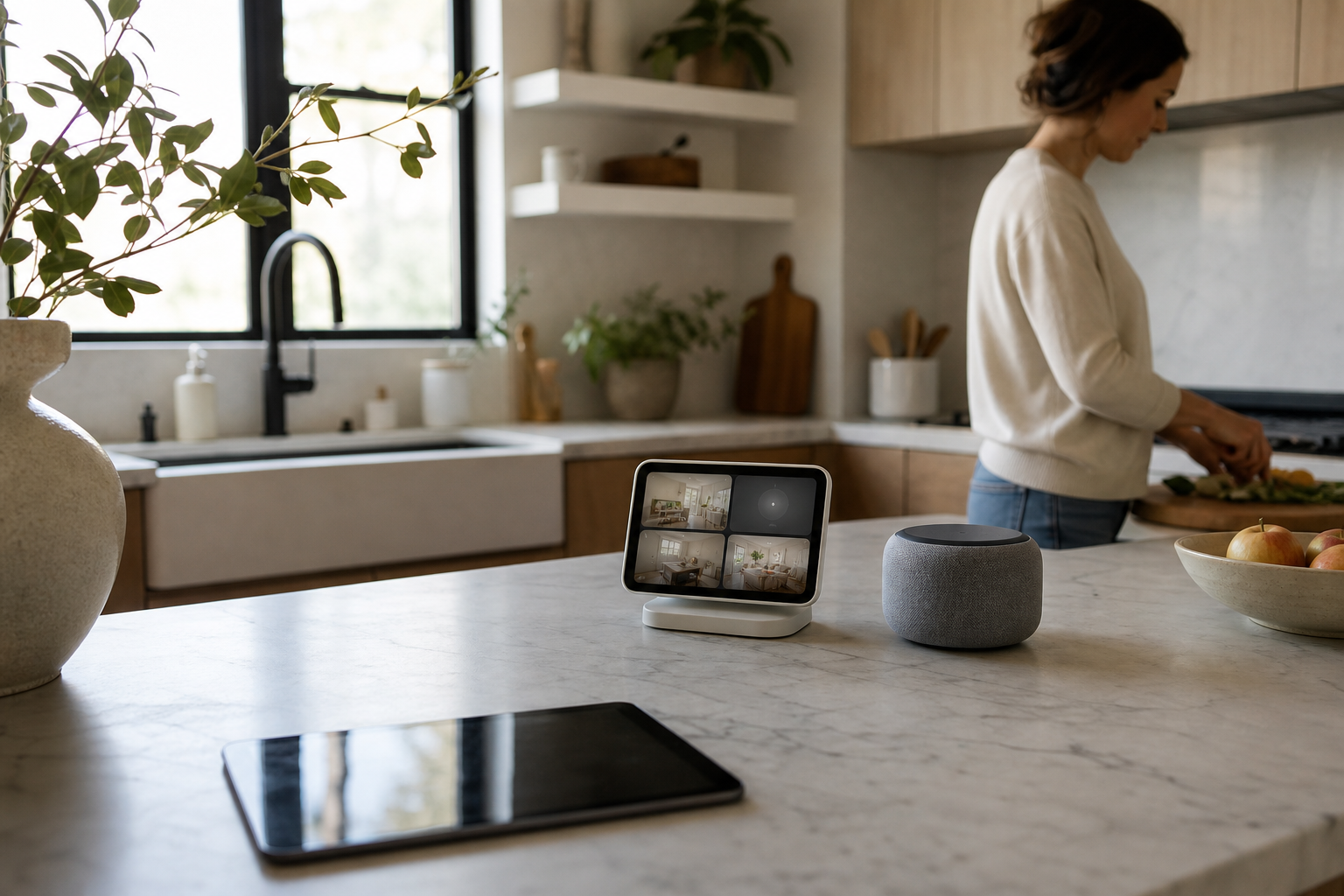
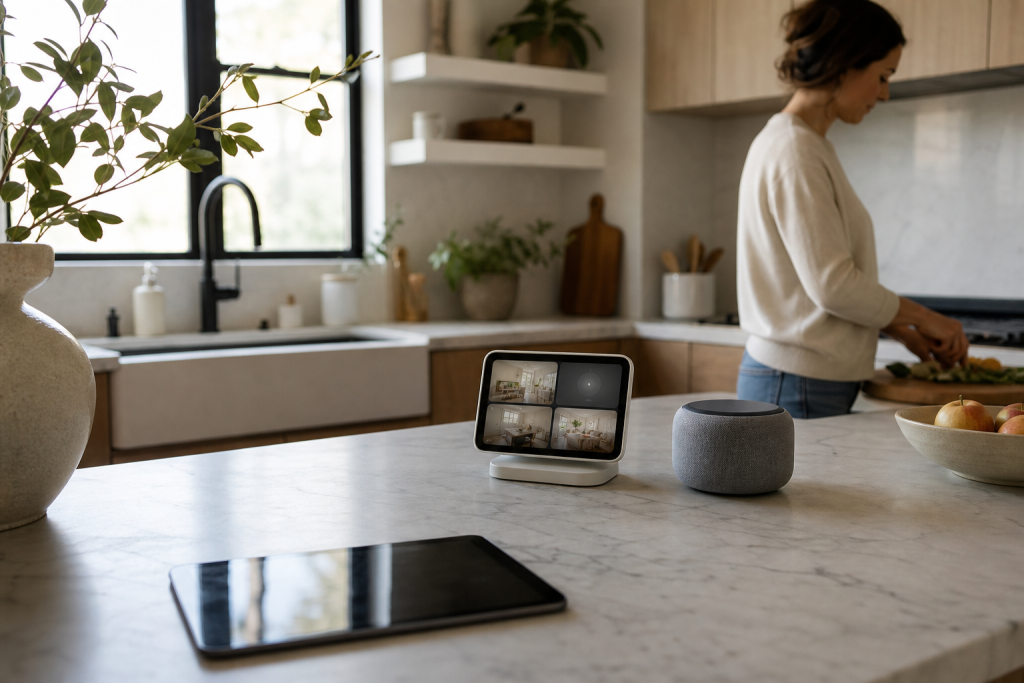
- HomeView smart display — A new Apple‑branded smart display designed for living rooms, kitchens, and small office hubs. Apple presented HomeView as a Home app–centered device intended to surface camera feeds, automations, and Apple Intelligence widgets [1].
- HomePod mini 2 — A refreshed compact smart speaker with improved audio and deeper Siri/Home integration, positioned as the default room speaker for HomeKit scenes and automations [1].
- Apple TV 4K (updated) — A new Apple TV 4K iteration with updated software and integrations aimed at making televisions hubs for Home app controls, intercom, and multiroom audio [1].
Independent outlets summarized the event and highlighted usability and ecosystem strategy as Apple’s focus rather than radical hardware redesigns [2][3]. Those reports confirm Apple is leaning on software (Siri/Apple Intelligence) to make hardware feel more useful in daily automations and small‑office workflows [2][3].
Confirmed product positioning and ecosystem goals
Apple’s official messaging framed these releases as part of the company’s effort to make smart‑home management more intuitive and privacy‑first. That includes surfacing Home app controls, contextual suggestions powered by on‑device intelligence, and tighter integration between audio, display, and automation triggers [1].
Why the Apple Welcome Home smart‑home launch matters to consumers and SMBs
First, these devices aim to simplify daily routines. For consumers, visible Home app controls on a dedicated display and better Siri responses can reduce friction in managing lights, locks, cameras, and scenes. For small businesses, especially retail and small offices, the devices expand practical options for receptionist desks, meeting rooms, and front‑of‑store automation without large custom automation projects.
Second, Apple’s emphasis on on‑device Apple Intelligence means more automation suggestions and personalizations without necessarily sending data to cloud services — a plus for privacy‑sensitive buyers and small businesses that handle customer data [1].
What the announcements actually deliver (confirmed and independent reporting)
Apple announced hardware and software changes that are meant to work together. Confirmed items include the HomeView smart display as a native Home app surface, the HomePod mini 2 as a compact speaker with deeper system integration, and a refreshed Apple TV 4K for multiroom and display‑centric control [1]. Tech outlets described these moves as incremental but meaningful for everyday usability [2][3].
Independent reporting called out three practical improvements: clearer Home app controls on a dedicated device, better voice control that responds to context, and tighter synchronization across audio and visual hubs in the home or office [2][3].
What’s new vs. what stayed the same
Compared with previous Apple smart‑home hardware, the main differences are in purpose and software integration rather than radical new hardware forms. For example, the HomeView places the Home app front and center; the HomePod mini 2 refines the small‑speaker role; and Apple TV receives refinements to act more directly as a room hub [1][2]. That means existing HomeKit users can likely adopt the new devices without wholesale changes to their setups.
Benefits and use cases (practical)
- Simpler control surfaces: The HomeView gives a permanent, glanceable interface for scenes, cameras and automations — useful in kitchens, lobbies, and small‑business reception areas.
- Better voice shortcuts: Improved Siri workflows and Apple Intelligence suggestions reduce setup time for common automations like “close the office” or “start meeting mode.”
- Multiroom audio and intercom: New audio integration makes announcements and background music coordination easier for shops, cafes, and shared office spaces.
- Privacy posture: Apple emphasizes on‑device processing and user control over data sharing, which may simplify compliance with customer‑privacy expectations for SMBs.
Limitations, likely problems and risks
Analysis: while Apple improved integration, there are realistic limits and risks to consider before buying or deploying at scale.
- Apple ecosystem lock‑in: The new hardware is optimized for Home app and Apple devices. Teams that rely heavily on Android or cross‑platform third‑party hubs may see reduced benefit.
- Compatibility gaps: Not every third‑party accessory supports the same set of features; expect some device or feature mismatches when migrating older smart devices into a HomeView‑centric setup.
- Network constraints: Small businesses adding multiple HomeKit hubs and speakers should plan Wi‑Fi and power infrastructure to avoid congestion; separate SSIDs or enterprise Wi‑Fi for business devices may be appropriate.
- Management and provisioning: Out of the box, Apple’s Home devices are consumer‑oriented. For multi‑unit or branch deployments, IT teams should plan for manual provisioning or look for third‑party management tools because Apple does not offer a dedicated business MDM for most HomeKit hardware.
Comparing the new devices at a glance
| Device | Main role | Good for | Consider if you need |
|---|---|---|---|
| HomeView (new) | Smart display / Home app surface | Kitchens, reception desks, meeting rooms | Dedicated wall or countertop space and stable Wi‑Fi |
| HomePod mini 2 | Compact room speaker & Siri endpoint | Bedrooms, offices, small retail floors | Multiroom audio or voice automation |
| Apple TV 4K (updated) | TV hub and Home app extender | Conference rooms, lounge areas, digital signage with Apple ecosystem | Large displays and AV setups |
Pricing and availability (official guidance)
Confirmed: Apple published official announcement details in its newsroom about each product and the company’s approach to Siri and Apple Intelligence in the home [1]. For specific pricing and release dates, see Apple’s announcement page and authorized resellers for the most current availability information [1]. Independent outlets provided early context and hands‑on impressions after the event [2][3].
Who should buy, who should wait, who should avoid
- Buy now (consumers): Existing HomeKit users who want a dedicated Home display or an updated room speaker should consider the HomeView and HomePod mini 2 as straightforward upgrades.
- Buy now (small businesses): Small shops and offices that already use Apple devices can adopt one or two HomeView units for reception/meeting areas to centralize controls.
- Wait: Mixed‑platform households or businesses that use Android or non‑HomeKit automation may want to wait until integrations mature or until third‑party hubs announce confirmed compatibility.
- Avoid for now: Organizations needing centralized IT provisioning and audit trails for dozens of field units should avoid large deployments until management best practices for Apple Home devices are clearer.
Practical setup and deployment tips for consumers and SMBs
Analysis and recommended steps (as of October 13, 2026):
- Plan your network: allocate sufficient Wi‑Fi capacity and, where possible, place core smart devices on a segregated business SSID to isolate them from guest traffic.
- Start small: deploy one HomeView in a central area and one HomePod mini 2 as a test to confirm automations and intercom behavior before expanding.
- Document automations: keep a simple inventory of scenes, automations, and account credentials. This helps when troubleshooting or when staff changes occur.
- Account management: tie devices to business Apple IDs or supervised Apple Business Manager accounts where appropriate; avoid mixing personal accounts with business assets when possible.
- Privacy and permissions: train staff on microphone and camera permissions and the physical privacy controls Apple includes in its devices to prevent accidental exposures.
Alternatives and competitive options
If you need a cross‑platform smart‑home strategy, consider hubs and displays from vendors that prioritize open standards like Matter. Those options may integrate more easily with Android devices and non‑Apple cloud services. Independent reporting noted that Apple’s approach prioritizes a seamless experience for its own devices, which is excellent when you’re all‑Apple but less flexible otherwise [2][3].
Known questions Apple didn’t fully answer (and how to test them)
- Large‑scale management: Apple did not announce enterprise‑grade provisioning for Home devices. If your organization needs many deployments, pilot with a small set and develop a manual provisioning workflow.
- Third‑party feature parity: Not every HomeKit accessory supports every advanced Apple feature. Before purchasing, test critical accessories with a borrowed or demo HomeView if possible.
- Interoperability with non‑Apple services: If you rely on third‑party cloud automations, validate how those triggers interact with the new Siri/Apple Intelligence behaviors.
Action checklist — next steps
For consumers:
- Read Apple’s Welcome Home announcement and check product pages for availability and pricing [1].
- Decide where a HomeView would be most useful in your home and test Home app scenes with an existing HomePod mini if available.
For small businesses:
- Pilot a single HomeView and HomePod mini 2 in your reception or meeting room to architect automations and assess staff workflows.
- Consult your IT/devices team about Wi‑Fi segmentation and account management before broad rollout.
Confirmed sources and further reading
Apple’s official Welcome Home newsroom post provides official details and product positioning; independent coverage from TechRadar and MacRumors offers analysis and early impressions [1][2][3].
FAQs
- Q: When did Apple hold the Welcome Home event?
- A: Apple held the Welcome Home experience on October 13, 2026, and published official product information the same day [1].
- Q: What products did Apple announce at the Apple Welcome Home smart‑home launch?
- A: Apple announced the HomeView smart display, HomePod mini 2, an updated Apple TV 4K, and new Siri/Apple Intelligence features focused on Home app integration [1][2].
- Q: Will these devices work with non‑Apple smart devices?
- A: Many third‑party accessories that adhere to HomeKit and Matter can interoperate, but feature parity is not guaranteed. Test critical integrations before committing to a large deployment [2][3].
- Q: Is Apple offering business provisioning or management tools for Home devices?
- A: Apple did not announce enterprise provisioning specific to Home devices at the event. Businesses should plan pilot deployments and manual provisioning workflows or consult specialists for scaled rollouts (analysis).
- Q: Should I upgrade my existing HomePod mini or buy the HomeView?
- A: If you rely heavily on HomeKit and want a visible control surface, HomeView adds utility. If you want improved audio and Siri responsiveness in smaller rooms, HomePod mini 2 is a sensible incremental upgrade. For mixed‑platform households or businesses, evaluate cross‑platform options first (analysis).
Confirmed: For the original announcements and official details, read Apple’s Welcome Home newsroom post. Independent reporting and hands‑on impressions are available from technology outlets that covered the event live [1][2][3].


Frequently asked questions
When did Apple hold the Welcome Home event?
Apple held the Welcome Home event on October 13, 2026, where the company announced the HomeView smart display, HomePod mini 2 and a refreshed Apple TV 4K [1].
What did Apple announce at the Apple Welcome Home smart‑home launch?
At the Apple Welcome Home smart‑home launch, Apple introduced the HomeView smart display, HomePod mini 2, an updated Apple TV 4K, and new Siri/Apple Intelligence features focused on Home app integration and privacy‑forward on‑device processing [1][2].
Are the new devices suitable for small business deployments?
Yes for pilot and small deployments: the devices are useful for reception desks, meeting rooms, and single‑site automation. However, Apple did not announce enterprise provisioning specific to Home devices, so larger deployments should plan a pilot and manual provisioning workflow (analysis).
Will these Apple devices work with non‑Apple smart devices?
Some third‑party accessories that support HomeKit or Matter will interoperate, but feature parity is not guaranteed. Test critical accessories and automations before committing to a full migration [2][3].
Where can I find official pricing and availability?
Apple’s official Welcome Home newsroom post includes the company’s pricing and availability details; check Apple’s product pages and authorized resellers for the latest information [1].
Need practical help?
Fixit Solutions Inc. — Contact Fixit Solutions today to request a free estimate, schedule a repair or discuss your business technology needs. Service area: Lake Forest, CA.
Topic in context

Sources and further reading
These links were validated and checked when possible when this article was created; some publishers limit automated requests. Facts, guidance, prices, regulations, and availability can change.
- In the Loop: Welcome home — Apple Newsroom — primary source
- Apple 'Welcome Home' event — 9 things we learned and all the launches, from the Apple HomeView to a new Apple TV 4K — TechRadar
- Apple Announces 'Welcome Home' Launch: What to Expect on Tuesday — MacRumors