
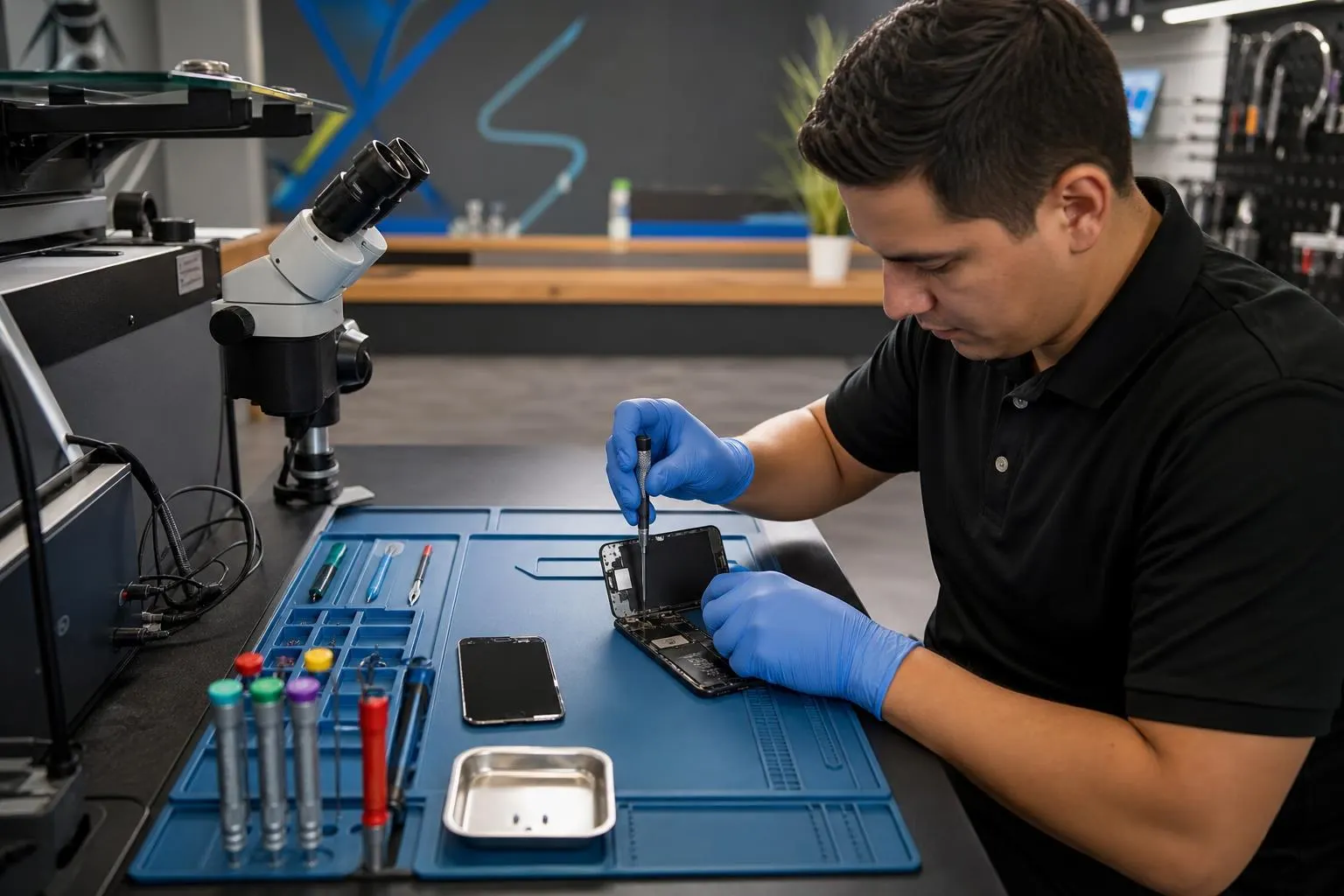
iPhone 13 Mini Repair in Lake Forest
Fast, honest iPhone 13 Mini repair in Lake Forest: screen and battery replacement, liquid-damage inspection, data recovery, and same-day service when parts are available.
View article sections
- 01iPhone 13 mini details that matter
- 02Common 13 mini complaints
- 03Battery diagnosis on a compact phone
- 04Confirming mini versus standard iPhone 13
- 05Our repair workflow
- 06Charging and liquid-damage guidance
- 07Before your visit
- 08Request a current iPhone 13 mini quote
- 09Frequently asked questions
- 10Fixit Solutions service details
The iPhone 13 mini needs model-specific service. Its compact enclosure, 5.4-inch OLED and smaller battery distinguish it from the iPhone 13. Fixit Solutions diagnoses screen, battery, Lightning charging, camera, audio and liquid-damage symptoms in Lake Forest before quoting work.
Ready to repair this iPhone?Request a current estimate or call (878) 787-6642.
iPhone 13 mini details that matter
| Model detail | Repair implication |
|---|---|
| 5.4-inch OLED, 2340-by-1080 at 476 ppi | The display and enclosure are mini-specific; an iPhone 13 screen is not the correct substitute. |
| 140-gram compact body | Internal space is tight, so impact, frame condition and battery swelling deserve careful inspection. |
| A15 Bionic | Performance, heat or startup symptoms require diagnosis rather than assuming the battery is the only cause. |
| Dual 12MP camera system | We distinguish broken lens glass, focus or stabilization trouble and module faults. |
| Lightning plus MagSafe/Qi charging | Comparing wired and wireless charging helps isolate cable, connector, battery or circuit symptoms. |
Model facts are from Apple’s iPhone 13 mini technical specifications. Fixit Solutions is independent and is not an Apple Authorized Service Provider.
Common 13 mini complaints
- Cracked OLED, black image, colored lines or failed touch
- Short battery life, shutdowns, swelling or heat
- Intermittent Lightning charging or a cable that will not seat properly
- Camera blur, shaking, focus problems or broken rear lens glass
- Weak audio, microphone faults, button trouble or liquid exposure
Battery diagnosis on a compact phone
The 13 mini’s small physical size is part of its appeal, but battery complaints still need testing. Usage, signal strength, background activity, battery condition, temperature and charging hardware can all affect runtime. We inspect for swelling and review the symptom before recommending replacement. Stop using or charging a phone with screen lift, swelling, unusual heat or odor.
Confirming mini versus standard iPhone 13
The iPhone 13 mini has a 5.4-inch display; the standard iPhone 13 has a 6.1-inch display. Parts should not be selected by color or appearance alone. We confirm the exact model before quoting, ordering or installing a component.
Our repair workflow
- Confirm the iPhone 13 mini and record its symptoms and damage history.
- Test available functions, including display, touch, charging, cameras, audio and buttons.
- Inspect frame condition, prior repair evidence and liquid exposure.
- Explain the appropriate option, part source, current price and estimated completion.
- Proceed after approval and repeat relevant checks after service.
Replacement part choices can vary in source, performance and system compatibility. We explain the available choice and do not represent third-party parts as Apple OEM parts.
Charging and liquid-damage guidance
A Lightning problem can be caused by the cable, debris, connector wear, battery or board circuitry. We test before replacing. If the phone has been wet, turn it off and do not charge it; corrosion can continue after the outside looks dry. Liquid-damage repair and data recovery outcomes cannot be guaranteed.
Before your visit
- Back up accessible data.
- Bring the Lightning cable used when a problem occurs.
- Tell us about drops, water contact and previous repairs.
- Do not press down a screen lifted by a swollen battery.
Water resistance is not permanent. Existing damage and opening the phone affect seals, so factory water resistance is not guaranteed after repair.
Request a current iPhone 13 mini quote
Call (878) 787-6642, submit an Instant Quote, or visit 23361 El Toro Rd, Suite 107, Lake Forest, CA 92630. See the main Lake Forest iPhone repair page for other models.
Frequently asked questions
Can an iPhone 13 screen be used on the 13 mini?
No. The mini has a different 5.4-inch display and compact enclosure. The exact model must be used for part selection.
Does short runtime always mean the battery is bad?
No. Battery condition is one factor; settings, apps, signal, temperature and charging faults may contribute. Diagnosis prevents an unnecessary part replacement.
What will it cost and how long will it take?
We provide a current quote and completion estimate after confirming the symptom, condition, part option and stock. We avoid publishing a number that may not fit your phone.
Fixit Solutions service details
- Screen warranty: Qualifying high-quality aftermarket iPhone replacement screens include a lifetime warranty against defects. A new crack, impact damage, liquid damage or other customer-caused physical damage is not covered.
- Parts options: High-quality aftermarket parts are available. OEM parts are also available for supported models, subject to current stock and sourcing.
- Repair timing: Most iPhone repairs are completed the same day. The exact estimate depends on diagnosis, damage and correct part availability.
- Walk-ins: Walk-in customers are welcome; an appointment is not required.
- Hours: Monday–Saturday, 9:30 AM–6:00 PM.
- Parking and directions: Parking is available at 23361 El Toro Rd, Suite 107, Lake Forest, CA 92630. Get directions.
- Google reviews:Read customer reviews on our Google Business Profile, including feedback about phone and iPhone repair experiences.
Warranty eligibility, repair timing and parts availability are confirmed for the specific device before service.