
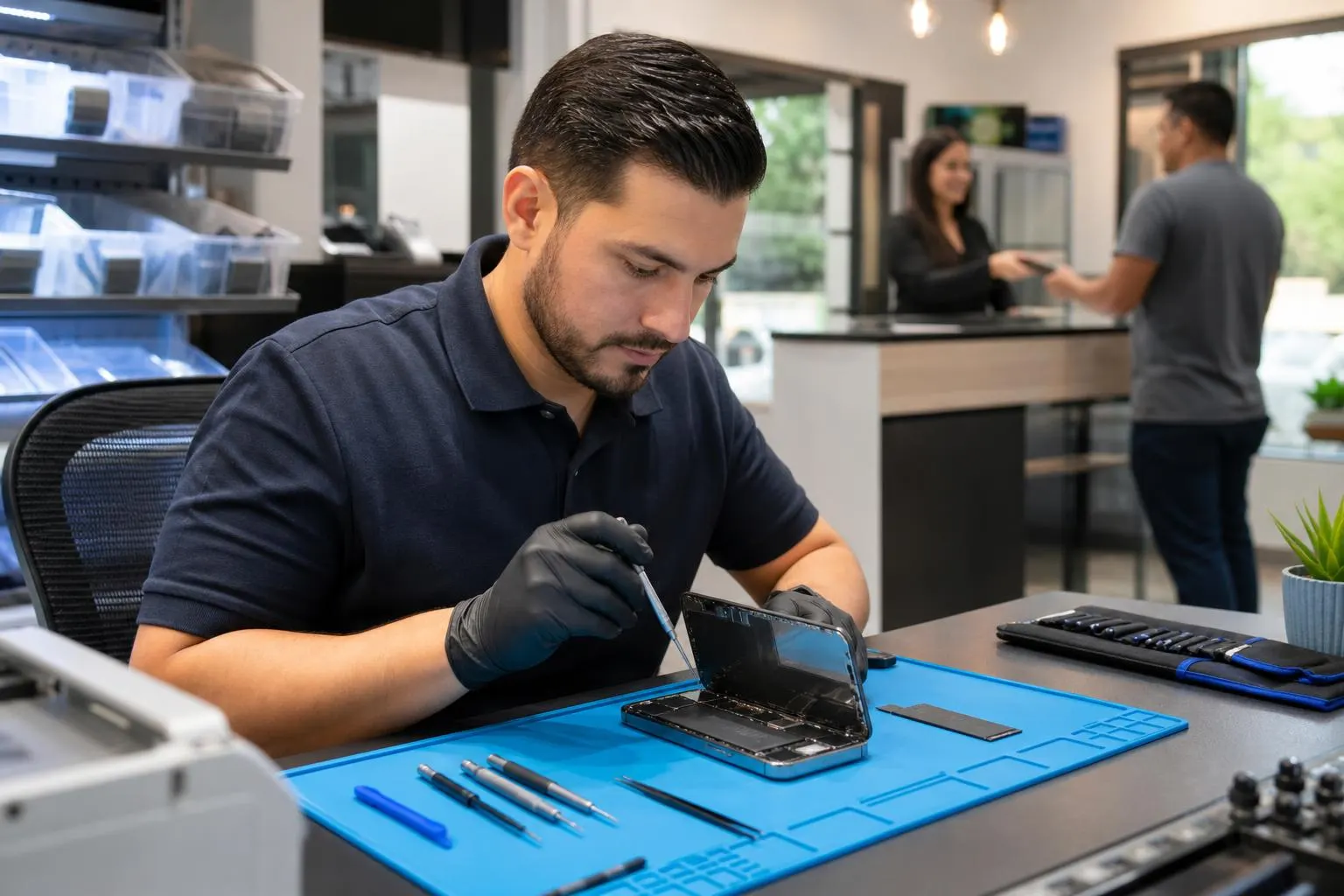
iPhone 17e Repair: What to expect and where to get fast…
Practical guidance for iPhone 17e repair options, common faults, DIY vs pro repair, parts and warranty implications — plus local service from Fixit Solutions in Lake Forest.
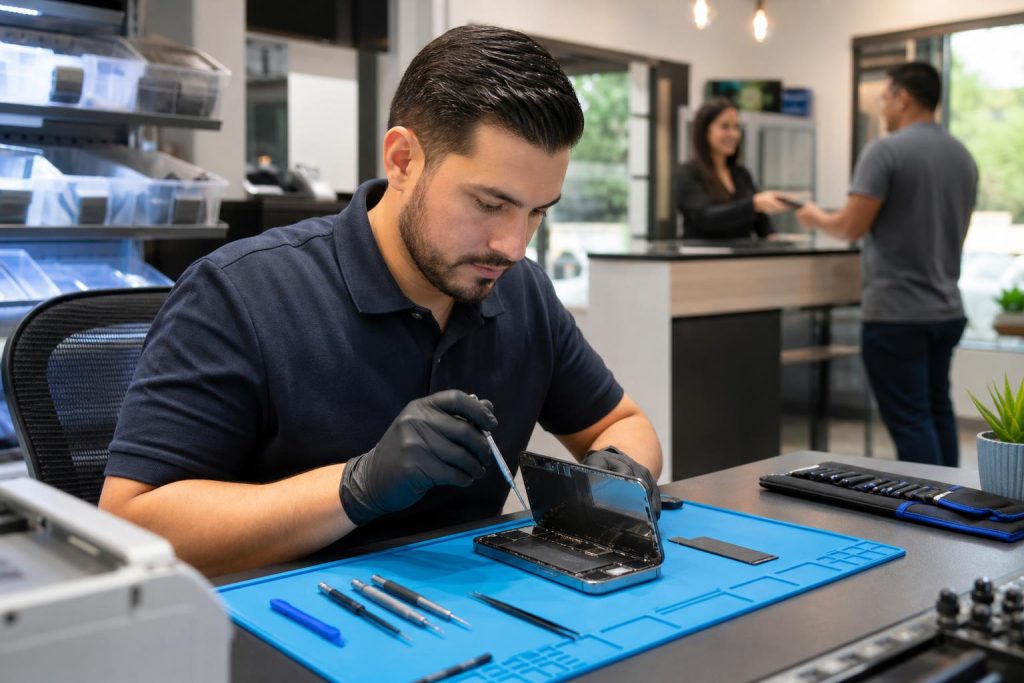
View article sections
- 01Quick overview: common iPhone 17e problems and typical fixes
- 02Is DIY repair a good option for an iPhone 17e?
- 03What parts, tools, and calibration matters most
- 04DIY safety & data backup — quick checklist before any repair
- 05When to choose a professional repair shop
- 06How repair choices affect Apple warranty and AppleCare
- 07Typical turnaround times and cost factors
- 08How Fixit Solutions approaches an iPhone 17e repair
- 09Choosing the right replacement parts: genuine, OEM, or aftermarket?
- 10Red flags and questions to ask your repair provider
- 11Local service links and resources
- 12Limitations and realistic expectations
- 13Get a free estimate from Fixit Solutions
- 14Sources and further reading
- 15Frequently asked questions
- 16Contact us
- 17Fixit Solutions service details
iPhone 17e Repair is a common search for owners facing cracked screens, failing batteries, charging issues, or liquid exposure. This guide explains common repairs, what Apple’s self‑service and diagnostic tools mean for you, safety and warranty tradeoffs, and how to choose a local repair provider in Lake Forest, CA.
Ready to repair this iPhone?Request a current estimate or call (878) 787-6642.
Quick overview: common iPhone 17e problems and typical fixes
Most iPhone 17e visits we see fall into a few categories: cracked or unresponsive displays, degraded battery life, charging/USB‑C port faults, water or liquid damage, camera or microphone problems, and cosmetic frame or back‑glass damage. Each problem has a different diagnostic and repair workflow — for example, a screen replacement usually also requires calibration and reseal work to restore water resistance, while battery replacement needs careful adhesive removal and safety testing.
Is DIY repair a good option for an iPhone 17e?
Apple sells parts and repair manuals for the iPhone 17 lineup through its Self Service Repair program, and some parts require finishing steps with Apple’s Repair Assistant to restore part functionality or register the replacement. If you plan to attempt a repair yourself, use Apple’s official repair instructions and follow safety steps for lithium‑ion batteries. (
Independent repair guides and teardowns (for example, iFixit’s iPhone 17e guides) show step‑by‑step procedures for common jobs like screen or back‑glass replacement and highlight where adhesive, screws, or ribbon cables make the repair tricky. If you don’t have the right tools, a clean workspace, and experience, a professional shop is usually faster and safer. (
What parts, tools, and calibration matters most
Display and battery swaps on modern iPhones often need more than physical replacement. Apple’s Repair Assistant may be required to finish certain repairs so the device recognizes the new part and so services remain eligible; failing to use required calibration steps can leave features partially disabled. (
Good repair shops use genuine or high‑quality OEM‑equivalent parts, calibrated tools, and adhesive/seal replacements to restore dust and water resistance. After a screen or back panel is replaced, we recommend testing the display, touch response, cameras, Face ID (where applicable), wireless charging, and run a full diagnostics pass before returning the device to the customer. iFixit’s step guides and teardown notes highlight common failure points and how to check them. (
DIY safety & data backup — quick checklist before any repair
- Back up your iPhone to iCloud or a local computer (Finder/iTunes). Never hand over a phone without a backup.
- Power the device off before disassembly and avoid puncturing the battery — damaged lithium cells can catch fire.
- Disconnect and label flex cables and screws to avoid mixing sizes during reassembly.
- Keep the work area clean and use ESD‑safe tools and mats to reduce risk to sensitive components.
When to choose a professional repair shop
Choose a pro if the phone has liquid damage, multiple failed systems, face ID or logic‑board faults, or if you want preserved water resistance and a warranty on the repair. Professional technicians handle adhesive resealing, thermal and electrical diagnostics, micro‑soldering (if needed), and can usually complete repairs faster than DIY replacements when parts are available.
Fixit Solutions Inc. offers in‑shop diagnostics and transparent estimates before any authorized work begins. We test devices after repair and provide guidance about parts, expected turnaround, and any limitations affecting warranty eligibility.
How repair choices affect Apple warranty and AppleCare
Using genuine Apple parts and approved procedures through Apple or an Apple Authorized Service Provider preserves Apple warranty and AppleCare terms. Independent repairs using aftermarket parts or methods not recognized by Apple can sometimes affect your remaining Apple warranty or repair eligibility for certain services. If you value AppleCare or warranty coverage, discuss options before repair. (
Typical turnaround times and cost factors
Turnaround depends on the part, whether the part is in stock, and whether any additional damage is discovered during repair. A screen, battery, or charging‑port replacement can often be completed the same day when parts are available; more complex board repairs or logic‑board work require additional diagnosis time. Factors that affect cost include part quality (genuine vs aftermarket), labor hours for disassembly/reassembly and calibration, and whether water damage requires extra cleaning or part replacement.
How Fixit Solutions approaches an iPhone 17e repair
At Fixit Solutions Inc. we begin with a no‑charge visual inspection and diagnostic. We’ll explain the issues we find, provide an itemized estimate, and only proceed with repairs after you approve. We use high‑quality parts, test each repaired function, and reseal the device to restore dust and water protection where possible.
Contact Fixit Solutions for a free estimate or to schedule same‑day repair when possible: call 878‑787‑6642 or visit our shop at 23361 El Toro Rd Suite 107, Lake Forest, CA 92630.
Choosing the right replacement parts: genuine, OEM, or aftermarket?
Genuine Apple parts offer the best chance of full feature compatibility and preservation of repair eligibility, but they may be more expensive or limited to Apple’s channels. High‑quality OEM‑equivalent parts are often a good tradeoff for many customers and can reduce cost while restoring full function. Ask the shop what warranty they offer on parts and labor, and whether they provide post‑repair testing documentation.
Red flags and questions to ask your repair provider
- Do you offer a written warranty on parts and labor? How long is it?
- Are replacement parts new or refurbished? Are they genuine Apple parts?
- Will the repair affect my AppleCare or warranty? (If yes, how?)
- Can you perform data‑safe diagnostics without wiping my phone?
- Do you replace adhesives and seals to preserve water resistance?
Local service links and resources
For local iPhone support and nearby branches, see our Lake Forest iPhone repair page or our general iPhone repair overview:
Limitations and realistic expectations
Not every device can be restored to factory condition if the logic board is heavily damaged by liquid or impact. Battery replacements improve run time but won’t restore an aged battery to factory‑new capacity. Water resistance can be restored only when proper seals and adhesives are replaced and verified; some third‑party repairs may not fully restore the original IP rating.
Get a free estimate from Fixit Solutions
Contact Fixit Solutions today to request a free estimate, schedule a repair or discuss business IT needs. Call 878‑787‑6642, email support@xfixit.com, or visit us Monday–Saturday, 9:30 AM–6:00 PM at 23361 El Toro Rd Suite 107, Lake Forest, CA 92630.
Helpful external references
Apple’s Repair Assistant and Self Service Repair documentation explain finish‑repair steps and which parts require verification. (
iFixit’s iPhone 17e repair guides and teardowns show detailed disassembly steps and common repair issues for the 17e. Use those guides if you attempt any DIY work. (
Sources and further reading
- Apple Repair Assistant documentation — Explains Apple’s Repair Assistant and which replacement parts require finishing steps and registration.
- iFixit iPhone 17e repair guide — Provides step‑by‑step teardown and repair details used to explain common repair steps and risks.
Frequently asked questions
Can Fixit Solutions repair an iPhone 17e screen the same day?
Often yes — when we have the correct part in stock a standard screen replacement can be completed the same day. Turnaround depends on parts availability and whether additional damage (for example, logic‑board faults) is found during diagnosis.
Will a third‑party screen replacement affect my Apple warranty or AppleCare?
Using independent repair services can affect Apple warranty or AppleCare coverage for the replaced part if non‑genuine parts are used or required repair assistant steps aren’t completed. If preservation of Apple warranty is a priority, ask about genuine parts and whether finishing steps will be performed. (
Should I try to replace the battery myself on an iPhone 17e?
Only if you have the right tools, a clean workspace, and you follow official repair instructions. Batteries are a safety risk if punctured. Many owners prefer professional replacement to ensure safe adhesive removal, proper calibration, and post‑repair testing. iFixit’s guides can help if you choose DIY. (
What should I do if my iPhone 17e has liquid damage?
Power it off, avoid charging it, back up data if possible, and bring it to a repair shop for immediate diagnostic and cleaning. Liquid damage often requires disassembly, corrosion cleaning, and inspection of multiple components — prompt professional service improves recovery chances.
Do you offer any warranties on parts and labor?
Yes — Fixit Solutions provides warranties on parts and labor for repairs we perform. Specific warranty terms vary by repair type; we will provide written warranty details with your estimate.
Contact us
𝔽𝕚𝕩𝕚𝕥 𝕊𝕠𝕝𝕦𝕥𝕚𝕠𝕟𝕤 𝕚𝕟𝕔
23361 El Toro Rd Suite 107 Lake forest CA 92630
Service area: Lake Forest,
Phone: 8787876642
Email: support@xfixit.com
Hours: Monday–Saturday, 9:30 AM–6:00 PM
Contact Fixit Solutions today to request a free estimate, schedule a repair or discuss your business technology needs.
Fixit Solutions service details
- Screen warranty: Qualifying high-quality aftermarket iPhone replacement screens include a lifetime warranty against defects. A new crack, impact damage, liquid damage or other customer-caused physical damage is not covered.
- Parts options: High-quality aftermarket parts are available. OEM parts are also available for supported models, subject to current stock and sourcing.
- Repair timing: Most iPhone repairs are completed the same day. The exact estimate depends on diagnosis, damage and correct part availability.
- Walk-ins: Walk-in customers are welcome; an appointment is not required.
- Hours: Monday–Saturday, 9:30 AM–6:00 PM.
- Parking and directions: Parking is available at 23361 El Toro Rd, Suite 107, Lake Forest, CA 92630. Get directions.
- Google reviews:Read customer reviews on our Google Business Profile, including feedback about phone and iPhone repair experiences.
Warranty eligibility, repair timing and parts availability are confirmed for the specific device before service.