
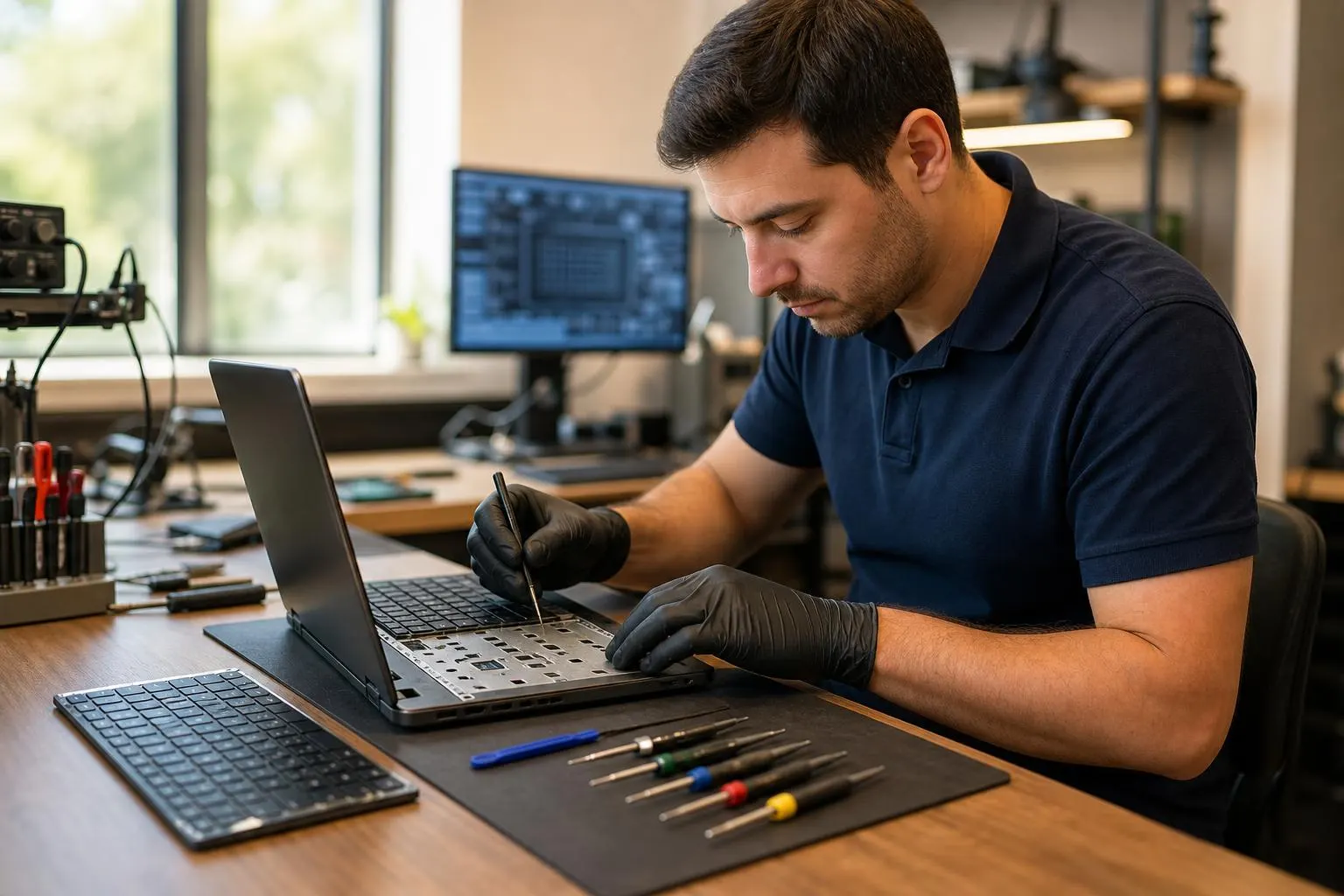
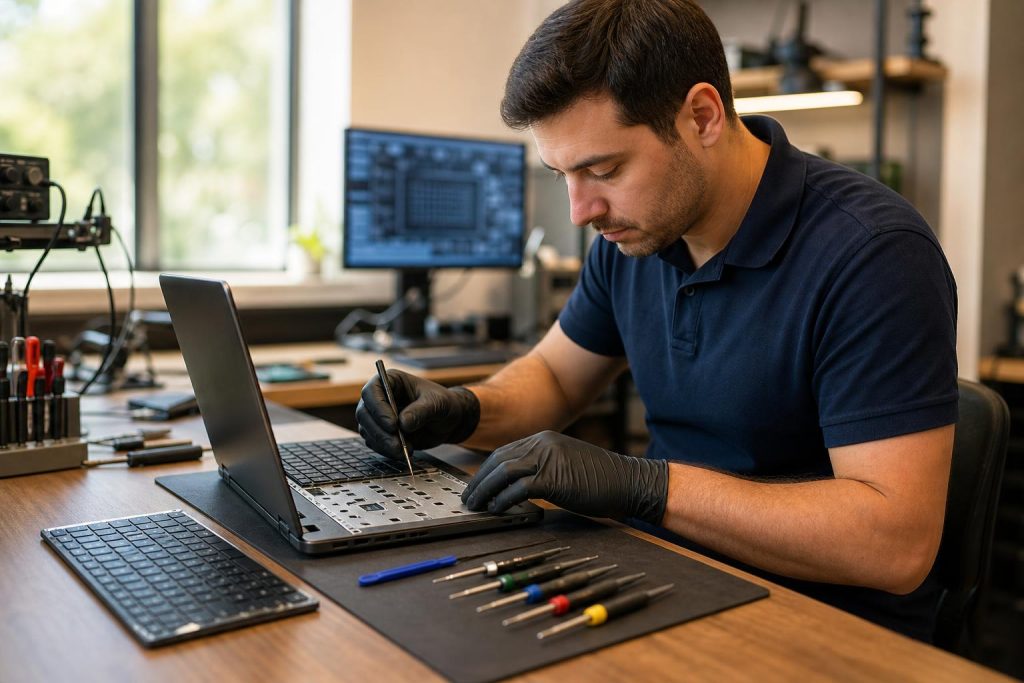
Keyboard repair laptop: Fast, professional service in Lake Forest
Is your laptop keyboard sticky, missing keys, or unresponsive? Learn quick troubleshooting, when to DIY, and why Fixit Solutions is the local choice for reliable keyboard repair laptop service in Lake Forest.
View article sections
- 01Quick overview: when you need keyboard repair for a laptop
- 02Signs your laptop needs keyboard repair
- 03Common causes of keyboard problems
- 04DIY troubleshooting you can try safely
- 05When to seek professional keyboard repair
- 06How Fixit Solutions approaches keyboard repair laptop jobs
- 07What we repair — typical options
- 08Turnaround, parts, and warranty
- 09Data protection and safety
- 10Business and school repairs
- 11Why choose Fixit Solutions in Lake Forest
- 12How to schedule keyboard repair laptop service
- 13When DIY isn’t the right choice
- 14Frequently asked questions
- 15Sources and further reading
- 16Frequently asked questions
- 17Contact us
Quick overview: when you need keyboard repair for a laptop
If keys stick, repeat keystrokes appear, or parts are missing, your productivity can drop fast. A keyboard repair laptop service can range from cleaning and keycap replacement to a full keyboard or top‑case replacement on some MacBooks. For many modern notebooks the repair approach depends on the model and how the keys are built into the chassis. (
Signs your laptop needs keyboard repair
- Some keys do nothing or output the wrong character.
- Keys stick or feel spongy after pressing.
- Multiple accidental repeats or ghosting when typing.
- Liquid was spilled on the keyboard or keys are physically broken.
- Certain modifier keys (Shift, Ctrl, Alt) stop working or become intermittent.
Common causes of keyboard problems
Problems usually fall into three categories: debris and grime under keycaps, liquid damage that corrodes contacts, or mechanical/electrical failure of the keyboard assembly itself. Some manufacturers integrate the keyboard into the upper case, which increases repair scope for those models. (
DIY troubleshooting you can try safely
Before booking service, try these non-invasive steps — they fix many common issues:
- Restart the laptop and test the keyboard in another app to rule out software glitches.
- Temporarily connect a USB or Bluetooth keyboard to confirm whether the problem is hardware-related.
- Gently clean around keycaps with compressed air, holding the laptop at an angle so debris exits, not sinks further. If you use liquids, follow manufacturer guidance and avoid saturating the board. (
- Remove and re-seat any removable keycaps only if you are comfortable — different laptops use different retainers and fragile scissor or butterfly mechanisms can be damaged.
If the keyboard is wet from a spill, power off immediately, disconnect power and battery if you can, and bring the device for inspection. Liquid damage often requires cleaning and diagnostics to prevent corrosion and shorts. Do not power the laptop back on repeatedly — that can worsen damage.
When to seek professional keyboard repair
Take your laptop to a professional if:
- Cleaning and simple troubleshooting didn’t fix the issue.
- Multiple keys fail or the problem is intermittent (these symptoms often indicate deeper electrical damage).
- A keycap or hinge is broken and you’re unsure how to replace it safely.
- Your model requires partial or full top‑case replacement (common on some thin notebooks and many MacBooks). (
How Fixit Solutions approaches keyboard repair laptop jobs
At Fixit Solutions Inc., we start with a clear diagnosis and estimate before any authorized repair. Typical steps we follow:
- Visual and software inspection to reproduce the fault.
- Non-destructive cleaning and keycap check.
- If necessary, disassembly to inspect the keyboard flex cable, connectors, and nearby components.
- Parts sourcing (OEM or high-quality aftermarket) and repair or replacement of the keyboard assembly or top case as needed.
- Post-repair testing and a final customer walkthrough of the fix.
We document recommended repairs, estimated turnaround time, and any risks before work begins so you can decide. For MacBooks and other models where the keyboard is part of the top case, repair can be more involved; we’ll explain options including Apple service or authorized alternatives when relevant. (
What we repair — typical options
- Keycap and switch repair or replacement for common mechanical and scissor-style keyboards.
- Replacement of the keyboard assembly or keyboard membrane in Windows laptops.
- Top‑case replacement (includes keyboard, chassis and sometimes trackpad) on models where the keyboard is non‑serviceable on its own. (
- Liquid damage inspection, cleaning, and corrosion treatment.
Turnaround, parts, and warranty
Turnaround varies by model and part availability. We source high-quality parts and, where possible, offer OEM or factory-equivalent components. Before work starts we provide an estimate and a projected completion window. Fixit Solutions stands by our repairs with clear post-repair testing and a limited workmanship guarantee — ask our techs for details when you drop off or schedule service.
Data protection and safety
Keyboard work rarely requires wiping your data, but if extensive disassembly is needed we follow strict procedures to avoid accidental data loss. We always recommend a current backup before any hardware repair. If you prefer, we can assist with backup options before beginning repairs.
Business and school repairs
We support businesses, schools and small organizations with on‑site or in‑shop laptop keyboard repair laptop services and bulk repairs. If you manage multiple devices, we can provide prioritized service and IT coordination to reduce downtime. See our professional computer and business support services for more information. Professional Computer Repair & IT Support in Lake Forest
Why choose Fixit Solutions in Lake Forest
Fixit Solutions Inc. offers honest diagnostics, clear service options, and direct communication throughout the repair. We service mainstream Windows laptops and MacBooks and will explain whether a keyboard repair, top‑case replacement, or manufacturer service is the best path. For dedicated laptop work see our laptop repair pages and MacBook service options below.
Relevant local services:
How to schedule keyboard repair laptop service
Call us at 8787876642 or email support@xfixit.com to request a free estimate, schedule a drop‑off, or discuss business needs. Our shop is at 23361 El Toro Rd Suite 107, Lake Forest, CA 92630. Hours: Monday–Saturday, 9:30 AM–6:00 PM. Contact Fixit Solutions today to request a free estimate, schedule a repair or discuss your business technology needs.
When DIY isn’t the right choice
If your laptop is under manufacturer warranty or AppleCare, we’ll discuss whether visiting an authorized service provider or Apple is recommended to preserve coverage. For models with integrated keyboard/top case assemblies the repair can be complex and may be better handled by a trained technician. (
Frequently asked questions
Q: Can my laptop keyboard be fixed or do I need a full replacement?
A: Many keyboards can be repaired by cleaning, replacing keycaps, or fixing connector issues. When the keyboard is part of a larger assembly (common on thin notebooks and some MacBooks), a full keyboard or top‑case replacement may be necessary. A quick diagnosis will clarify options. (
Q: How long does keyboard repair for a laptop usually take?
A: Simple cleaning and keycap fixes often finish the same day. More involved repairs that require ordering a keyboard or top case depend on part availability; we’ll provide an estimate when we diagnose your device.
Q: Is it safe to use compressed air on my keyboard?
A: Yes — used correctly. Hold the laptop at an angle and use short bursts so you don’t force debris deeper. Avoid liquids unless you follow manufacturer instructions. For model-specific cleaning steps consult the maker’s guidance or bring the device to us. (
Q: Will repairing the keyboard erase my files?
A: Keyboard repairs typically don’t require wiping storage. However, we recommend a current backup before any repair as a best practice. If a repair involves the mainboard or other risky work we will advise you of data‑protection steps up front.
Q: Do you repair spill‑damaged keyboards?
A: Yes. Spill-damaged devices often need immediate inspection to reduce corrosion. We perform cleaning and component-level diagnostics; some liquid damage requires further component replacement. Bring the laptop in promptly and avoid powering it on repeatedly.
Ready to get started? Call 8787876642 or email support@xfixit.com to schedule a free estimate. Visit us at 23361 El Toro Rd Suite 107, Lake Forest, CA 92630 — Monday–Saturday, 9:30 AM–6:00 PM.
Sources and further reading
- Apple support: how to clean a MacBook keyboard — Manufacturer guidance on safe keyboard cleaning and when to seek service; supports recommendations about non‑invasive troubleshooting and Apple service options.
- iFixit laptop keyboard replacement guide — Step‑by‑step teardown and keyboard replacement guidance that shows repair complexity varies by model and supports guidance about DIY limits and professional repair.
Frequently asked questions
Can my laptop keyboard be fixed or do I need a full replacement?
Many keyboards can be repaired by cleaning or replacing individual keycaps or switches. If the keyboard is integrated into the top case on some notebooks, a full assembly replacement may be required — a diagnosis will clarify the best option.
How long does keyboard repair usually take?
Minor cleaning and key repairs can often be completed the same day. Repairs needing special parts or top‑case replacements depend on part availability; we provide a time estimate after diagnosis.
Is it safe to use compressed air on my laptop keyboard?
Used correctly, compressed air can remove debris. Hold the laptop at an angle and use short bursts. Avoid liquids unless you follow manufacturer guidance or bring the device to a technician.
Will fixing my keyboard erase my data?
Keyboard repairs rarely require wiping storage, but we recommend a recent backup before any hardware work. If repair involves the mainboard, we’ll advise on data-protection steps ahead of time.
Do you service spill-damaged keyboards?
Yes. We perform immediate inspection, cleaning, and corrosion mitigation. Some spill damage requires component replacement; bring the laptop in promptly and avoid repeatedly powering it on.
Contact us
𝔽𝕚𝕩𝕚𝕥 𝕊𝕠𝕝𝕦𝕥𝕚𝕠𝕟𝕤 𝕚𝕟𝕔
23361 El Toro Rd Suite 107 Lake forest CA 92630
Service area: Lake Forest,
Phone: 8787876642
Email: support@xfixit.com
Hours: Monday–Saturday, 9:30 AM–6:00 PM
Contact Fixit Solutions today to request a free estimate, schedule a repair or discuss your business technology needs.