
PS5 Overheating Repair Near Me — Fast PS5 Cooling Service in…
Is your PS5 overheating, shutting down, or running loud? Learn signs, quick safety steps, DIY cleaning tips, and why Fixit Solutions Inc. is the local choice for PS5 overheating repair near me in Lake Forest.
View article sections
- 01Quick summary: is this an overheating issue?
- 02Common signs your PS5 is overheating
- 03Why PS5s overheat: the most common causes
- 04Immediate safety steps (what to do right now)
- 05Safe DIY steps you can try at home
- 06When you need professional PS5 overheating repair
- 07What we do at Fixit Solutions Inc.
- 08What to expect during diagnosis and repair
- 09Limitations and safety notes
- 10How to reach Fixit Solutions Inc. (Lake Forest)
- 11Frequently asked questions
- 12Sources and further reading
- 13Frequently asked questions
- 14Contact us
Quick summary: is this an overheating issue?
If you searched for “ps5 overheating repair near me” because your console is running hotter than usual, making loud fan noise, showing a temperature warning, or shutting down during games — these are common signs of a real thermal problem that needs diagnosis. Follow the immediate safety steps below, then read how local professional repair can help. (
Common signs your PS5 is overheating
- On-screen temperature warning or automatic shutdown during gameplay.
- Fan runs loudly for long periods or spins at maximum speed even during light use.
- Console surfaces feel uncomfortably hot to the touch or the system fails to boot (blinking lights or repeated restarts).
- Performance issues such as frame drops or freezes during extended sessions.
Official troubleshooting and diagnostic steps are available from PlayStation Support; persistent thermal warnings or shutdowns usually require hardware inspection. (
Why PS5s overheat: the most common causes
Understanding the cause helps decide whether a quick cleaning or a repair is needed:
- Dust and lint buildup: Dust accumulates in intake vents, the fan, and the heatsink, reducing airflow and heat transfer.
- Poor ventilation or placement: Consoles placed in enclosed cabinets, on carpet, or directly against walls can trap heat.
- Faulty or worn fan: Fans can fail electrically or become noisy from worn bearings and need replacement.
- Thermal compound / liquid metal issues: Older or damaged thermal interface materials (including liquid metal on some PS5 revisions) can degrade and reduce cooling efficiency.
- Power supply or internal component faults: Rarely, a failing power supply or motherboard issue can produce excess heat or cause shutdowns.
Many repair guides and teardowns note dust and fan problems as the most frequent causes and provide step-by-step cleaning and fan-replacement instructions. (
Immediate safety steps (what to do right now)
- Save any game data and shut the PS5 down using the system menu if possible.
- Unplug the console from power and disconnect all cables to let it cool for 30+ minutes.
- Move the PS5 to a well-ventilated area — avoid placing it in closed cabinets or on carpet.
- Do not repeatedly power-cycle a console that shows a temperature warning; let it fully cool first.
- If you see smoke, burning smell, or visible damage, do not attempt repairs — contact a professional immediately.
Backing up save data to cloud storage (PlayStation Plus) or an external drive is a good precaution before any repair or opening the system. PlayStation’s support pages include recommended troubleshooting steps and their diagnostic flow for consoles that won’t power on or that overheat. (
Safe DIY steps you can try at home
Small maintenance steps can reduce overheating without opening the PS5; these are safe and quick:
- Power down and unplug the PS5, then use a soft brush or low-power vacuum to remove dust from exterior vents and the base area.
- Use a can of compressed air in short bursts to blow dust from side vents and the rear ports — keep the can upright and don’t spin the fan with compressed air.
- Ensure the console has 4–6 inches (10–15 cm) of clearance on all sides and is positioned vertically or horizontally according to the manual for best airflow.
- Remove nearby heat sources (TV vents, direct sunlight) and avoid stacking other devices on top of the PS5.
For deeper cleaning (fan access, heatsink cleaning, or replacing thermal compound), follow verified teardown guides or consult a professional — opening the console can void warranty and risks damage if done incorrectly. iFixit’s PS5 cleaning and fan-replacement guides show the steps and risks when disassembling the console. (
When you need professional PS5 overheating repair
Bring your PS5 to a trained repair technician when:
- Overheating returns after cleaning or if the console still shuts down or shows temperature warnings.
- Fan bearings are noisy or the fan fails to spin properly despite cleaning.
- There are signs of internal liquid-metal leakage (rare but serious) or visible internal damage.
- Power issues or the system won’t boot after cooling down.
Professional repair is the safest choice for fan replacement, heatsink work, reapplication of thermal compound or safe liquid-metal handling, and board-level diagnosis. Trusted repair shops will provide a clear diagnosis, a repair estimate, and whether repair will affect any remaining manufacturer warranty. (
What we do at Fixit Solutions Inc.
At Fixit Solutions Inc. (Lake Forest), our PS5 overheating repair services include:
- Free visual inspection and symptom intake — we’ll reproduce the issue when safe to do so.
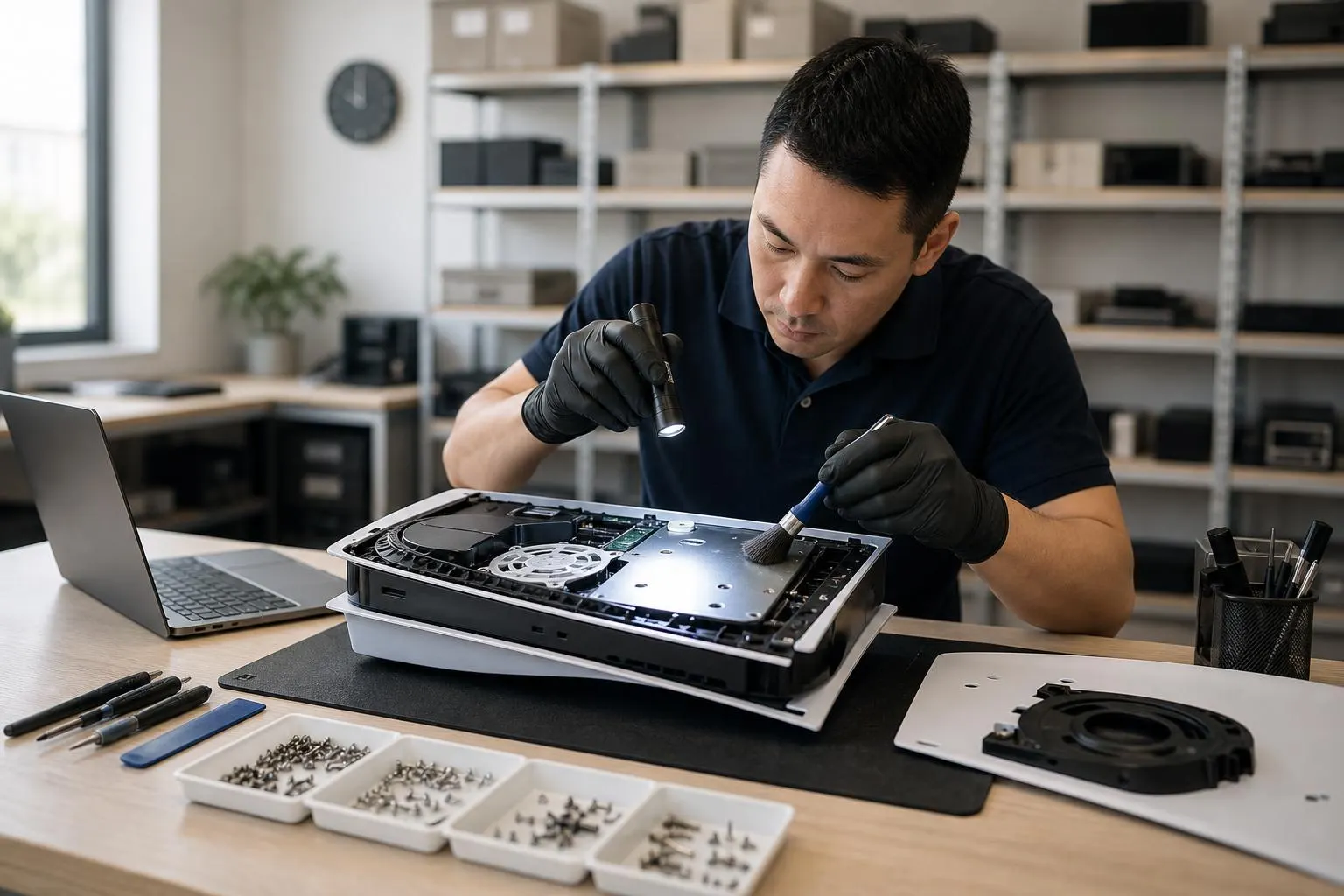
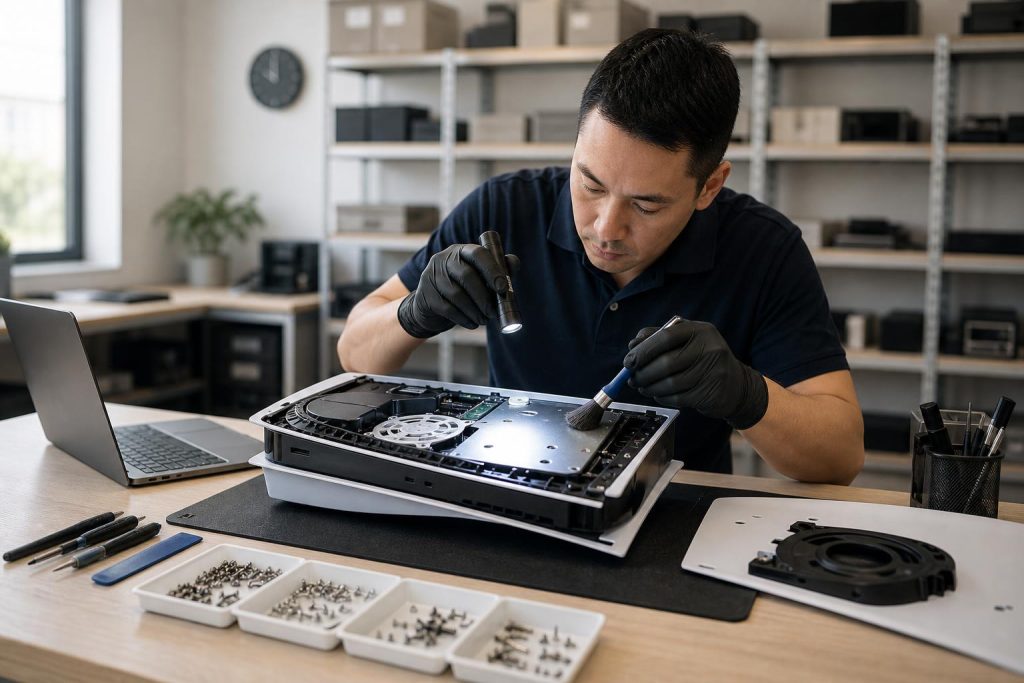
- Full dust removal and professional cleaning of vents, fan, and heatsink.
- Fan testing and replacement with high-quality parts if required.
- Thermal interface inspection and safe reapplication of thermal compound (or approved liquid-metal work only when appropriate and disclosed).
- Power supply and board-level diagnostics for complex failures.
- Post-repair testing and a clear, written estimate before any work begins.
We follow manufacturer-safe handling practices and will advise if a repair may void warranty so you can make an informed choice. Contact us to request a diagnostic appointment or free estimate. For local PS5 repair info see our PS5 Repair in Lake Forest, CA and our Expert PS5 Repair in Lake Forest with Fixit Solutions Inc. pages. You can also compare nearby service options: Expert PS5 Repair Services in Mission Viejo and Professional PS5 Repair in Mission Viejo: Fix Your Console Woes.
What to expect during diagnosis and repair
- Diagnostic fee or free intake: We provide an honest estimate after inspecting the console.
- Turnaround time: Simple cleaning and fan replacements are often completed in a few business days; board-level repairs take longer depending on parts.
- Parts and warranty: We use quality replacement parts and test systems thoroughly before return. We’ll explain any impact on manufacturer warranty prior to service.
Limitations and safety notes
Opening your PS5 risks voiding the manufacturer warranty and can expose delicate components to static or damage. If your console is under Sony warranty, contact PlayStation Support first; they can direct you to authorized service or provide warranty repair options. Professional teardown guides exist for experienced technicians, but follow them only if you understand the risks. (
How to reach Fixit Solutions Inc. (Lake Forest)
Fixit Solutions Inc.
23361 El Toro Rd Suite 107, Lake Forest, CA 92630
Hours: Monday–Saturday, 9:30 AM–6:00 PM
Phone: 878-787-6642
Email: support@xfixit.com
Contact Fixit Solutions today to request a free estimate, schedule a repair or discuss your business technology needs.
Frequently asked questions
Q: My PS5 shows a temperature warning but cools down and works later — do I need repair?
A: If the warning appears only rarely and the PS5 returns to normal after cooling, start with preventative steps: improve ventilation, clean exterior vents, and ensure the console isn’t stacked or enclosed. If warnings recur, bring it in for a professional cleaning and inspection. (
Q: Can I fix an overheating PS5 by myself?
A: You can safely perform external cleaning and improve placement, but deep cleaning (opening the chassis, replacing fans, reapplying thermal compound) carries risk and may void warranty. For internal work, professional service is recommended. (
Q: How long will a PS5 overheating repair take?
A: Simple cleaning and fan replacement are commonly completed within a few business days. More complex board-level repairs depend on diagnostic findings and parts availability — we give written estimates with realistic timeframes.
Q: Will repair void my PlayStation warranty?
A: Any non-authorized opening or modification may affect your manufacturer warranty. If your PS5 is within Sony’s warranty period, contact PlayStation Support for authorized repair options before proceeding with third-party repairs. (
Q: What if my PS5 has a liquid-metal leak?
A: Liquid-metal issues require experienced technicians because the material conducts electricity and can cause shorts if not handled correctly. If you suspect leakage, power down the console and bring it to a qualified repair shop promptly. iFixit and other repair resources document the risks and recommended repairs. (
Q: Do you offer warranty on your repairs?
A: Fixit Solutions provides a parts and labor warranty on our performed repairs — we’ll detail warranty terms on the repair ticket at drop-off or in your estimate.
If you want an immediate inspection or a second opinion, call 878-787-6642 or stop by Fixit Solutions Inc. in Lake Forest. Our team will diagnose your PS5 overheating problem, explain options, and get you back to gaming safely.
Sources and further reading
- iFixit PS5 cleaning guide — Step-by-step teardown and cleaning guidance showing safe cleaning, fan access, and common repair notes for PS5 thermal problems.
Frequently asked questions
My PS5 shows a temperature warning but cools down and works later — do I need repair?
If the warning appears rarely and the console returns to normal after cooling, start with improved ventilation and exterior cleaning. If warnings recur or the system shuts down regularly, bring it in for a professional inspection to avoid further damage.
Can I fix an overheating PS5 myself?
You can safely perform external cleaning and adjust placement, but internal cleaning, fan replacement, or thermal compound work can void warranty and risk damage. For internal repairs, professional service is recommended.
How long will a PS5 overheating repair take?
Simple cleaning and fan replacement are often completed within a few business days. More complex board-level repairs depend on diagnostic findings and parts availability; we provide written estimates with timelines after inspection.
Will repair void my PlayStation warranty?
Non-authorized opening or modification may affect your manufacturer warranty. If your PS5 is within Sony’s warranty period, contact PlayStation Support for authorized repair options before third-party repairs.
What if my PS5 has a liquid-metal leak?
Liquid-metal leaks are rare but serious. They require experienced technicians because liquid metal conducts electricity and can short components. Power down the console and bring it to a qualified repair shop for immediate inspection.
Contact us
𝔽𝕚𝕩𝕚𝕥 𝕊𝕠𝕝𝕦𝕥𝕚𝕠𝕟𝕤 𝕚𝕟𝕔
23361 El Toro Rd Suite 107 Lake forest CA 92630
Service area: Lake Forest,
Phone: 8787876642
Email: support@xfixit.com
Hours: Monday–Saturday, 9:30 AM–6:00 PM
Contact Fixit Solutions today to request a free estimate, schedule a repair or discuss your business technology needs.