
Where to Fix Xbox HDMI Port — Lake Forest Repair Options
Learn quick troubleshooting steps and the best local and professional options for where to fix Xbox HDMI port in Lake Forest. Clear repair expectations and pricing tips.
View article sections
- 01Quick answer: where to fix Xbox HDMI port
- 02First steps you should try at home
- 03Signs the HDMI port is a hardware problem
- 04Can you fix the HDMI port yourself?
- 05Where to fix Xbox HDMI port near Lake Forest
- 06How a professional repair shop diagnoses and fixes the HDMI port
- 07Warranty, cost, and turnaround considerations
- 08Safety, data, and storage tips
- 09Why choose a local specialist like Fixit Solutions
- 10What to expect on drop-off or mail-in
- 11When to choose authorized repair vs local technician
- 12Helpful resources and technical references
- 13Contact Fixit Solutions — schedule a diagnosis
- 14Frequently asked questions
- 15Sources and further reading
- 16Frequently asked questions
- 17Contact us
Quick answer: where to fix Xbox HDMI port
If your Xbox shows a black screen, flickers, or only plays sound, the HDMI port may be failing. For reliable repairs near Lake Forest, bring the console to a specialized electronics repair shop like Fixit Solutions Inc. If you prefer, authorized Microsoft repair or an experienced local technician can replace or re-solder the HDMI connector. This article explains safe troubleshooting you can try, when the HDMI port itself is the problem, and where to fix Xbox HDMI port in and around Lake Forest.
First steps you should try at home
Before scheduling a repair, rule out simple causes. First, try a different HDMI cable and a different TV/monitor. Next, confirm the TV input is set to the correct HDMI port and power-cycle both the TV and the Xbox (fully power off, wait 30 seconds, then restart). Then, test the same HDMI cable with another device to verify the cable and display are good. Finally, try a different HDMI output on another console if available. These checks often isolate the problem to the console itself rather than the cable or TV. Microsoft’s support documentation lists similar basic display and HDMI troubleshooting steps you can follow. (
Signs the HDMI port is a hardware problem
If the console only outputs audio or shows intermittent video, or if the HDMI port looks bent, clogged, or loose when you inspect it, the port or the board under it is likely damaged. Visible physical damage, intermittent contact, or loss of signal despite known-good cables usually means the connector, its solder joints, or the surrounding board traces are compromised. Attempting forceful plug/unplug cycles can make soldered connectors worse, so stop testing if the connector feels loose or the console shows sparking or smoke.
Can you fix the HDMI port yourself?
DIY HDMI repairs are possible but are technically demanding. Repair typically requires disassembly, careful de-soldering, installation of a replacement port, and reflowing or replacing tiny solder joints and anchor pins. iFixit documents teardowns and replacement parts for Xbox consoles and offers parts and guides for experienced technicians; however, the job requires the right tools, ESD precautions, and steady soldering skills. If you’re not confident with micro-soldering, choose a professional to avoid further damage. (
Where to fix Xbox HDMI port near Lake Forest
Local options include:
- Specialized game-console repair shops — these focus on consoles and often have experience with Xbox HDMI connector repairs.
- Electronics repair stores with board-level service — they can perform micro-soldering and part swaps.
- Authorized Microsoft repair — if your console is under warranty, Microsoft repair or an authorized service provider may be the best route.
- Skilled local technicians — independent technicians often offer fast turnaround for out-of-warranty units.
For residents of Lake Forest, Fixit Solutions Inc. offers trained technicians who diagnose HDMI problems, present repair options, and provide estimates before work begins. You can learn more about our console services and book an estimate via our Xbox repair pages. Expert Xbox Series X Repair in Lake Forest with Fixit Solutions and Xbox Series X Repair in Lake Forest, CA provide details on console models we service.
How a professional repair shop diagnoses and fixes the HDMI port
When you bring the console in, a typical repair workflow is:
- Verify the symptom with known-good cables and display to confirm the HDMI area is at fault.
- Open the console safely following ESD and manufacturer teardown guidance.
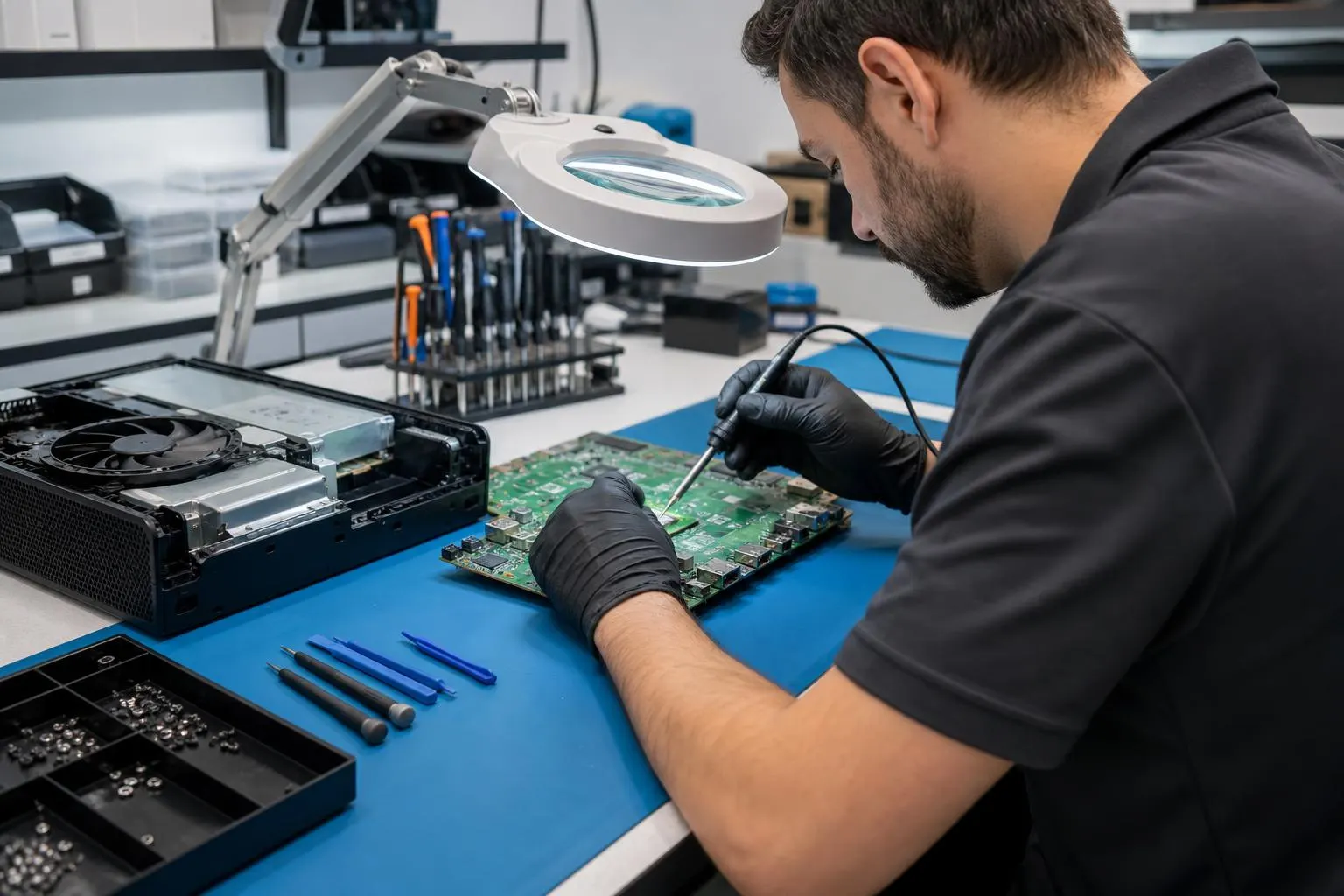
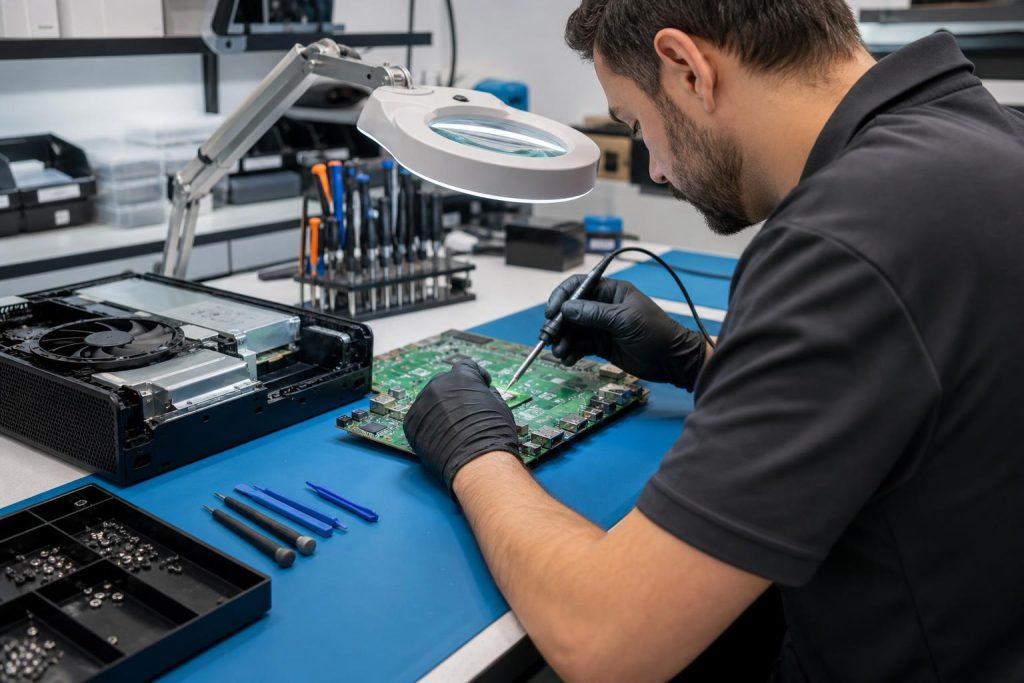
- Inspect the HDMI connector, solder joints, flex cables, and nearby components under magnification.
- Clean the connector area if debris or corrosion is present.
- Replace the HDMI connector or reflow/repair solder joints on the motherboard. For some models a full board or port assembly replacement is required.
- Test the repaired console through multiple boot and video scenarios before returning it to you.
Transparent shops provide a diagnosis report and estimate before authorizing any work. For details about Fixit Solutions’ general repair approach and business services, see our About Us page and our local computer repair & IT support page for business customers. Professional Computer Repair & IT Support in Lake Forest
Warranty, cost, and turnaround considerations
If your Xbox is under Microsoft warranty or covered by a retailer protection plan, check warranty terms before paying for local service. Authorized repairs may be required to keep warranty coverage valid. If out of warranty, local repair shops frequently offer lower-cost board-level fixes than manufacturer service, and turnaround can be same-day to a few days depending on parts and workload. Expect shops to quote a diagnosis fee plus parts and labor; reputable shops will provide an estimate and ask for approval before continuing.
Safety, data, and storage tips
Always back up important saved games and account information where possible (many Xbox saves sync to the cloud when connected to your Microsoft account). If your console won’t boot, technicians can still diagnose hardware faults, but recovering locally stored data may be limited. Use a repair shop that follows ESD safety practices and explains whether any components will be replaced or swapped.
Why choose a local specialist like Fixit Solutions
Local specialists combine board-level skills with quick diagnostics and in-person support. Fixit Solutions provides honest diagnostics, clear service options, and estimates before authorized work begins. We repair consoles, phones, and computers and handle delicate tasks like HDMI-port repairs with appropriate tools and replacement parts. Contact us to request a free estimate or schedule a repair; our hours are Monday–Saturday, 9:30 AM–6:00 PM.
What to expect on drop-off or mail-in
Bring the console (power cable and any controllers if requested) and a photo of the purchase receipt or serial number if you have warranty questions. On drop-off, expect a written estimate and an approved turnaround time. If mailing, ensure the console is packed securely and insured—the repair shop can provide shipping instructions if they accept mail-in repairs.
When to choose authorized repair vs local technician
Choose authorized Microsoft repair if your console is under warranty or if the damage might involve other covered components. Choose a trusted local technician for faster service, lower out-of-warranty cost, and transparent board-level fixes. If you’re unsure which route is best, a local shop can diagnose and advise whether an authorized repair is recommended.
Helpful resources and technical references
For step-by-step teardowns, part availability, and DIY risk details, iFixit provides guides and replacement parts for Xbox consoles. These resources show how involved HDMI connector replacement can be and why professional micro-soldering skill matters. (
For basic display and HDMI troubleshooting steps from the manufacturer, Microsoft’s support site covers common cable, input, and display issues to rule out before repair. (
Contact Fixit Solutions — schedule a diagnosis
Contact Fixit Solutions Inc. at 8787876642 or support@xfixit.com to request a free estimate, schedule a repair, or discuss business IT needs. Our shop is at 23361 El Toro Rd Suite 107, Lake Forest, CA 92630. We provide clear estimates before work begins and can advise whether local service or authorized repair is best for your console.
Frequently asked questions
1. How much does it cost to fix an Xbox HDMI port?
Costs vary by model and whether the port or the board needs full replacement. Expect a diagnosis fee plus parts and labor; local board-level repairs are often cheaper than full manufacturer service. Ask for a written estimate before work begins.
2. Can a loose HDMI port be fixed without replacing the motherboard?
Often yes — a technician can reflow solder joints or replace just the HDMI connector. However, if anchor pins or nearby traces are damaged, a larger board repair or module replacement may be needed.
3. Will repairing the HDMI port void my warranty?
If you use a non-authorized repair, it may affect a manufacturer warranty. Check your warranty terms; if your console is under warranty, contact Microsoft or an authorized provider first.
4. How long does an HDMI port repair take?
Turnaround ranges from same-day to several days depending on parts availability and shop workload. Ask the shop for an expected completion time when you drop off the unit.
5. Is it worth repairing an older Xbox just for the HDMI port?
Consider the console’s age and repair cost versus replacement cost. For newer consoles or sentimental/rare units, repairs are often worthwhile. For older, low-value units, replacement may be more cost-effective.
6. Do you offer mail-in repair for consoles?
Many shops do; call Fixit Solutions at 8787876642 to confirm mail-in availability, packing instructions, and shipping insurance requirements.
Need help now? Contact Fixit Solutions at 8787876642 or support@xfixit.com to schedule a diagnosis and learn where to fix Xbox HDMI port in Lake Forest.
Sources and further reading
- iFixit Xbox Series X teardown and repair guides — Provides teardowns, parts availability, and guidance on how involved HDMI connector replacement can be.
- Microsoft HDMI and display troubleshooting — Official guidance on basic HDMI troubleshooting steps to rule out cable or display issues before hardware repair.
Frequently asked questions
How much does it cost to fix an Xbox HDMI port?
Costs vary by Xbox model and whether only the port or the motherboard needs replacement. Expect a diagnosis fee plus parts and labor; ask for a written estimate before work begins.
Can a loose HDMI port be fixed without replacing the motherboard?
Often yes—technicians can reflow solder joints or replace the HDMI connector. If anchor pins or board traces are damaged, a larger repair may be necessary.
Will repairing the HDMI port void my warranty?
If the console is under manufacturer warranty, non-authorized repairs can affect coverage. Check your warranty terms and consider contacting Microsoft or an authorized provider first.
How long does an HDMI port repair usually take?
Turnaround ranges from same-day to several days depending on parts availability and shop workload. Confirm expected completion time when you drop off the console.
Is it worth repairing an older Xbox for an HDMI port issue?
Consider the console’s age and the projected repair cost versus replacement cost. For newer models or units with stored data or sentimental value, repair is often the best option.
Contact us
𝔽𝕚𝕩𝕚𝕥 𝕊𝕠𝕝𝕦𝕥𝕚𝕠𝕟𝕤 𝕚𝕟𝕔
23361 El Toro Rd Suite 107 Lake forest CA 92630
Service area: Lake Forest,
Phone: 8787876642
Email: support@xfixit.com
Hours: Monday–Saturday, 9:30 AM–6:00 PM
Contact Fixit Solutions today to request a free estimate, schedule a repair or discuss your business technology needs.