
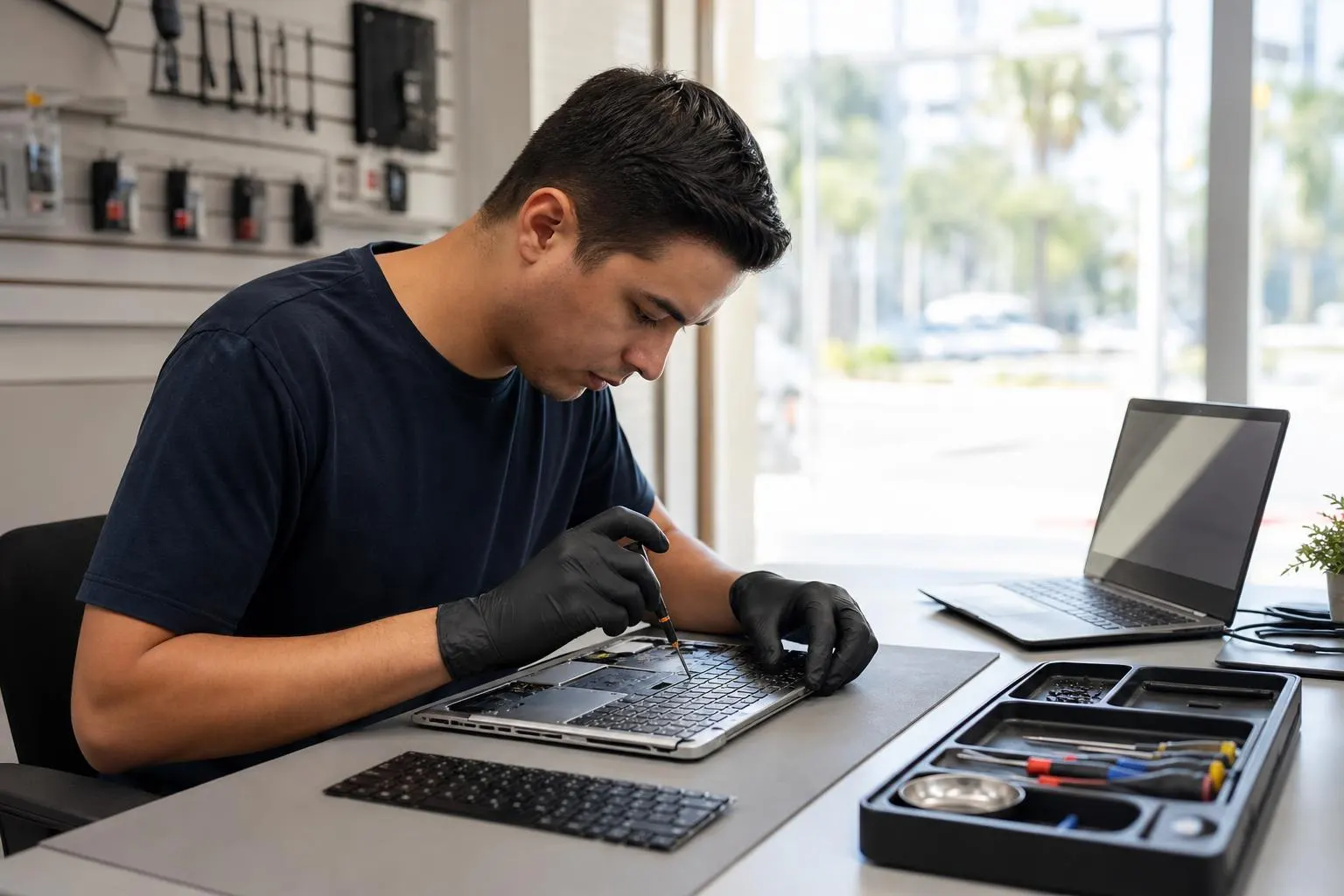
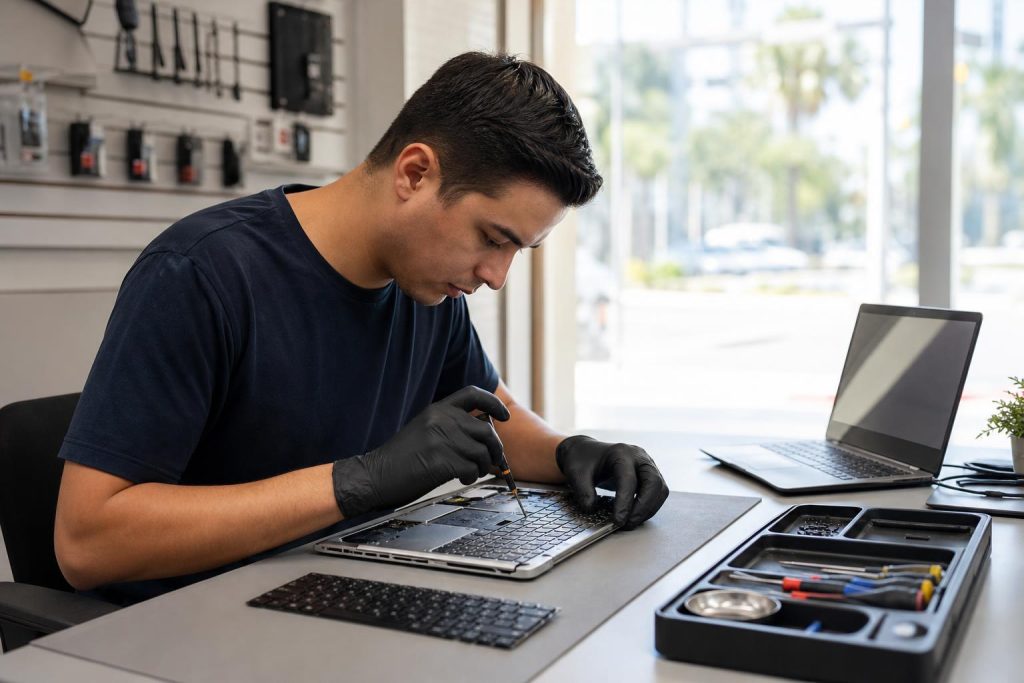
Laptop keyboard repairs: fast, local service in Lake Forest
Professional laptop keyboard repairs in Lake Forest — diagnosis, cleaning, part replacement, and same-week service from Fixit Solutions Inc. Contact us for a free estimate.
View article sections
- 01Common causes of keyboard problems
- 02Quick DIY checks you can do before visiting a repair shop
- 03When to choose professional laptop keyboard repairs
- 04What we do at Fixit Solutions: diagnosis to completion
- 05Typical turnaround and what affects cost
- 06Safety, data, and warranty considerations
- 07Preparing your laptop for a visit
- 08Why choose Fixit Solutions in Lake Forest
- 09Related services
- 10Ready to schedule or need a quick estimate?
- 11Frequently asked questions
- 12Related resources
- 13Sources and further reading
- 14Frequently asked questions
- 15Contact us
Struggling with stuck keys, unresponsive typing, or a damaged laptop keyboard? At Fixit Solutions Inc., we provide thorough laptop keyboard repairs for MacBooks and Windows laptops in Lake Forest and nearby Orange County communities. Whether it’s a few sticky keys after a spill or a full keyboard replacement, our technicians start with a careful diagnosis and explain your best options before any work begins. The focus keyphrase for this page is laptop keyboard repairs — and you’ll see practical guidance below about causes, DIY checks, and when professional repair is the right step.
Common causes of keyboard problems
Understanding why a laptop keyboard fails helps you pick the fastest, most affordable fix. Frequently, issues come from:
- Physical damage: cracked keys, broken scissor clips, or a crushed keycap from impact.
- Liquid spills: sugar or coffee residues can gum up switches and short circuits.
- Debris buildup: crumbs, dust, and hair can block key travel and contacts.
- Electronic faults: damaged keyboard membrane or controller board failures.
- Software/firmware problems: driver or firmware issues that mimic hardware failure.
Consequently, a clear visual inspection and basic tests usually narrow the cause quickly. For example, if only one or two keys are affected, a keycap or switch replacement may be enough; however, if multiple keys or the entire layout fails, a full keyboard replacement is often required.
Quick DIY checks you can do before visiting a repair shop
Before scheduling laptop keyboard repairs, try these safe troubleshooting steps:
- Restart the laptop and test the keyboard in the BIOS or a different user account to rule out software issues.
- Remove loose debris with compressed air and a soft brush; avoid prying keycaps unless you’re confident doing so.
- Run an external USB keyboard temporarily to confirm whether the problem is internal to the laptop keyboard.
- If a spill occurred, power off immediately, unplug the laptop, and remove the battery if possible — then bring it in for inspection as soon as practical.
These steps can save time and sometimes solve simple problems, but be careful: aggressive DIY disassembly can void warranties or cause more damage. If the laptop is under manufacturer coverage or a service program, check official guidance first. For example, some manufacturers now publish self-service repair manuals and sell genuine parts for certain models, so follow their instructions when available. (
When to choose professional laptop keyboard repairs
There are clear situations when you should stop and visit a repair shop instead of continuing DIY attempts:
- Liquid damage with residue, corrosion, or intermittent behavior — this often needs internal cleaning and inspection.
- Multiple failed keys or non-responsive sections of the keyboard.
- Built-in keyboards that require disassembly of the palm rest, screen, or top case (common in many modern laptops and MacBooks).
- When warranty or authorized service is available and you prefer OEM parts or official repair records.
Professional repair reduces risk. In particular, full keyboard replacements frequently require careful removal and reinstallation of delicate cables and connectors; additionally, laptops with integrated top cases (where keyboard, trackpad, and battery are one assembly) may need a factory-style top-case replacement to restore original fit and function. For model-specific teardown and replacement steps, reputable repair guides show the typical work involved. (
What we do at Fixit Solutions: diagnosis to completion
First, we run a short diagnostic to reproduce the symptom and isolate hardware from software causes. Next, we explain options and provide a no-pressure estimate. Typical service flow:
- Inspection and diagnostics (key mapping, hardware tests, and visual check).
- Cleaning and keycap/service-level fixes (when appropriate).
- Key switch or keycap replacement for limited damage.
- Full keyboard or top-case replacement when necessary.
- Final testing, software checks, and customer review before pickup.
Throughout the process, we document findings and get your approval before replacing parts. Also, we source compatible parts and, when possible, use OEM or high-quality replacement keyboards to preserve typing feel and appearance.
Typical turnaround and what affects cost
Turnaround depends on the laptop model, part availability, and extent of damage. Often, simple key repairs and cleanings are same-day; full keyboard or top-case replacements can take a few days if parts must be ordered. Factors that affect both time and cost include:
- Model complexity (ultra-thin laptops and MacBooks tend to be more labor intensive).
- Whether the top case or internal cables must be replaced.
- Liquid damage that requires board-level cleaning or additional component replacement.
We never guess at a price — instead, we give a clear estimate after inspection and explain the trade-offs between repair and replacement.
Safety, data, and warranty considerations
Your data is important. Therefore, whenever possible we avoid actions that risk data loss. However, when repairs require full disassembly or board-level work, there is a small risk to components. For that reason, we recommend a backup before service if you can do one safely. Additionally, if your device is covered by a manufacturer repair program or warranty, we’ll discuss whether authorized service or our local repair makes more sense for speed and cost. For additional model-specific repair steps and safety notes, consult reliable repair guides and manufacturer service pages. (
Preparing your laptop for a visit
To make the visit faster and safer, please:
- Back up important files if possible (cloud sync or an external drive).
- Bring your power adapter and any login credentials needed for simple functionality testing.
- Note the exact model number and any recent incidents (drops, spills, or failed updates).
If you’re unsure where to start, bring the laptop in and we’ll run a free initial inspection and estimate.
Why choose Fixit Solutions in Lake Forest
Fixit Solutions Inc. is a local repair and IT company focused on clear communication and honest pricing. We service laptops, MacBooks, and other devices for both home users and local businesses. As a result, customers rely on us for accurate diagnosis, timely repairs, and business IT support when more complex work is needed.
Contact us to request a free estimate or to schedule laptop keyboard repairs. You can request an instant quote online or stop by our shop at 23361 El Toro Rd Suite 107, Lake Forest. Additionally, we’re available Monday–Saturday, 9:30 AM–6:00 PM.

Related services
We also provide full laptop diagnostics, battery replacement, screen repair, data recovery, and business IT support. See our comprehensive laptop repair overview for more details and other services. Expert Laptop Repair Services in Lake Forest by Fixit Solutions
Ready to schedule or need a quick estimate?
Contact Fixit Solutions today to request a free estimate, schedule a repair, or discuss business IT needs. For a fast online price ballpark, try our instant quote tool, or call us at 878-787-6642. If you prefer, book an appointment or learn more about our laptop keyboard repairs on our dedicated page. Instant Quote · Keyboard repair laptop: Fast, professional service in Lake Forest
Frequently asked questions
How long do laptop keyboard repairs usually take?
Small fixes like cleaning or replacing an individual key can often be done same-day. Full keyboard or top-case replacements typically require parts and may take a few days, depending on availability.
Can you fix a keyboard after a spill?
Often yes, but success depends on the liquid type and how quickly the device was powered off and brought in. Sticky sugary liquids typically require internal cleaning and sometimes part replacement. For serious spills, board-level corrosion can mean more extensive repairs.
Will repairing the keyboard affect my data?
Repairs focused on the keyboard rarely affect stored data, but there is always a small risk when opening a laptop. Therefore, we recommend a backup before service if possible.
Is it better to repair or replace the laptop keyboard?
Repair is usually cheaper and faster when only a few keys or the switch mechanism are damaged. However, for widespread damage, liquid exposure, or integrated designs where the top case must be replaced, a full keyboard/top-case replacement provides a more reliable long-term result.
For more model-specific information, step-by-step replacement guides are available from independent repair communities and from some manufacturers’ self-service resources. (
Contact Fixit Solutions Inc. — 23361 El Toro Rd Suite 107, Lake Forest, CA 92630 · Phone: 878-787-6642 · Email: support@xfixit.com. We look forward to helping you with reliable laptop keyboard repairs and clear, honest service.

Sources and further reading
- iFixit laptop keyboard replacement guide — Detailed, model-specific teardown and replacement procedures that illustrate common steps and risks for keyboard replacement.
Frequently asked questions
How much do laptop keyboard repairs cost?
Costs vary by model and damage. Simple key replacements are less expensive than full keyboard or top-case replacements. We provide a clear estimate after inspection — contact Fixit Solutions for a free evaluation.
Can individual keys be replaced or do I need a whole keyboard?
If only a few keys are damaged, technicians can often replace those keycaps or switches. However, for many modern laptops and MacBooks a full keyboard or top-case replacement may be required for reliable results.
Do you handle MacBook keyboard repairs and warranty issues?
Yes. We repair MacBooks and can advise whether an authorized manufacturer repair or our local service is the best path. Also, check any active manufacturer programs or self-service options before non-authorized repairs.
What should I do right after a spill?
Power off immediately, unplug the laptop, remove the battery if accessible, and bring it in as soon as possible. Quick action reduces corrosion and increases the chance of a successful repair.
Contact us
𝔽𝕚𝕩𝕚𝕥 𝕊𝕠𝕝𝕦𝕥𝕚𝕠𝕟𝕤 𝕚𝕟𝕔
23361 El Toro Rd Suite 107 Lake forest CA 92630
Service area: Lake Forest,
Phone: 8787876642
Email: support@xfixit.com
Hours: Monday–Saturday, 9:30 AM–6:00 PM
Contact Fixit Solutions today to request a free estimate, schedule a repair or discuss your business technology needs.