
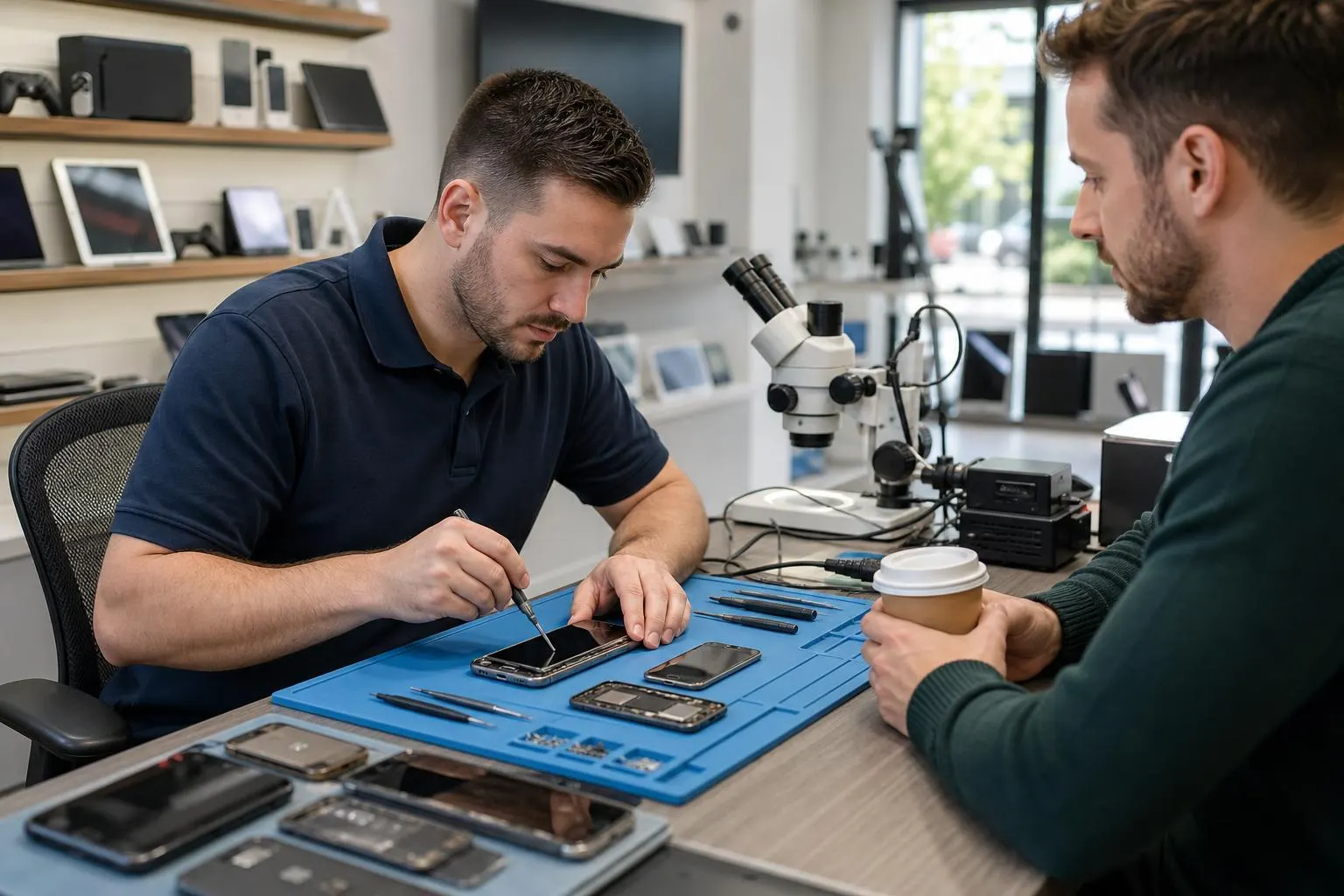
Phone Repair Near Me: Fast, Trusted Service in Lake Forest
Need reliable phone repair near me in Lake Forest? Fixit Solutions Inc. offers screen, battery, charging-port, water-damage inspection, and data-recovery services with clear estimates and same-day options when possible.
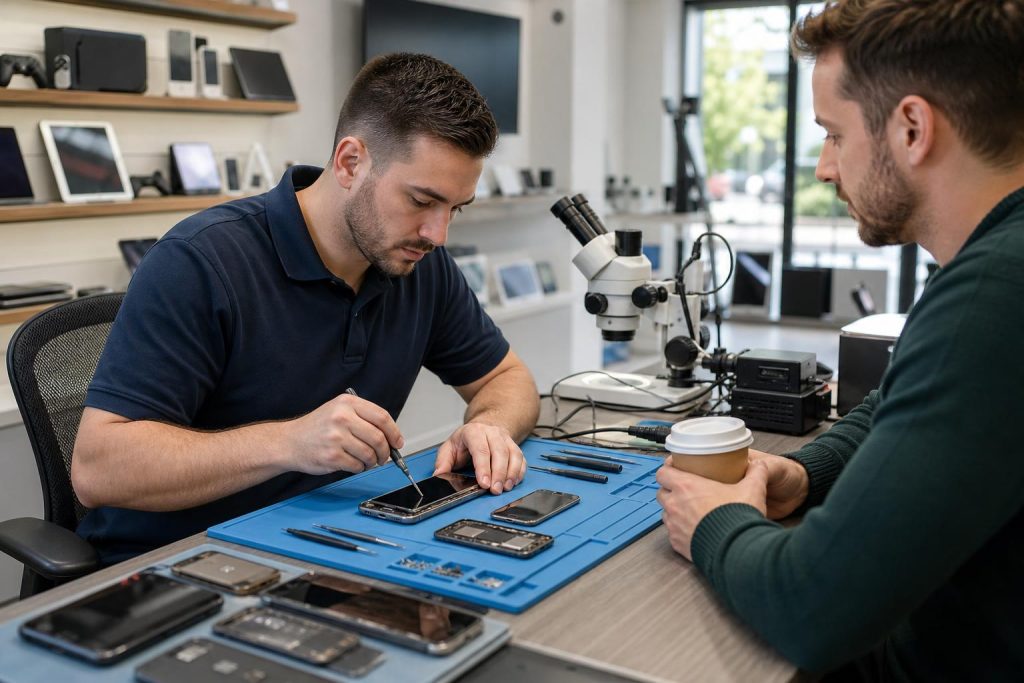
View article sections
- 01Common phone problems we fix
- 02How long will my repair take?
- 03Prepare your phone before you hand it over
- 04Manufacturer service vs. local repair shop
- 05What to expect when you bring your phone to Fixit Solutions
- 06Data privacy and device access
- 07Pricing and warranty
- 08Other tech services we offer
- 09How to choose a local repair shop
- 10Visit or contact Fixit Solutions
- 11Quick tips before you arrive
- 12Related local pages
- 13Frequently asked questions
- 14Sources and further reading
- 15Frequently asked questions
- 16Contact us
When your phone breaks, you want a fast, trusted local option that protects your data and gets you back online. Fixit Solutions Inc., located at 23361 El Toro Rd Suite 107, Lake Forest, CA 92630, offers professional phone repair near me for Lake Forest and nearby Orange County communities. We repair iPhones and Android phones for screen damage, batteries, charging ports, water exposure, and more while providing a clear diagnosis and an estimate before any authorized work begins.
Common phone problems we fix
We handle the repairs most likely to leave you searching for “phone repair near me.” Short list of typical services:
- Screen replacement (cracked or unresponsive displays)
- Battery replacement and power issues
- Charging-port repair
- Liquid-damage inspection and corrosion treatment
- Speaker, microphone, and camera repairs
- Software troubleshooting and system restores
- Data recovery and transfer
How long will my repair take?
Turnaround time depends on the device model, the specific fault, and parts availability. Many screen and battery replacements can be completed the same day or within 24–48 hours when parts are in stock. More complex board-level repairs, water damage with corrosion, or parts that must be ordered can take several days. We always give a clear estimate of time when we diagnose your device.
Prepare your phone before you hand it over
Backing up your data is the single most important step before any repair that may affect the device’s software or require a reset. Use iCloud (iPhone) or Google/PC backup options (Android) so your contacts, messages, photos, and app data are safe. If you’re not sure how to back up, we’ll walk you through it before you leave your device.
Apple’s support documentation explains iCloud and local backup options and why backing up first is important. Follow the steps relevant to your phone model to ensure you have a recent backup before repair. (
Quick backup checklist
- Sign in to your Apple ID or Google account and confirm a recent cloud backup.
- For local backups, connect your phone to your computer and create an encrypted backup (if prompted).
- Write down or save your device passcode and any relevant account passwords, and disable device locks only if expressly requested by the technician.
- Remove SIM and external memory cards unless instructed to leave them in place.
Manufacturer service vs. local repair shop
Choosing between an authorized manufacturer service (Apple, Samsung, etc.) and a trusted local repair shop depends on warranty status, required parts, and urgency. Manufacturer options sometimes include mail-in or in-store service and, for covered devices, AppleCare+ or similar plans can simplify repairs. Apple documents the service options available for iPhones, including Apple Stores, Apple Authorized Service Providers, and mail-in repairs. If you have AppleCare+ or want genuine factory parts, checking the manufacturer’s repair options is a good first step. (
At Fixit Solutions Inc., we strive to match or exceed the quality you expect from authorized centers by using high-quality parts, offering transparent pricing, and providing a warranty on our work when applicable. We’ll explain the tradeoffs—original manufacturer parts vs. high-quality third-party parts, cost differences, and expected longevity—so you can make an informed choice.
What to expect when you bring your phone to Fixit Solutions
Our standard process is designed to be transparent and fast:
- Initial intake and symptom check: We document the problem and any visible damage.
- Diagnostic: We run hardware and software checks to isolate the issue and confirm whether parts or data recovery are required.
- Estimate and authorization: We give a written or verbal estimate and wait for your approval before starting work.
- Repair and quality check: Technicians perform the repair and verify functionality; if further work is needed, we contact you with next steps.
- Return and customer walk-through: We show the repair results, test key features with you present, and provide care notes and warranty information when applicable.
If a repair requires a factory reset or system reinstall, we will not proceed until you confirm a backup has been made.
Data privacy and device access
Protecting your personal data is a priority. Technicians only access device data to the extent necessary to diagnose or complete the repair and only with your explicit permission. If you prefer, you can leave the device locked and provide temporary access while we perform hardware repairs that don’t require sign-in.
Pricing and warranty
Because prices vary by model, damage type, and parts availability, we provide an honest estimate after diagnosis rather than a one-size-fits-all figure. Repair availability, turnaround, and pricing depend on the device, damage, parts availability, and required labor. We honor reasonable warranties on parts and labor—ask us for the exact warranty terms for your repair.
Other tech services we offer
Beyond phones, Fixit Solutions repairs tablets, laptops, MacBooks, and game consoles. We also provide business IT services including Wi‑Fi and network installation, VoIP phone systems, point-of-sale setups, local SEO, and custom WordPress development. For laptop and computer issues see our Laptop & Computer Repair in Lake Forest page. Laptop & Computer Repair in Lake Forest
How to choose a local repair shop
Look for these signs of a reputable local shop:
- Clear, written estimates and a stated warranty.
- Experienced technicians who can explain the diagnosis in plain language.
- Positive local reviews and transparent communication about parts sources.
- Ability to back up or assist with data recovery before performing risky operations.
If you’re searching for “phone repair near me” in the Lake Forest area, you can learn more about who fixes phones near me and what to expect from local providers on our dedicated guide. Who Fixes Cell Phones Near Me — Lake Forest Phone Repair Guide
Visit or contact Fixit Solutions
Fixit Solutions Inc.
23361 El Toro Rd Suite 107, Lake Forest, CA 92630
Hours: Monday–Saturday, 9:30 AM–6:00 PM
Phone: 878-787-6642
Email: support@xfixit.com
Contact Fixit Solutions today to request a free estimate, schedule a repair, or discuss business technology needs. If you mainly need iPhone work, see our iPhone Repair in Lake Forest page for details about models and services. iPhone Repair in Lake Forest, CA
Quick tips before you arrive
- Back up your phone (see Apple’s backup steps). (
- Bring any proof of purchase or warranty documentation if applicable.
- Remove any cases and note any pre-existing cosmetic damage.
- If the device was exposed to liquid, bring it in as soon as possible for inspection to reduce corrosion risk.
Related local pages
For visitors and nearby residents we also serve neighboring cities — examples of our nearby location pages:
Frequently asked questions
Do I need to back up my phone before repair?
Yes. Backing up protects your photos, messages, and apps in case a repair requires a reset or replacement device. Apple’s support pages explain iCloud and local backup options for iPhone models. (
How long does a screen replacement take?
Many screen replacements can be completed the same day if parts are in stock; otherwise turnaround may be 24–72 hours depending on parts ordering and workload. We’ll provide an estimate after diagnosis.
Will repairs void my warranty?
Repairs performed by unauthorized third parties can affect manufacturer warranties. If you have an active manufacturer plan (AppleCare, etc.), check your plan’s terms or the manufacturer’s repair options before proceeding. Apple documents its authorized service routes and options on its repair pages. (
Can you recover data from a dead phone?
In many cases, yes — particularly when damage is limited to the screen or battery. Board-level damage and extensive water corrosion reduce the chance of full recovery, but our technicians will assess and advise on the best next steps.
Do you use original parts?
We use a mix of high-quality third-party and OEM parts when available. We’ll explain options, price differences, and warranty coverage so you can choose what’s right for your device.
Sources and further reading
- Apple repair service options — Authoritative guidance on Apple service choices, authorized providers, mail-in and in-store repairs, and when manufacturer service may be required.
- How to back up your iPhone — Official instructions for backing up iPhone data before repair and explanations of iCloud and local backup methods.
Frequently asked questions
Do I need to back up my phone before repair?
Yes. Backing up your phone protects photos, contacts, and app data in case the repair requires a reset or replacement. Use iCloud for iPhone or Google/PC backup options for Android; Fixit Solutions can assist if needed. See Apple’s official backup instructions for iPhone. (
How long will a typical repair take?
Most screen and battery repairs are completed the same day or within 24–48 hours if parts are in stock. Complex board-level or water-damage repairs can take longer; we provide a time estimate after diagnosis.
Will a local repair void my manufacturer warranty?
Repairs by unauthorized providers may affect some manufacturer warranties. If you have AppleCare or another plan, review the provider options with the manufacturer first; Apple documents its authorized service and warranty routes. (
Can you recover data from a dead or water-damaged phone?
Often yes, especially when damage is limited. Recovery depends on the extent of hardware damage and corrosion. We evaluate the device and recommend the most likely path to recover data before attempting any work that could risk further loss.
What warranty do you provide on repairs?
Fixit Solutions provides a warranty on parts and labor when applicable; exact terms vary by repair type and parts used. We include warranty details with your repair estimate and receipt.
Contact us
𝔽𝕚𝕩𝕚𝕥 𝕊𝕠𝕝𝕦𝕥𝕚𝕠𝕟𝕤 𝕚𝕟𝕔
23361 El Toro Rd Suite 107 Lake forest CA 92630
Service area: Lake Forest,
Phone: 8787876642
Email: support@xfixit.com
Hours: Monday–Saturday, 9:30 AM–6:00 PM
Contact Fixit Solutions today to request a free estimate, schedule a repair or discuss your business technology needs.