
What to Do Next: Water Damaged Phone Repair Guide
Practical, same‑day steps and professional options for water damaged phone repair in Lake Forest. Learn what to try, what to avoid, and when to get board‑level help.
View article sections
- 01First 5 minutes after water exposure
- 02What NOT to do (common mistakes)
- 03Immediate steps you can safely try at home
- 04How professionals approach water damaged phone repair
- 05When data recovery or board repair is needed
- 06Typical repair options and turnaround
- 07What affects repair cost and success rate?
- 08Why professional inspection matters (warranty & safety)
- 09How Fixit Solutions handles water damaged phone repair
- 10Local drop‑off and contact
- 11Quick checklist before you bring the device in
- 12Further reading and official guidance
- 13FAQs
- 14Next step — free estimate and trusted local repair
- 15Sources and further reading
- 16Frequently asked questions
- 17Contact us
If your phone got wet, take calm, immediate steps — and avoid common myths. This guide explains safe first actions, short-term troubleshooting, the limits of DIY fixes, and when to bring your device to a professional for water damaged phone repair.
First 5 minutes after water exposure
Act fast but carefully. Turn the phone off, remove any case, and eject the SIM tray. Do not plug the phone into a charger, try to power it on, or press buttons repeatedly — that risks short circuits. If the device has a removable battery, remove it only if you can do so without tools; otherwise leave battery removal to a technician. These steps reduce the chance of immediate electrical damage and are the safest immediate moves for water damaged phone repair. (
What NOT to do (common mistakes)
- Don’t plug the phone in to see if it works — charging a wet port can cause corrosion and permanent damage. (
- Don’t use a hair dryer on high heat — heat can warp components and glue. Use gentle airflow if you try to speed drying, but only for brief periods.
- Don’t stick metal objects in ports to remove water — that can bend pins and make the repair more expensive.
- Don’t rely on rice. Putting a phone in rice is a popular tip, but it doesn’t reliably remove corrosive minerals and may leave debris in ports; better drying and professional cleaning are usually needed. (
Immediate steps you can safely try at home
- Power off and remove the SIM tray.
- Gently blot external moisture with a lint-free cloth; avoid shaking the device aggressively.
- Position the phone with the port facing down and leave it in a warm, dry place with airflow for several hours. Do not use oven or direct heat.
- If the phone shows a liquid-detection alert when you try to charge later, stop and seek inspection — that alert is protecting the device and charger from damage. (
How professionals approach water damaged phone repair
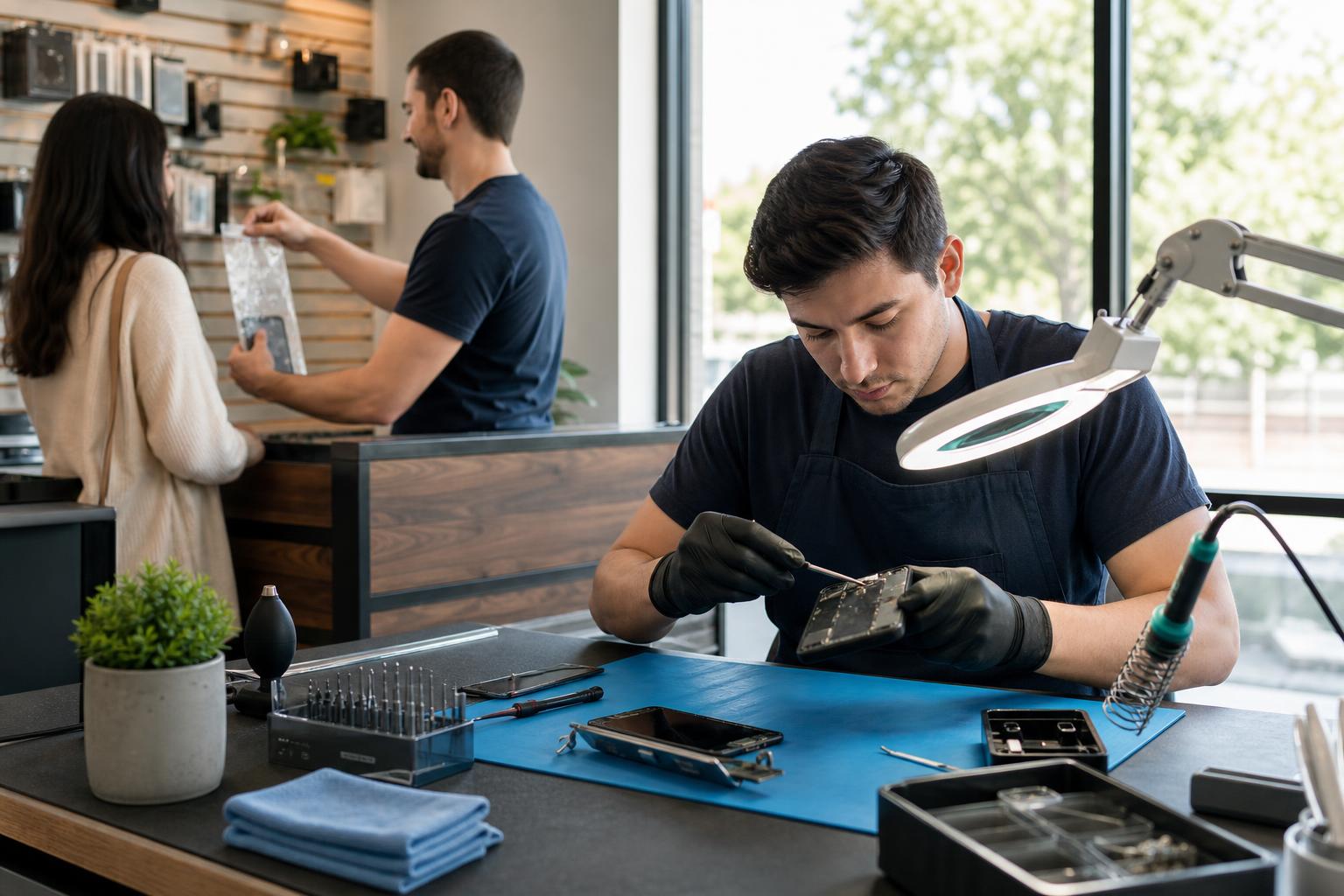
At a repair shop, technicians perform a controlled teardown and inspection. They check liquid contact indicators, ports, connectors, battery and the logic board for corrosion. Corrosion and mineral deposits left by seawater or sugary liquids (like soda) can short circuits or cause progressive failure if not removed. Professionals use specialized cleaning (isopropyl alcohol or ultrasonic cleaning for some boards), dry chambers, and — when necessary — component-level replacement or board-level repair. These processes are the difference between a temporary DIY fix and a lasting water damaged phone repair. (
When data recovery or board repair is needed
If the phone won’t boot, shows erratic behavior, or has audio/charging/display failures after drying, a board-level diagnosis may be required. Technicians can often recover data even when the phone hardware is damaged, but success depends on extent of corrosion and whether storage chips were affected. Fixit Solutions offers in‑shop diagnostics and data recovery estimates so you can weigh repair vs. replacement. Call or visit for a same‑week evaluation.
Typical repair options and turnaround
- Cleaning + drying + port replacement — often 1–3 business days depending on parts.
- Battery or display replacement when those parts are damaged — usually same‑day to 2 days.
- Board‑level cleaning or micro‑soldering — may take several days and depends on parts and labor availability.
- Data recovery-only cases — timeline varies by condition and whether parts must be ordered.
What affects repair cost and success rate?
Type of liquid (fresh water vs. seawater or soda), how long the device was submerged, whether it was powered on while wet, and how quickly it was brought to a technician all affect outcome. Seawater and sugary liquids are more corrosive and often make recovery more difficult. The device model and availability of replacement parts also change cost and turnaround. A clear diagnosis at the start helps set expectations for successful water damaged phone repair. (
Why professional inspection matters (warranty & safety)
Liquid damage is commonly excluded from manufacturer warranties. If a device has liquid contact indicators triggered or visible corrosion, warranty and AppleCare coverage may be void for those failure modes. An authorized diagnosis clarifies whether warranty coverage still applies and whether a repair is safe and cost‑effective. (
How Fixit Solutions handles water damaged phone repair
Fixit Solutions Inc. performs a clear, stepwise evaluation: (1) triage and power‑safe inspection, (2) port and connector cleaning, (3) corrosion treatment and component testing, (4) recommendations with price and timeline. We give a free written estimate before work starts and discuss data recovery separately. Visit our water damage page for immediate steps and repair options or bring the device to our Lake Forest shop for a hands‑on inspection.
Local drop‑off and contact
Fixit Solutions Inc.
23361 El Toro Rd Suite 107, Lake Forest, CA 92630
Monday–Saturday, 9:30 AM–6:00 PM
Call: 878‑787‑6642
We offer same‑week diagnostics when parts are available. For fast, trusted local help search “phone repair near me” or come by our Lake Forest location. Phone Repair Near Me: Fast, Trusted Service in Lake Forest
Quick checklist before you bring the device in
- Do: Power off and bring the phone in a protective case or small bag.
- Do: Note what happened (type of liquid, how long submerged, whether it was charging).
- Don’t: Attempt DIY board cleaning with household solvents — that can make damage worse.
- Bring any relevant cables, cases, and the SIM tray — they help technicians reproduce issues.
Further reading and official guidance
Manufacturer guidance explains liquid-detection alerts and warranty implications; independent repair resources show the steps technicians use for board cleaning and corrosion removal. For more detail, see the manufacturer support resources and professional repair guides linked below.
FAQs
1. How soon should I bring a water damaged phone for repair?
Bring it as soon as you can after taking safe immediate steps (power off, remove SIM). Faster inspection improves the chance of a successful repair and lowers the risk of corrosion spreading.
2. Is rice really useful for water damaged phones?
No — rice is not an effective professional drying method and can introduce dust and starch into ports. Shops use controlled cleaning and drying and can remove corrosive residues. (
3. Can data be recovered from a water damaged phone?
Often yes, but success depends on how badly the storage or logic board was corroded. Technicians will evaluate the hardware and quote a recovery plan and price.
4. Will water damage void my warranty?
Most manufacturers exclude liquid damage from standard warranties. If liquid contact indicators are triggered, warranty coverage for that incident is commonly denied; check the device maker’s support guidance for details. (
5. What does a liquid-detection alert mean?
It means moisture was detected in a connector (charging port) or the system detected conditions that could indicate liquid exposure. That alert is intended to protect the device and charger. If it persists after drying, seek professional inspection. (
Next step — free estimate and trusted local repair
Contact Fixit Solutions to request a free estimate, schedule a diagnostic, or discuss business IT and hardware support. We provide honest diagnoses and a clear estimate before any authorized work begins. iPhone Repair in Lake Forest, CA • Who Fix Phones Near Me — Reliable Phone Repair in Lake Forest
Contact: Fixit Solutions Inc. — 23361 El Toro Rd Suite 107, Lake Forest, CA 92630 • 878‑787‑6642 • support@xfixit.com
Sources and further reading
- Apple support: liquid damage and warranty — Manufacturer guidance on liquid-detection alerts, LCIs, and warranty coverage — authoritative for warnings about charging and warranty exclusions.
- iFixit: Repairing iPhone Liquid Damage — Independent repair community guidance on cleaning, corrosion removal, and why rice is not recommended — practical methods technicians use.
Frequently asked questions
How soon should I bring a water damaged phone for repair?
Bring it as soon as possible after taking safe initial steps (power off, remove SIM). Faster inspection reduces corrosion risk and improves repair chances.
Is putting my phone in rice helpful?
No. Rice can introduce dust and starch and does not reliably remove corrosive residues. Professional drying and cleaning are preferable.
Can you recover data from a water damaged phone?
Often yes. Success depends on the severity of corrosion and damage to storage. Technicians will evaluate the device and provide a recovery estimate.
Will water damage void my manufacturer warranty?
Most manufacturers exclude liquid damage from standard warranties; triggered liquid contact indicators usually mean a warranty claim for that incident will be denied.
What should I avoid doing immediately after my phone gets wet?
Do not charge the phone, avoid using high heat, and don’t insert metal objects into ports. These actions can cause short circuits, corrosion, or further damage.
Contact us
𝔽𝕚𝕩𝕚𝕥 𝕊𝕠𝕝𝕦𝕥𝕚𝕠𝕟𝕤 𝕚𝕟𝕔
23361 El Toro Rd Suite 107 Lake forest CA 92630
Service area: Lake Forest,
Phone: 8787876642
Email: support@xfixit.com
Hours: Monday–Saturday, 9:30 AM–6:00 PM
Contact Fixit Solutions today to request a free estimate, schedule a repair or discuss your business technology needs.