
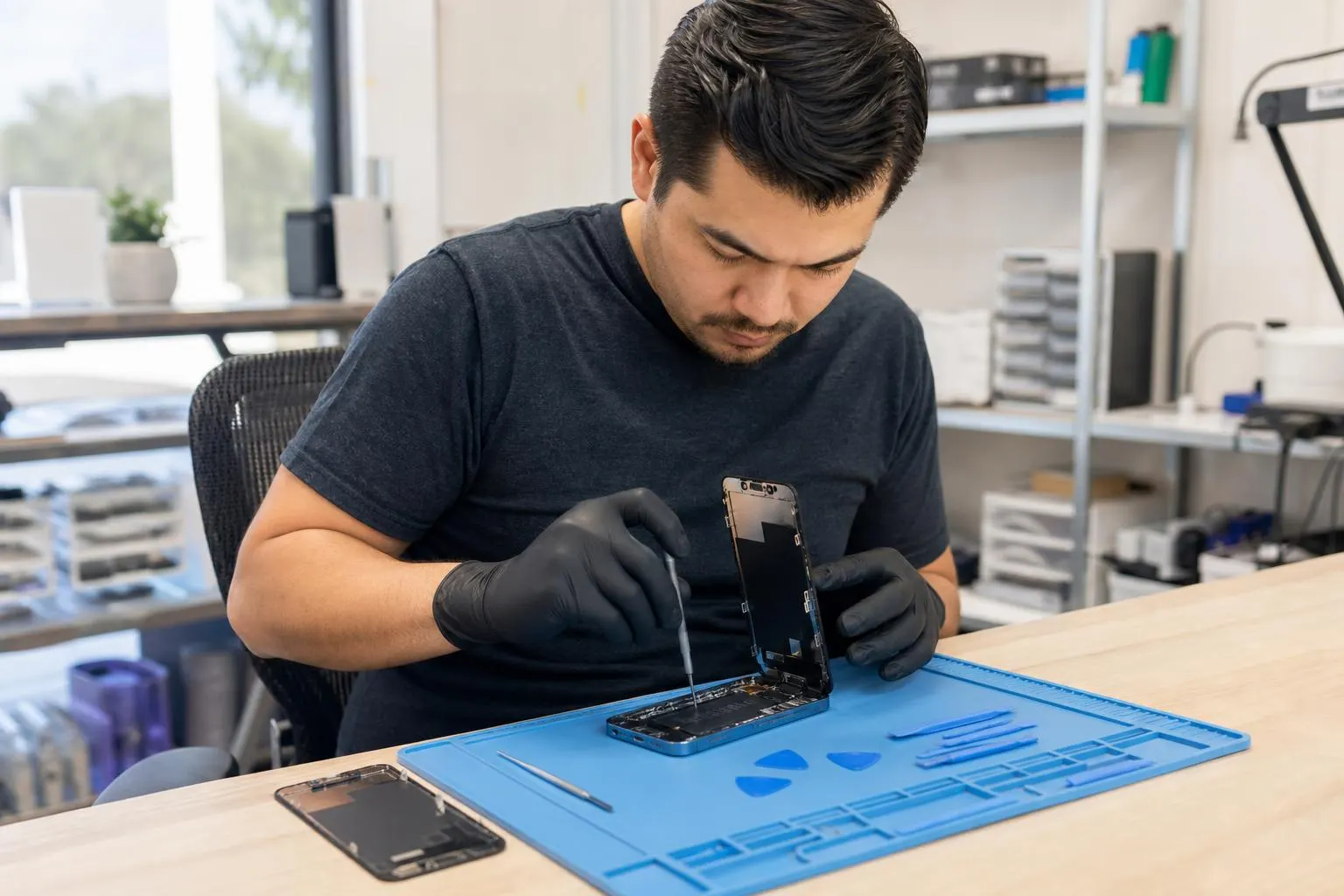
iPhone 12 Pro Repair: Screen, Battery & Common Fixes in Lake…
A practical local guide to iPhone 12 Pro repair options, what to expect, DIY risks, and how Fixit Solutions Inc. handles screen, battery, and water-damage repairs in Lake Forest.
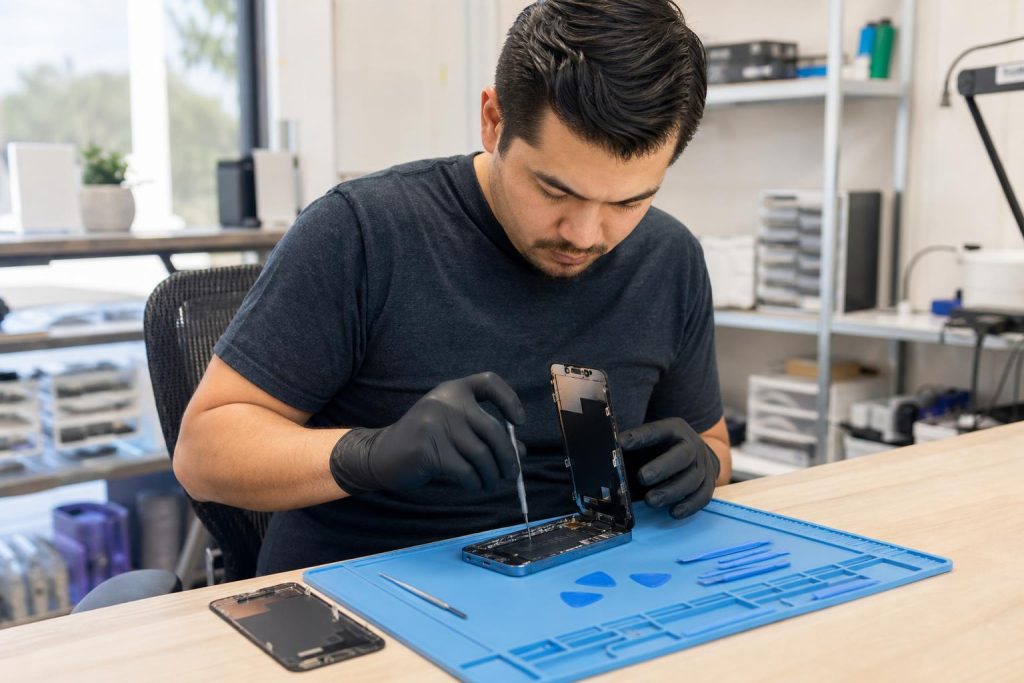
View article sections
- 01Why this guide (and who we are)
- 02Common iPhone 12 Pro problems we see
- 03Should you repair your iPhone 12 Pro or replace it?
- 04Repair options: Apple, authorized providers, or local independent shop
- 05What to expect when you bring your iPhone 12 Pro to Fixit Solutions
- 06DIY repairs: when they make sense — and when they don’t
- 07How to prepare your iPhone before any repair
- 08Common repairs explained
- 09How Fixit Solutions protects your data and offers service in Lake Forest
- 10What we don’t do here (important limitations)
- 11How to contact Fixit Solutions
- 12Related local services
- 13Frequently asked questions
- 14Sources and further reading
- 15Frequently asked questions
- 16Contact us
- 17Fixit Solutions service details
Why this guide (and who we are)
If you own an iPhone 12 Pro and you’re facing a cracked screen, failing battery, charging problems, or camera trouble, this guide explains repair options, risks of DIY fixes, and what to expect when you bring your device to Fixit Solutions Inc. — a local Lake Forest repair shop that offers clear diagnostics, estimates before work begins, and in-person service Monday–Saturday, 9:30 AM–6:00 PM.
Common iPhone 12 Pro problems we see
- Cracked or unresponsive display (touch not working or no image)
- Reduced battery life, unexpected shutdowns, or rapid battery drain
- Charging-port failure or intermittent charging
- Camera faults (blurry photos, lens damage, or camera app crashes)
- Liquid exposure or water-damage symptoms
- Speaker, microphone, or microphone/earpiece problems
Screen and battery replacements are among the most commonly performed repairs on the iPhone 12 Pro; guides and teardowns confirm these are frequent fixes. (
Should you repair your iPhone 12 Pro or replace it?
Decide based on three things: (1) the cost of repair versus the phone’s current value, (2) whether the fault is cosmetic or affects core functions, and (3) whether data on the phone is critical. For many users a screen or battery replacement extends usable life at a fraction of buying new. If multiple components are failing, or damage is extensive and affects the logic board, replacement may be more economical.
Repair options: Apple, authorized providers, or local independent shop
Apple stores and Apple Authorized Service Providers offer official parts and procedures, and Apple’s support site describes available iPhone service and repair options. (
Independent repair shops like Fixit Solutions also perform screen and battery replacements, charging-port repairs, water-damage inspections, and data recovery. Independent shops frequently offer faster turnaround and lower prices, but there are important differences to understand (parts, warranty terms, and some features that require calibration or an authenticated part).
What to expect when you bring your iPhone 12 Pro to Fixit Solutions
Step 1 — Honest diagnosis and free estimate
We begin with a no-obligation diagnostic to isolate the fault and identify anything else that could be affected. That helps avoid surprise charges and lets you make an informed decision before any work begins.
Step 2 — Clear repair options and parts discussion
We explain the trade-offs between original-equipment parts, high-quality OEM-equivalent components, and third-party parts. Some repairs (for example, certain camera or TrueDepth-system work) may require Apple tools or authenticated parts to fully restore features such as Face ID — limitations are explained up front. Independent guides note that some components or repairs can affect Face ID or need factory calibration to restore full functionality. (
Step 3 — Quick turnaround and testing
Turnaround depends on parts availability and the repair type. We test the device thoroughly after repair: display responsiveness, touch accuracy, battery health and charging behavior, cameras, Wi‑Fi, Bluetooth, and speakers.
Step 4 — Final inspection, warranty, and aftercare
We present the repaired phone for your inspection and demonstrate the fixed functions. Our shop provides details on any warranty or follow-up service we offer for the specific repair performed.
DIY repairs: when they make sense — and when they don’t
iFixit and other repair communities publish step-by-step guides for the iPhone 12 Pro (screen and battery replacement guides exist and are detailed). These resources are useful if you have technical skills, the right tools, and accept the risk. However, DIY repair can void manufacturer warranties, cause accidental damage (for example to the battery or logic board), and, in some cases, prevent features such as Face ID from being restored unless a certified process or authenticated part is used. If you’re not experienced, professional repair is safer. (
How to prepare your iPhone before any repair
Follow these steps to protect your data and speed the process:
- Back up your iPhone to iCloud or your computer so you don’t lose photos, messages, or app data. Apple explicitly recommends backing up before service. (
- Remove Apple Pay cards or hardware accessories and disable any cases or screen protectors that could slow diagnosis.
- Check whether your repair provider — or Apple — asks you to disable Find My or put the device into repair mode. Historically, some repairs required Find My to be disabled so the device can be accepted into a repair workflow, though Apple has introduced repair-state features to address this in recent iOS releases. Ask your technician what they require before you arrive. (
- Bring valid ID and your contact preferences; if your phone is locked and you can’t unlock it, tell the technician — staff can advise on next steps.
Common repairs explained
Screen replacement
Cracked glass, dead pixels, or unresponsive touch usually point to screen assembly replacement. Professional replacement restores display and touch and may require careful re-attachment of delicate connectors. Some replacements require component calibration steps performed using manufacturer or specialized tools. (
Battery replacement
A weak battery is a typical repair for older phones. After replacement, batteries should be calibrated and monitored to ensure charging behavior and capacity are normal. Repair guides recommend calibration steps; professional shops will verify battery health in software after the swap. (
Charging-port or liquid-damage repair
Charging issues can come from debris, worn contacts, or board-level damage. Liquid exposure needs a careful inspection because corrosion can develop over time; early inspection improves the chance of a successful repair.
How Fixit Solutions protects your data and offers service in Lake Forest
Fixit Solutions Inc. provides an honest diagnosis, clear service options, and estimates before work begins. If you need iPhone repair in Lake Forest, call the shop to confirm parts availability or schedule a drop-off. We also provide business IT and computer support if you have devices that need broader network or business-application care.
What we don’t do here (important limitations)
- We won’t claim manufacturer-only authentication — some manufacturer repairs or calibrations may be performed only by the manufacturer or authorized providers.
- We don’t guarantee same-day repair for every problem; turnaround depends on parts and diagnostic results.
- If a repair requires Apple-specific tools or authenticated parts for a feature to function exactly as new, we’ll explain those limits before you approve work.
How to contact Fixit Solutions
Visit our shop at 23361 El Toro Rd Suite 107, Lake Forest, CA 92630, call us at 878-787-6642, or email support@xfixit.com to request an estimate or schedule a repair. Our hours are Monday–Saturday, 9:30 AM–6:00 PM. Contact Fixit Solutions today to request a free estimate, schedule a repair or discuss your business technology needs.
Related local services
Need a broader service or another nearby location? See our local pages for more details:
Frequently asked questions
Q: How long does a screen replacement for an iPhone 12 Pro usually take?
A: Typical turnaround at a local shop is the same day if we have the part in stock, otherwise it depends on parts delivery. We always run a full functional test before returning the device.
Q: Will replacing my iPhone 12 Pro screen affect Face ID?
A: In many cases a screen replacement will not affect Face ID, but some repairs that touch the TrueDepth camera or its authenticated components may require Apple or an authorized provider to fully restore Face ID. We will advise you if the repair could affect Face ID and explain options. (
Q: Should I back up my iPhone before repair?
A: Yes — Apple recommends backing up your device before service to protect your data. Back up to iCloud or to a local computer before dropping the device off. (
Q: Can I bring my phone in with Find My turned on?
A: Repair workflows vary. Historically some repairs required disabling Find My so the device can be checked into service; more recent iOS releases introduced repair-state features that change that behavior. Check with us before your appointment and we’ll tell you what’s needed for your specific repair. (
Q: Do you offer any warranty on repairs?
A: We provide transparent warranty terms on each repair type at the time you receive your estimate. Warranty coverage and duration depend on the part and the service performed.
If you want an upfront estimate or to schedule a diagnostic, call 878-787-6642 or visit our Lake Forest shop during business hours.
Sources and further reading
- Apple Service and Repair for iPhone — Official Apple documentation describing service and repair options and guidance for iPhone repairs.
- iFixit iPhone 12 Pro Screen Replacement guide — Detailed step-by-step repair guidance and notes about common issues and calibration considerations for the iPhone 12 Pro.
Frequently asked questions
How long does a screen replacement for an iPhone 12 Pro usually take?
Typical turnaround at a local shop is same day if the part is in stock. If a part must be ordered or diagnostics reveal additional issues, turnaround may be longer — your technician will give an estimate after diagnosis.
Will replacing my iPhone 12 Pro screen affect Face ID?
Most screen replacements do not affect Face ID, but repairs involving TrueDepth camera components or authenticated parts may require Apple or an authorized provider to fully restore Face ID. Your technician will tell you if this applies to your repair.
Should I back up my iPhone before repair?
Yes. Apple recommends backing up your device before service. Back up to iCloud or to a local computer so your photos, messages, and app data are safe in case a factory reset or replacement is needed.
Do I need to turn off Find My iPhone before repair?
Repair requirements vary. Historically, some repairs required disabling Find My so a repair ticket can be created, though newer iOS repair-state features may change that process. Ask your repair shop ahead of time for specific instructions.
Contact us
𝔽𝕚𝕩𝕚𝕥 𝕊𝕠𝕝𝕦𝕥𝕚𝕠𝕟𝕤 𝕚𝕟𝕔
23361 El Toro Rd Suite 107 Lake forest CA 92630
Service area: Lake Forest,
Phone: 8787876642
Email: support@xfixit.com
Hours: Monday–Saturday, 9:30 AM–6:00 PM
Contact Fixit Solutions today to request a free estimate, schedule a repair or discuss your business technology needs.
Ready to repair this iPhone?Request a current estimate or call (878) 787-6642.
Fixit Solutions service details
- Screen warranty: Qualifying high-quality aftermarket iPhone replacement screens include a lifetime warranty against defects. A new crack, impact damage, liquid damage or other customer-caused physical damage is not covered.
- Parts options: High-quality aftermarket parts are available. OEM parts are also available for supported models, subject to current stock and sourcing.
- Repair timing: Most iPhone repairs are completed the same day. The exact estimate depends on diagnosis, damage and correct part availability.
- Walk-ins: Walk-in customers are welcome; an appointment is not required.
- Hours: Monday–Saturday, 9:30 AM–6:00 PM.
- Parking and directions: Parking is available at 23361 El Toro Rd, Suite 107, Lake Forest, CA 92630. Get directions.
- Google reviews:Read customer reviews on our Google Business Profile, including feedback about phone and iPhone repair experiences.
Warranty eligibility, repair timing and parts availability are confirmed for the specific device before service.