
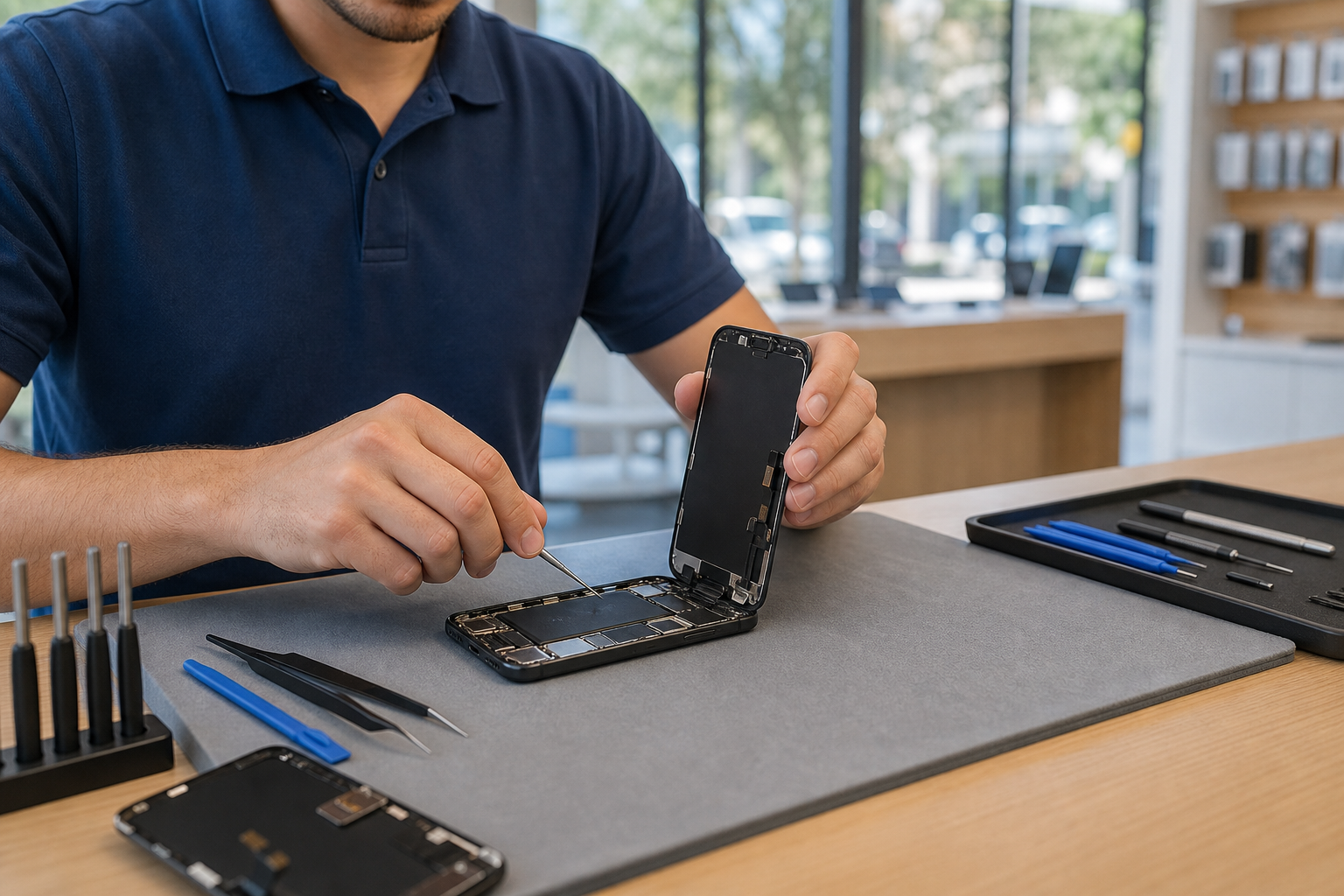
iPhone 16 Repair: Screen, Battery & Common Fixes in Lake Forest
Fast, local iPhone 16 repair in Lake Forest — screen, battery, charging port, liquid damage and data recovery with honest diagnostics and clear estimates.
View article sections
- 01What makes iPhone 16 repairs different?
- 02Common iPhone 16 repairs we perform
- 03Genuine parts vs. third-party parts — what to expect
- 04DIY vs. professional repair — when to bring it to a shop
- 05How Fixit Solutions handles iPhone 16 repairs
- 06What affects repair time and cost?
- 07Data protection and recovery
- 08Local convenience — visit our Lake Forest location
- 09Why choose Fixit Solutions for iPhone 16 repair?
- 10Related services and helpful pages
- 11Frequently asked questions (FAQs)
- 12Next steps
- 13Sources and further reading
- 14Frequently asked questions
- 15Contact us
What makes iPhone 16 repairs different?
The iPhone 16 introduced hardware and assembly changes that affect how common repairs are done. Some components are easier to access than earlier models, and Apple now provides repair workflows that include post-repair calibration for certain genuine parts. For technicians this means faster, more reliable fixes when performed by a shop that follows manufacturer-recommended procedures. (
Common iPhone 16 repairs we perform
Screen replacement (cracked or unresponsive display)
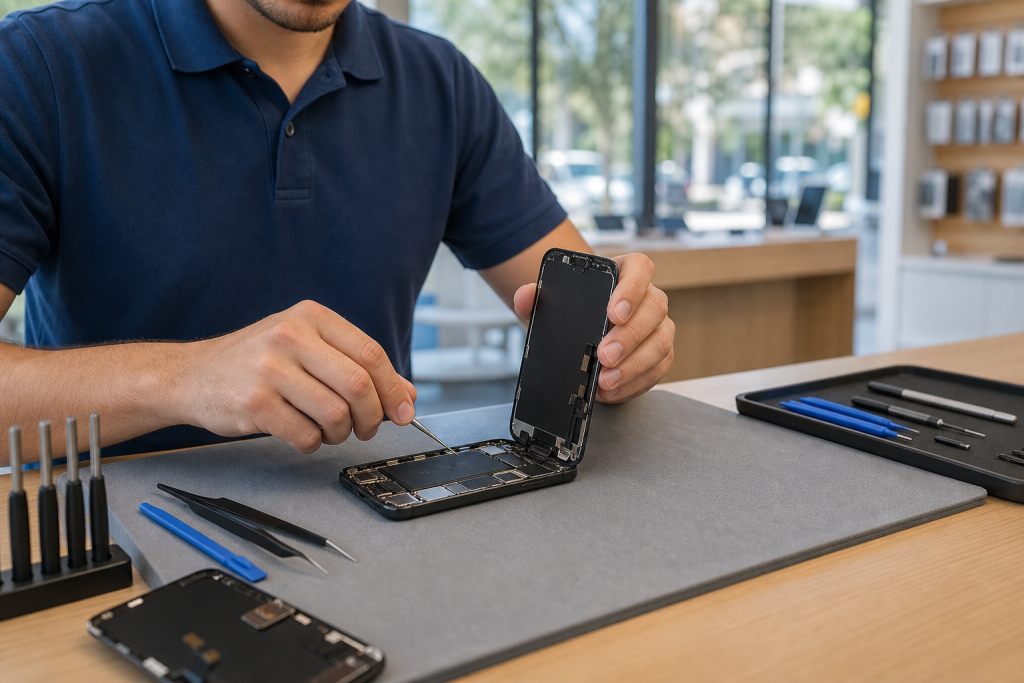
Broken glass, dead pixels, or a touchless screen are the most common reasons customers bring an iPhone 16 in for repair. Replacing the display requires careful separation of delicate flex cables and proper reattachment. After installing an Apple display or an authorized replacement, some displays require a calibration step using Apple’s Repair Assistant to restore True Tone and other features. For this reason many owners choose a professional repair shop that follows Apple’s calibration steps. (
Battery replacement
iPhone 16 batteries follow Apple’s service guidance. If your battery shows rapid drain, unexpected shutdowns, or diminished capacity, an authorised battery replacement is recommended. Apple documents its battery-replacement service options and recommends using certified components or Apple Service Providers to keep performance and safety features intact. (
Charging-port and connector repairs
Charging problems can be caused by debris, bent pins, or worn-out port assemblies. We inspect the Lightning/USB-C port (depending on model variant), test power-handling, and replace only the damaged components when possible. We’ll also check cable and charger compatibility before replacing hardware.
Liquid damage and diagnostic inspections
Liquid exposure doesn’t always mean total loss. We perform a full diagnostic to identify corrosion or shorted components, then quote repairs and data-recovery options. Early inspection reduces the risk of secondary failures.
Rear glass, camera, and sensor repairs
Back-glass and camera-module repairs require precise tools and adhesives; camera alignment and sensor function are verified after the repair to ensure autofocus and flash operate correctly.
Genuine parts vs. third-party parts — what to expect
Genuine Apple parts and authorized replacements preserve features like True Tone, advanced camera functions, and battery health reporting in many cases when correctly installed and calibrated. Third-party parts can be lower cost, but may not always restore every feature and can trigger system warnings on some iPhones. We’ll explain the trade-offs during diagnosis and recommend the most reliable option for your needs and budget. (
DIY vs. professional repair — when to bring it to a shop
- Attempt a DIY fix only if you have experience, correct tools, ESD-safe workspace, and a reliable parts source.
- Bring the phone to a professional if it has liquid damage, multiple failures, or if the repair requires calibrated or paired components (like some displays and cameras).
- Professional service reduces risk of further damage and often includes testing, data backup options, and a parts/service warranty.
How Fixit Solutions handles iPhone 16 repairs
At Fixit Solutions Inc. we follow a consistent process so you know what to expect:
- Free triage & estimate: We perform a non-invasive inspection, explain the problem, and provide clear options and costs up front.
- Authorized parts & calibration: When recommended we use genuine or high-quality replacement parts and perform any required calibration steps to restore features. (
- Transparent repair timelines: Turnaround varies by part availability and damage type. We’ll provide an estimated return time before we begin work.
- Testing & warranty: We fully test the device after repair (display, touch, cameras, sensors, charging, and battery performance) and stand behind our workmanship with a limited warranty.
What affects repair time and cost?
Repair time and price depend on the extent of damage, whether parts must be ordered, and whether additional diagnostics are needed. For example, water-damage cases often require longer inspection and cleaning. We’ll never begin chargeable work without your authorization.
Data protection and recovery
We prioritize protecting your data. Before disassembly we recommend you try a backup if the phone is functional. If the device won’t boot, we offer data-recovery options and will explain success likelihood and costs during the initial assessment.
Local convenience — visit our Lake Forest location
Fixit Solutions Inc. is local to Lake Forest and serves nearby Orange County communities. Visit us at:
23361 El Toro Road, Suite 107Lake Forest, CA
Phone: +1‑878‑787‑6642
Hours: Monday–Saturday, 9:30 AM–6:00 PM
Contact Fixit Solutions today to request a free estimate, schedule a repair or discuss business technology needs. We provide honest diagnosis and clear service options before authorized work begins.
Why choose Fixit Solutions for iPhone 16 repair?
- Local, in-person diagnostics and repair in Lake Forest.
- Experience repairing modern iPhone hardware and following manufacturer-recommended calibration steps. (
- Clear estimates and no work without your approval.
- We also support business IT, Wi‑Fi, website, and point-of-sale services for local businesses.
Related services and helpful pages
Looking for other local repair options or laptop and computer service? See our regional pages:
Frequently asked questions (FAQs)
1. How long does an iPhone 16 screen replacement take?
Turnaround varies with part availability, but many in-store screen replacements can be completed the same day when parts are in stock. Complex cases that require additional calibration or diagnostics may take longer.
2. Will replacing my iPhone 16 screen or battery disable features?
When repairs use genuine or authorized replacement parts and the technician follows Apple’s repair workflows, features such as True Tone and camera functions are usually restored. Some replacements require a post-repair calibration step via Apple’s Repair Assistant to restore all features. (
3. Should I go to Apple or a local repair shop?
Apple-authorized service is a solid choice for guaranteed genuine parts and official warranty coverage. Independent repair shops can be faster or less expensive and may use the same high-quality parts; choose a reputable local shop that documents calibration steps and offers a workmanship warranty.
4. Can you recover data from an iPhone 16 that won’t power on?
Possibly. The likelihood of recovery depends on the failure type. We perform diagnostic testing to determine whether data can be recovered and will provide options and an estimate before attempting recovery.
5. Do you offer a warranty on repairs?
Yes — we stand behind our workmanship and provide a limited warranty on parts and labor. Specific warranty terms vary by repair type; we’ll include those details in your estimate.
Next steps
If your iPhone 16 needs service, bring it in for a free triage and honest estimate. Call +1‑878‑787‑6642 or email support@xfixit.com to schedule an appointment. We’re open Monday–Saturday, 9:30 AM–6:00 PM.
Sources and further reading
- iFixit iPhone 16 repair guide — Step-by-step repair details and notes about display calibration and component access for the iPhone 16, useful for explaining repairability and technician processes.
- Apple battery replacement service — Official Apple documentation describing battery-replacement service options and guidance, supporting recommendations about authorized service and safety.
Frequently asked questions
How long does an iPhone 16 screen replacement usually take?
Many in-store screen replacements are completed the same day when parts are in stock. If a repair requires additional diagnostics, calibration, or ordered parts, turnaround can be longer; we’ll provide an estimated return time in your free estimate.
Will replacing the screen or battery remove features like True Tone?
When genuine or authorized replacement parts are used and the technician follows the recommended calibration steps, features such as True Tone and camera functions are typically restored. Some parts may require a post-repair calibrate step with Apple’s Repair Assistant. (
Should I go to Apple or a local repair shop for my iPhone 16?
Apple-authorized service ensures official parts and warranty coverage. A reputable local shop can be faster and more cost-effective while offering high-quality parts, calibration when needed, and a workmanship warranty. Ask any shop about parts source, calibration processes, and their warranty.
Can you recover data from an iPhone 16 that won’t turn on?
Possibly — data recovery depends on the device failure. We perform diagnostics to determine recoverability and will provide options and an estimate before attempting recovery.
Contact us
Fixit Solutions Inc.
23361 El Toro Road, Suite 107
Service area: Lake Forest, CA
Phone: +1-878-787-6642
Email: support@xfixit.com
Hours: Monday–Saturday, 9:30 AM–6:00 PM
Contact Fixit Solutions today to request a free estimate, schedule a repair or discuss your business technology needs.