
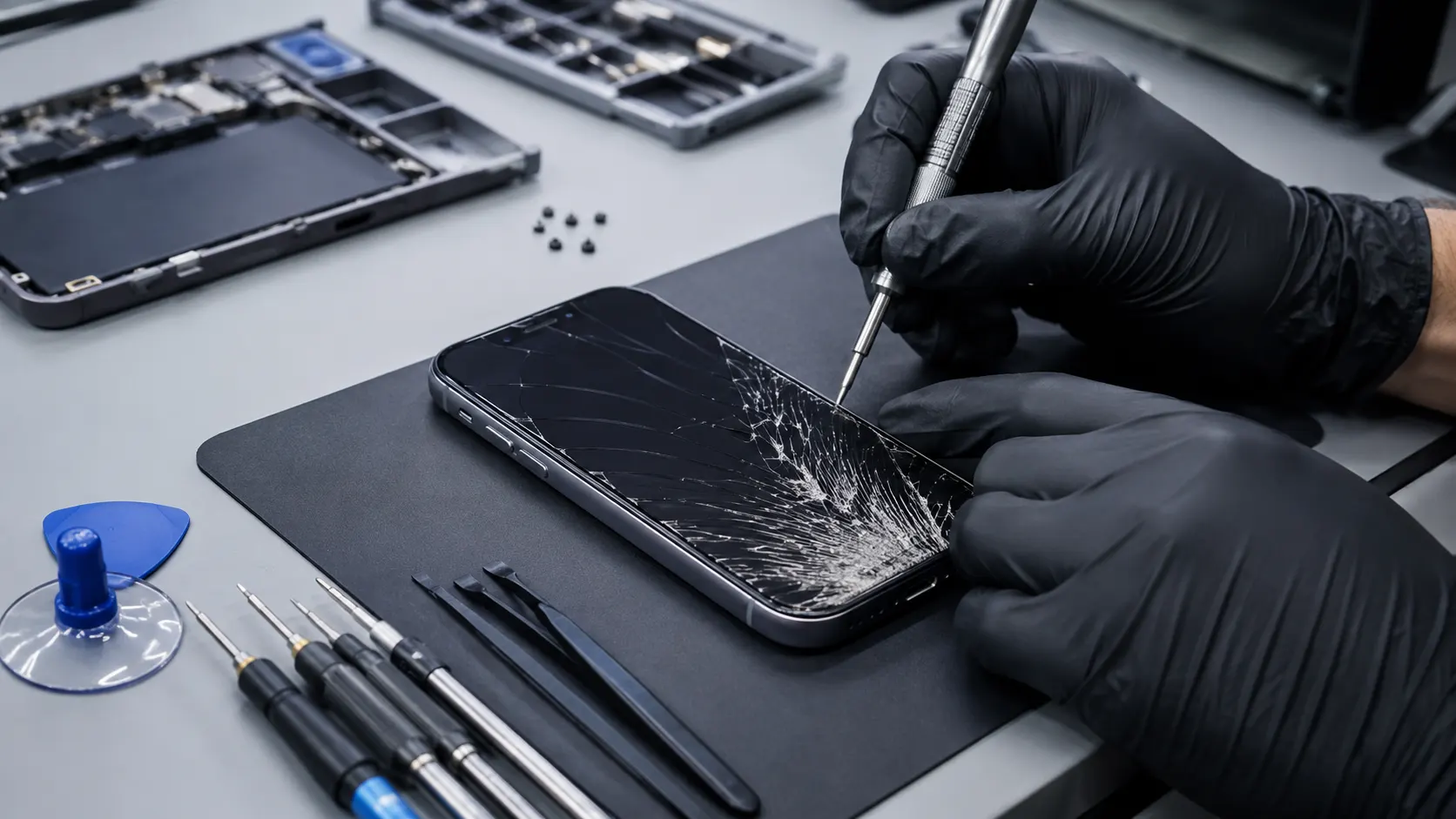
Professional iPhone Repair in Lake Forest, CA
Fixit Solutions Inc. provides local iPhone repair for cracked screens, weak batteries, charging problems, camera issues, speaker and microphone problems, software errors and other common device concerns.
Help for the Most Common iPhone Problems
Your iPhone supports calls, messages, navigation, banking, photos, appointments and everyday communication. When it stops working properly, we help identify the problem and explain practical repair options.
Screen Repair
Help for cracked glass, unresponsive touch, display lines, dark areas, flickering and black-screen symptoms.
Battery Replacement
Diagnosis for rapid battery drain, unexpected shutdowns, service warnings and swollen batteries.
Charging Problems
Inspection of charging ports, cables, adapters, batteries, software and related internal components.
Camera Repair
Support for blurry photos, focus problems, shaking cameras, cracked lenses, black screens and flash issues.
Audio Repair
Troubleshooting for speakers, microphones, call audio, ringtones, voice messages and speakerphone problems.
Liquid-Damage Inspection
Inspection after exposure to water or other liquids, with realistic expectations regarding corrosion and recovery.
Simple, Clear and Device-Focused
Every repair begins with an inspection so the service can be based on the actual problem rather than guesswork.
Tell Us the Problem
Share the iPhone model, symptoms and any recent damage or liquid exposure.
Device Inspection
We inspect the visible condition and test the affected functions when possible.
Review Your Options
We explain the likely issue, available service and practical next steps.
Repair and Testing
Authorized repairs are completed and the affected functions are tested.
Cracked iPhone Screen Repair
A cracked screen can affect more than appearance. Damage may interfere with touch response, image quality, visibility and safe use.
- Cracked or shattered glass
- Touchscreen does not respond
- Display flickers
- Colored lines appear
- Dark spots or black areas
- Screen separates from the frame
- Phone works but display stays black
We inspect the display, frame and visible damage to determine the most practical repair option.
iPhone Battery Replacement
Rechargeable batteries lose capacity over time. An aging battery can cause rapid drain, unexpected shutdowns, slow charging and unreliable daily use.
- Needs charging several times daily
- Turns off before reaching zero
- Becomes unusually warm
- Charges very slowly
- Shows a battery service warning
- Works only while connected to power
- Screen is lifting from the frame
Stop using or charging a device with a swollen battery or lifting screen and have it inspected as soon as possible.
iPhone Charging-Port Diagnosis and Repair
Charging problems may involve the cable, adapter, port, battery, software or internal components. Testing the complete charging setup helps identify the cause more accurately.
- iPhone does not charge
- Cable feels loose
- Charging starts and stops
- Charges only at an angle
- Battery percentage does not increase
- Phone becomes hot while charging
Bringing the cable and power adapter allows us to test the complete charging setup rather than the phone alone.
iPhone Camera Repair
Camera problems can affect photos, videos, FaceTime calls, document scanning and QR-code use.
- Camera does not open
- Photos appear blurry
- Camera shakes or will not focus
- Black screen in the Camera app
- Cracked camera lens
- Front camera problems
- Flash does not work
iPhone Speaker and Microphone Repair
Audio problems can make calls, voice messages, videos, alarms and notifications difficult to hear or use.
- Low or distorted speaker sound
- No sound during calls
- People cannot hear you clearly
- Microphone cuts in and out
- Speakerphone does not work
- Ringtone is unusually quiet
The cause may involve debris, liquid exposure, software settings or damaged internal components.
iPhone Button and Switch Repair
Physical buttons and switches may wear out or stop responding after impact, moisture exposure or repeated use.
- Power button problems
- Volume button issues
- Mute switch failure
- Home button problems on supported models
- Buttons feel stuck or loose
iPhone Water-Damage Inspection
Water resistance can decrease as a phone ages or after impact, screen damage or previous repair. Moisture may affect the battery, display, charging system, cameras and logic board.
- Turn the phone off when possible
- Do not continue charging it
- Do not apply heat
- Do not place it in rice
- Bring it in for inspection
Repair and data preservation cannot be guaranteed because internal corrosion may continue even after the device appears dry.
iPhone Software and Performance Troubleshooting
Not every iPhone problem is caused by damaged hardware. Failed updates, storage problems, account issues and app conflicts can also affect performance.
- iPhone freezes or restarts
- Apps crash repeatedly
- Phone is unusually slow
- iOS update fails
- Device is stuck on the Apple logo
- Storage is full
- Battery drains after an update
For official account, update, warranty and software information, visit Apple iPhone Support .
iPhone Data Transfer and Setup
We can assist with basic setup and transferring accessible information from an older device to another iPhone.
- New iPhone setup
- Photo and contact transfer
- Email account setup
- App installation assistance
- Basic backup guidance
- Bluetooth and accessory setup
Data transfer depends on the condition of the old device, available storage and whether the information remains accessible.
iPhone Models We May Service
We may be able to inspect and repair many current and earlier iPhone models, including standard, Plus, Pro, Pro Max and SE devices.
- Recent iPhone models
- iPhone Pro and Pro Max models
- iPhone Plus models
- iPhone SE models
- Older supported iPhone models
Contact us with the exact model number and problem so we can review repair options and replacement-part availability.
Choosing the Most Practical Option
The right choice depends on the device age, overall condition, repair cost, available parts and the importance of the stored data.
Repair May Make Sense When
- The phone has one main problem
- The display, battery or charging system is the primary issue
- The device otherwise meets your needs
- The repair cost is reasonable compared with replacement
- You need continued access to the device or its data
Replacement May Be More Practical When
- The phone has several major failures
- The frame or internal structure is severely damaged
- Repair cost approaches replacement value
- Parts are difficult to obtain
- The device no longer supports your software needs
Local iPhone Repair with Clear Recommendations
Customers looking for iPhone repair in Lake Forest need careful diagnosis, understandable options and practical service recommendations.
Convenient Lake Forest Location
Local repair service at 23361 El Toro Road, Unit 107, Lake Forest, California.
Careful Inspection
We review the visible condition and affected functions before recommending the next step.
Clear Communication
We explain likely causes, repair options and important limitations in straightforward language.
iPhone Repair Near Lake Forest
Fixit Solutions provides iPhone repair in Lake Forest and serves customers from nearby Orange County communities.
Fixit Solutions Inc.
23361 El Toro Road, Unit 107Lake Forest, CA 92630
Phone:(878) 787-6642
Email:support@xfixit.com
iPhone Repair FAQs
Common questions about iPhone screen, battery, charging, water-damage and troubleshooting services.
Do you provide iPhone repair in Lake Forest?
Yes. Fixit Solutions Inc. inspects many iPhone models for screen damage, battery problems, charging issues, camera failure, audio problems and software concerns.
Can you replace a cracked iPhone screen?
Screen replacement may be available depending on the model, frame condition, type of damage and replacement-part availability.
Can you replace an iPhone battery?
Battery replacement may be available for many iPhone models. Contact us with the exact model so we can review the options.
How long does iPhone repair take?
Repair time depends on the model, type of problem, required parts and current workload. An inspection is needed for a more accurate estimate.
Can you repair a water-damaged iPhone?
We can inspect liquid-damaged devices, but repair and data preservation cannot be guaranteed because corrosion may cause extensive or delayed damage.
Can you inspect an iPhone that will not turn on?
Yes. We can inspect the battery, charging system, display, software and internal components to identify the likely cause.
Get Help with Your iPhone Today
Contact Fixit Solutions Inc. for iPhone repair in Lake Forest, including cracked screens, battery replacement, charging problems, camera issues, audio repair, liquid-damage inspection and software support.
iPhone is a trademark of Apple Inc. Fixit Solutions Inc. is an independent repair provider and is not affiliated with or endorsed by Apple Inc.