
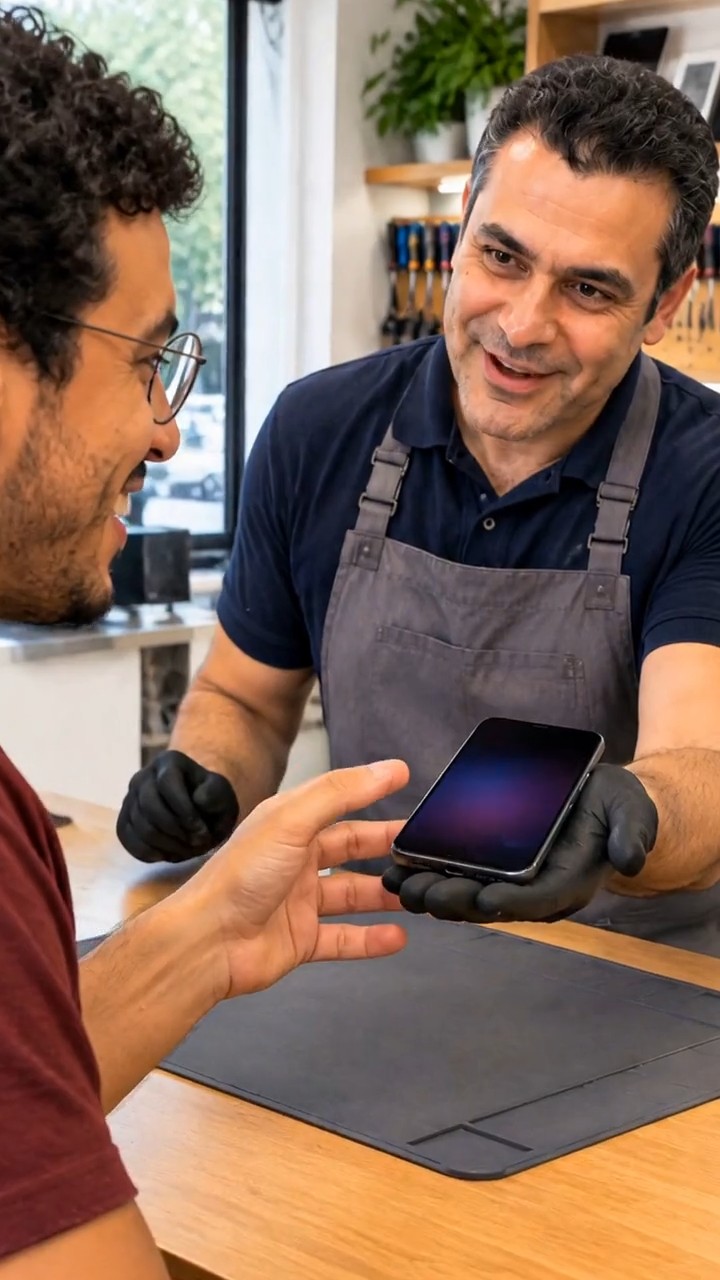
Quick summary: If your phone’s speaker is crackly, muffled, or very quiet, start with simple checks like gently brushing the speaker grille and restarting the phone. Fixit Solutions in Lake Forest inspects the fault, disconnects the battery for safety, replaces the speaker module when needed, and tests every sound path before returning your device.
Estimated reading time: 4 minute read
Table of contents
- Signs the problem is the speaker
- What to do right away
- How a speaker repair is really done
- 1. Inspect first
- 2. Power off and open the phone the right way
- 3. Disconnect the battery first
- 4. Replace the speaker module
- 5. Test every sound path
- What Fixit Solutions repairs
- Who this is for in Lake Forest and Orange County
- Questions to ask before any phone repair
- Helpful outside resources
- Frequently asked questions
- Can a dead speaker be fixed?
- Should I put my phone in rice?
- Do I need to back up before a repair?
- Will someone explain the options before work starts?
Phone Speaker Not Working? Why Shouting Does Not Help
When a call sounds like a faint crackle or the other person keeps asking you to repeat yourself, it is tempting to turn the volume to full and shout. The video above is a fictional skit, but the problem it shows is very real: a phone whose loudspeaker has stopped doing its job. Here is what to check first, what a technician looks at, and when a speaker repair is the right call in Lake Forest.
Signs the problem is the speaker
- Calls sound crackly, buzzing or very quiet even at full volume
- Speakerphone is much weaker than it used to be
- Ringtone or media sound is distorted or muffled
- The other person says they can hear you fine, but you cannot hear them
What to do right away
Start with the cheap causes. Lint and dust packed into the speaker grille at the bottom edge of the phone can muffle sound. With the phone powered off and facing down, brush the grille gently with a small dry brush. Do not use liquids, compressed air pushed into the opening, or sharp tools. Then restart the phone and test a call, a voice memo and a video with sound.
How a speaker repair is really done
1. Inspect first
A technician confirms the fault before anything is opened, so you know whether the grille, the speaker module or another part is responsible.
2. Power off and open the phone the right way
The phone is powered off completely. Screws are removed, and the display is lifted carefully with a suction handle and a thin pick, working around the edge.
3. Disconnect the battery first
The battery connector is unplugged before any other internal part is touched. This is a basic safety step on every smartphone repair.
4. Replace the speaker module
The dead loudspeaker is lifted out and the replacement is seated and connected. Parts are kept in a labelled tray so nothing gets lost.
5. Test every sound path
Before the phone goes back to you, the technician tests the earpiece, the speakerphone, ringtone and media playback at several volume levels.
What Fixit Solutions repairs
Fixit Solutions handles iPhone and smartphone repair, including screen replacement, battery service, charging problems, camera issues and audio problems such as speaker trouble. We also repair iPads and tablets, laptops and computers. Our technicians inspect the issue first and explain the repair options before any work starts.
Who this is for in Lake Forest and Orange County
If you use your phone for calls, navigation, work or family video chats and the sound has started to fail, this guide is for you. If the speaker goes quiet on calls, speakerphone or media playback, bring the phone in for an inspection so the cause can be confirmed.
Questions to ask before any phone repair
- Can you confirm the fault before opening the phone?
- Which part will be replaced, and is it a new part or a used one?
- Will my data and settings stay the same after the repair?
- What tests will you run before I pick the phone up?
Helpful outside resources
For the general opening procedure of many phone models, see the iFixit opening procedure guide. To check what Apple says about audio and receiver problems on iPhone, see the Apple Support site. For basic phone care and cleaning advice, the Federal Trade Commission consumer site also has useful guidance on choosing repair services.
Frequently asked questions
Can a dead speaker be fixed?
Often yes. Some speaker problems come from a blocked grille and clear up with careful cleaning. When the speaker module itself has failed, it is usually replaced.
Should I put my phone in rice?
No. Rice does not remove moisture from a phone and can leave dust inside the openings. Power the phone off and bring it in for an inspection.
Do I need to back up before a repair?
Yes, a backup is always a good idea before any repair, even a simple one.
Will someone explain the options before work starts?
Ask the technician to walk you through the repair options before you decide. Fixit Solutions technicians inspect the issue and explain the options.
Fixit Solutions, 23361 El Toro Rd, Suite 107, Lake Forest, CA 92630, (878) 787-6642. Visit xfixit.com or request a repair here.
The video above is a fictional skit created with AI.