
Point-of-Sale Computer Is Slow During Checkout: What to Check
Practical guidance on common cell phone repair needs, DIY risks, what to expect from a local shop, and how Fixit Solutions in Lake Forest handles screen, battery, water, and charging-port repairs.
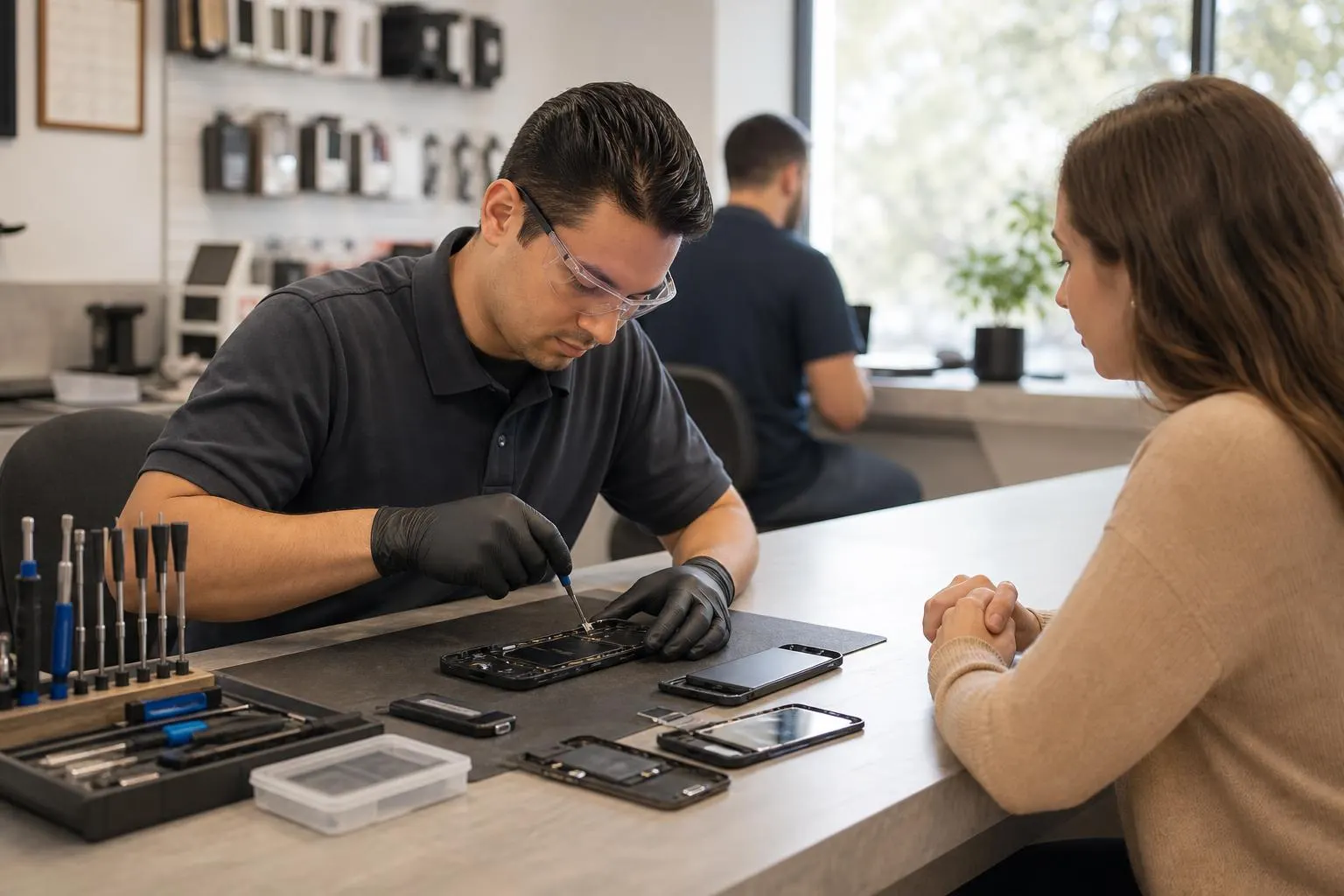
Point-of-sale computer owners may describe slow checkout performance as one problem, but several components can create the same symptom. The workstation, POS application, database, internet, payment terminal, printer, scanner, storage, or security software can create delays.
This guide addresses point of sale computer running slow specifically. For broader service information, use our business computer and POS support page.
Document the exact behavior first
Record the exact checkout step, affected registers, transaction time, error messages, payment types, and whether slowness follows a daily pattern.
Record when it began, whether it is constant, and what changed immediately beforehand. A short video or error photo can preserve an intermittent symptom without repeated testing.
Safe checks before service
Preserve logs, verify network and peripheral status, restart only during an approved window, confirm free storage, and contact the POS vendor before application changes.
Use only compatible power and data accessories. Change one condition at a time so the result remains meaningful, and create a current backup while the device is stable.
What the pattern may indicate
- Every register slow can indicate network, server, database, or provider trouble.
- One register slow suggests its workstation or peripherals.
- Card payments slow while cash transactions are normal can narrow dependencies.
- High disk use or errors can indicate storage or software issues.
These patterns are diagnostic clues, not proof of a failed part. Connectors, firmware, power delivery, physical damage, and board-level circuits can overlap.
Actions that can make the problem worse
Do not disable payment security, install cleanup tools, delete transaction data, change firewall rules casually, or test with real customer cards.
Stop testing if these warning signs appear
Escalate for suspected payment-data exposure, malware, unauthorized remote access, altered totals, or failed compliance controls.
Disconnect power when safe and do not press a swollen case or damaged connector back into position.
What a professional inspection should cover
Support may review workstation health, POS logs, storage, network latency, peripherals, payment integrations, security tools, database access, and vendor requirements.
The exact Point-of-sale computer variant matters because parts, connectors, and internal layouts can differ within the same product family.
Prepare for a repair visit
Bring the device, its normal charger, the full model or product number, and notes about the symptom. Review our device repair appointment checklist before visiting.
Fixit Solutions can inspect supported devices at its Lake Forest storefront. Options and timing depend on condition, diagnostics, authorization, and correct-part availability. Start with the business computer and POS support page.